7 Cool iPhone App Layouts to Inspire Your Next Design in 2026
Discover 7 amazing resources for cool iphone app layouts and templates. Boost your app store growth with actionable insights for high-converting designs.
In the crowded App Store, your app’s first impression is everything. High-quality, compelling screenshots are not just a gallery; they are a critical conversion tool that can significantly boost your downloads. Many developers and marketers struggle to create visuals that stand out, communicate value effectively, and drive user action. This guide cuts through the noise, providing a curated showcase of powerful resources for finding and creating cool iPhone app layouts that convert.
We will dissect standout screenshot designs and layout strategies from top platforms, offering a blueprint for success. For each resource, you will find a detailed breakdown of its strengths, actionable tips for implementation, and insights into how to adapt these layouts to tell your app's unique story. This article moves beyond simple inspiration, giving you the tactical knowledge to build efficient, high-converting app store screenshots for both the iOS and Android stores.
This listicle is designed for app developers, indie founders, and growth marketers looking for a strategic edge. You’ll find direct links and vibrant imagery to help you select the perfect platform for your design needs. For a curated collection of diverse app design examples and layouts, explore Appycamper's project showcase for additional inspiration. Let's dive into the layouts that will get your app noticed and downloaded.
1. Apple Human Interface Guidelines (HIG) and Design Resources
The best place to start designing cool iPhone app layouts is the source itself. Apple’s official Human Interface Guidelines (HIG) and Design Resources site is the definitive foundation for creating platform-correct, intuitive, and visually polished iOS applications. It provides the core building blocks that ensure your app feels native to the ecosystem, a critical factor in user trust and adoption.
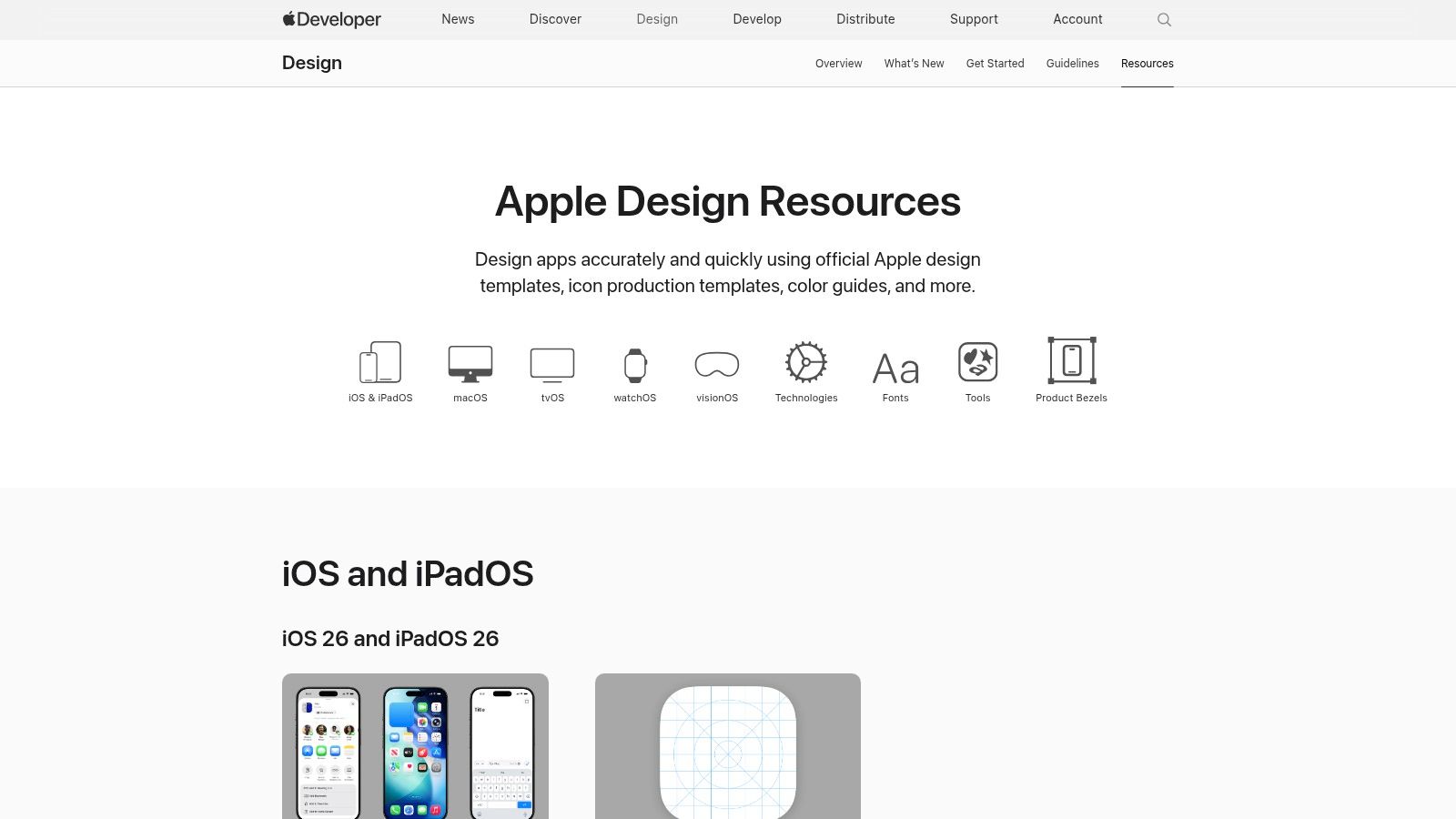
This resource hub is not just a style guide; it's a comprehensive toolkit. Apple provides downloadable UI kits for Figma and Sketch, which are meticulously updated after each WWDC to include the latest OS components, from new button styles to updated modal views. This ensures your designs are always current and leverage the latest iOS features.
Strategic Breakdown
Apple’s resources are completely free and essential for any serious iOS developer or designer. They provide unparalleled accuracy for platform conventions, which is crucial for passing the App Store review process smoothly. The guidelines also offer deep insights into the philosophy behind iOS design, helping you make informed decisions that improve usability and boost app store growth.
- Key Offering: Official iOS/iPadOS UI kits, app icon templates, system typography, and color resources.
- Unique Advantage: As the platform owner, Apple’s resources are the most accurate and up-to-date source for iOS design patterns, ensuring your app layout feels seamless to users.
- Pricing: Free for all developers and designers.
Actionable Takeaways
To make the most of these resources, start by integrating the official UI kit into your design workflow. Use the provided components as a base for your layouts instead of creating them from scratch. This not only saves time but also guarantees pixel-perfect alignment with system standards. Following these guidelines helps you create efficient and high-converting app store screenshots that feel authentic to the iOS experience.
Pro-Tip: Pay close attention to the guidance on layout, particularly safe areas, and dynamic type. Implementing these correctly from the start prevents common usability issues on different iPhone models and accessibility settings, directly impacting user retention.
While the HIG provides the rules, understanding broader design principles will help you apply them creatively. To further enhance your understanding beyond Apple's guidelines, exploring comprehensive 9 Best Practices for User Interface Design can provide valuable insights. By combining Apple’s official assets with a strong grasp of UI/UX fundamentals, you can build cool iPhone app layouts that are both beautiful and highly functional.
2. Figma Community
Building on the foundation of Apple's guidelines, the Figma Community is where theory meets practice at an accelerated pace. It’s a massive, collaborative library of free and paid design files that allows you to find, duplicate, and remix thousands of cool iPhone app layouts directly within the industry-standard design tool, Figma. This resource is essential for rapid prototyping and inspiration.
The community hosts everything from complete iOS UI kits and intricate component libraries to fully designed app flows for e-commerce, social media, and fintech. You can find templates for onboarding sequences, settings screens, and complex dashboards, enabling you to deconstruct successful designs and adapt them to your project without starting from a blank canvas.
Strategic Breakdown
The Figma Community’s primary strength is its seamless integration into a professional design workflow, eliminating friction and accelerating iteration. While Apple provides the official building blocks, the community offers an endless supply of assembled structures, showcasing how those blocks can be combined into effective and innovative layouts that drive conversions.
- Key Offering: Instantly usable Figma files, including official Apple UI kits, community-created app templates, design systems, and icon sets.
- Unique Advantage: The ability to duplicate any file with a single click and immediately start designing allows for unmatched speed in layout exploration and prototyping. The constant stream of new files keeps you updated with current design trends.
- Pricing: A vast library is available for free, with some creators offering premium files for purchase.
Actionable Takeaways
To leverage the Figma Community effectively, search for specific app flows relevant to your project, such as "iOS onboarding" or "e-commerce product detail page." Duplicate a few high-quality, well-organized files to analyze their structure, component setup, and use of auto-layout. This reverse-engineering process is a powerful way to learn advanced techniques for building high-converting layouts for both iOS and Android stores.
Pro-Tip: Always vet community files for quality and completeness before integrating them into your primary design system. Look for well-named layers, consistent use of styles, and responsive constraints. Prioritize files that have a high number of duplicates or likes, as these are often more reliable.
By combining the official Apple UI kits found within the community with innovative layouts from other designers, you create a powerful workflow. This approach ensures your app is both compliant with platform standards and visually distinctive, helping you build cool iPhone app layouts that are ready for development and optimized for user engagement.
3. Mobbin
If Apple's HIG provides the "how," Mobbin shows you the "what" by offering a massive, curated library of real, in-production mobile app screens. Instead of starting from a blank canvas, you can explore how top-tier apps have already solved complex design challenges. This makes it an indispensable resource for researching proven cool iPhone app layouts, from intricate onboarding flows to high-converting paywalls.
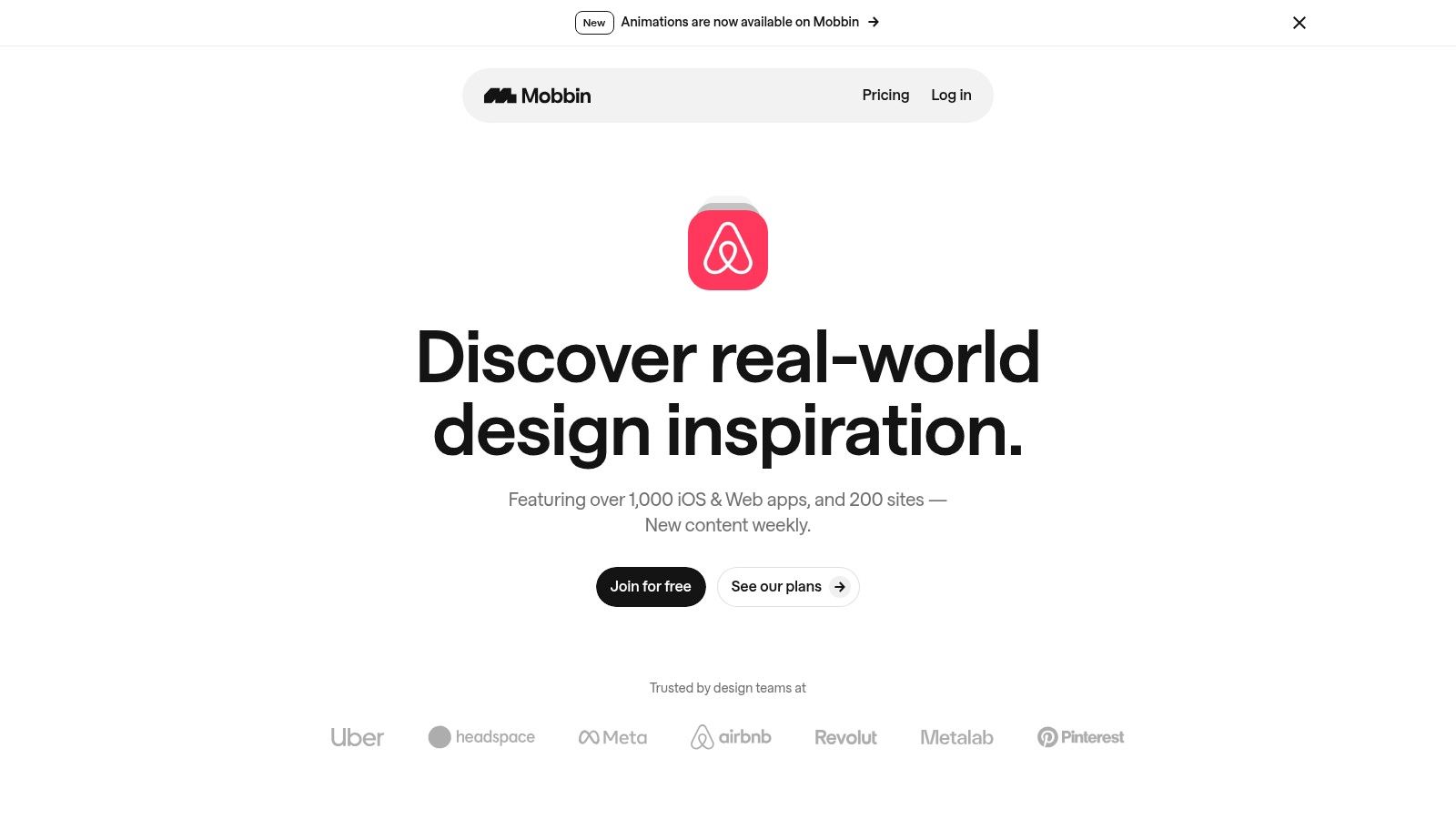
Mobbin isn't a template marketplace; it's a strategic research tool. You can search its database for specific UI patterns, user flows, and app components, filtering by category to see how leaders like Airbnb or Spotify handle user profiles, settings screens, or search results. This allows teams to validate design hypotheses with shipped examples, reducing risk and accelerating the design process to boost app store growth.
Strategic Breakdown
Mobbin’s value lies in its grounding in reality. Every screen is from a live app, providing a benchmark for what works and what users expect. This is especially useful for cross-functional teams, allowing product managers, designers, and growth marketers to align on layout decisions backed by real-world evidence.
- Key Offering: A searchable library of over 100,000 iOS screens and end-to-end user flows from leading applications.
- Unique Advantage: Provides pattern validation and competitive analysis based on shipped products, not just conceptual designs, which is crucial for benchmarking your app's user experience.
- Pricing: Offers a free limited plan. Pro subscriptions are available with quarterly or yearly billing, and an education discount is offered for eligible students and educators.
Actionable Takeaways
Use Mobbin during the initial wireframing and ideation phases to quickly find inspiration for specific features. For instance, instead of guessing how to structure a settings page, search for "settings" and analyze the common patterns across a dozen successful apps. Create personal or team collections to organize your findings and build a mood board for your project.
Pro-Tip: Focus on user flows, not just individual screens. Analyze how a sequence of screens guides a user through a task, like a purchase or profile setup. This insight is gold for optimizing your app's conversion funnels and creating an intuitive navigation structure.
By studying how other apps present their features, you can also gather great ideas for your own promotional assets. To see how these in-app layouts translate into marketing, you can explore best practices for creating effective App Store screenshots that drive downloads. Combining Mobbin's layout research with strong visual marketing is a powerful strategy for app store growth.
4. Pttrns
For designers and developers seeking proven, real-world examples, Pttrns is an indispensable library. It is a highly curated collection of mobile UI design patterns from live iOS and Android apps, offering a focused alternative to broad, noisy inspiration platforms. By organizing thousands of screenshots into specific categories like "Onboarding," "Checkout," or "Search," Pttrns allows you to quickly find solutions to common design challenges and see how successful apps have built their layouts.
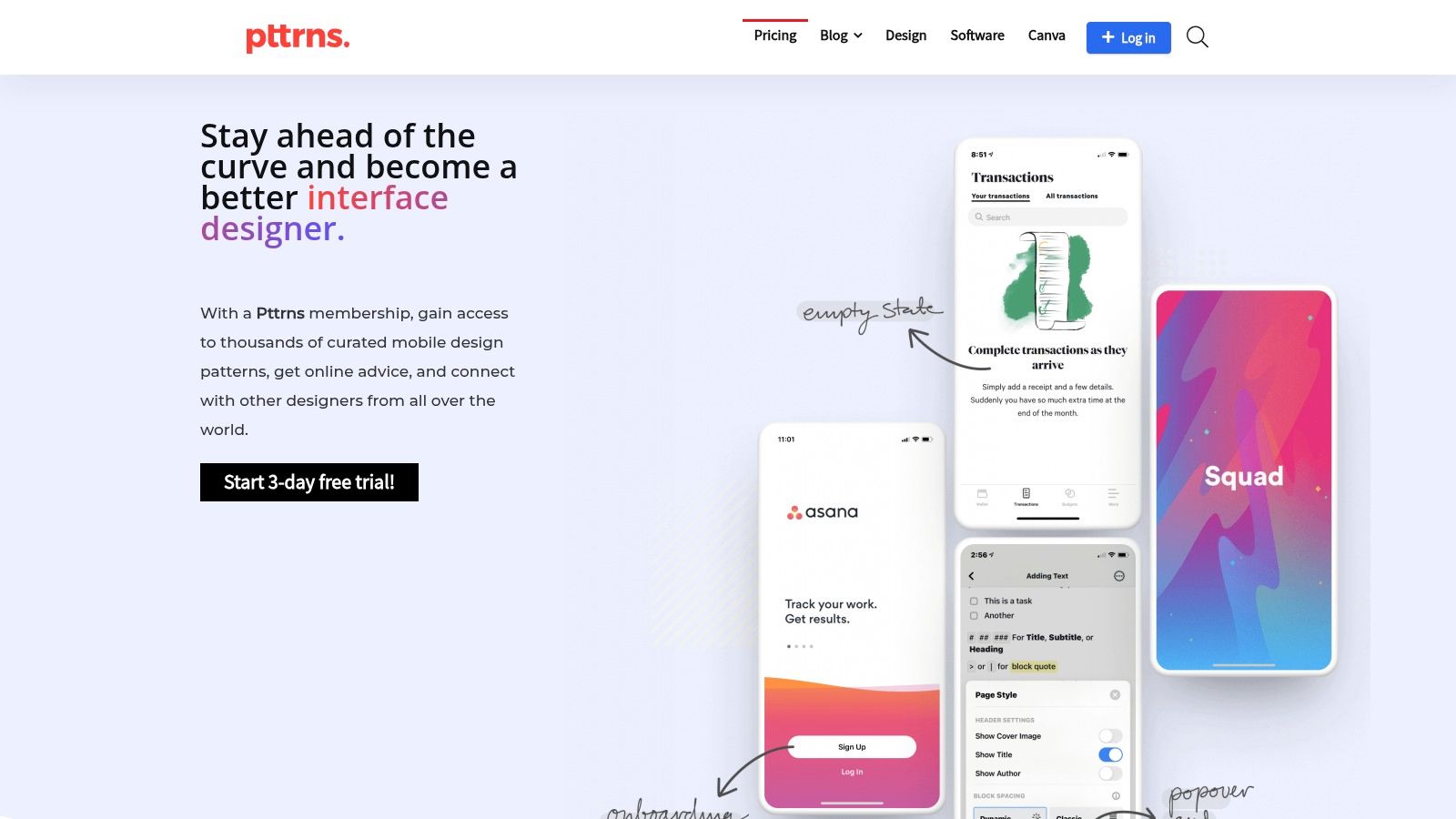
This resource excels at providing targeted inspiration. Instead of just showing pretty mockups, it archives actual production UIs, giving you a realistic understanding of what works in the wild. This focus on functional, shipped designs helps you build cool iPhone app layouts that are not only visually appealing but also user-tested and effective at driving conversions and engagement.
Strategic Breakdown
Pttrns serves as a critical research tool, saving you hours of manual app store searching and downloading. Its value lies in the curated, easily scannable library that helps you deconstruct successful user flows. While it doesn't provide downloadable templates, its extensive collection is perfect for initial brainstorming and validating your layout ideas against established industry standards.
- Key Offering: Over 7,000 categorized screenshots of real iOS and Android UI patterns, plus tools for creating private collections.
- Unique Advantage: The tight focus on proven, live mobile patterns provides high-quality, relevant inspiration without the distraction of concept art or student projects found on larger platforms.
- Pricing: Offers free limited access. Full access requires a subscription: $15/month, $36/quarter, or $96/year.
Actionable Takeaways
Use Pttrns during the wireframing or early design phase of your project. If you are designing a new user profile screen, for example, browse the "Profile" category to analyze 10-15 different approaches. This will help you identify common components and innovative layouts, informing your own design decisions and ensuring you create a familiar yet compelling user experience.
Pro-Tip: Create collections for specific features you're building. For a new e-commerce app, you could create separate collections for "Product Detail Pages," "Shopping Carts," and "Checkout Flows." This keeps your research organized and makes it easy to present layout options to your team.
5. Envato Elements
For teams and designers who need a vast and continuous supply of creative assets, Envato Elements is an indispensable resource. It operates on a subscription model, offering unlimited downloads from a library of over 26 million items. This includes thousands of high-quality iOS UI kits and templates for Figma, Sketch, and Adobe XD, making it a powerful tool for brainstorming and executing cool iPhone app layouts without starting from scratch.
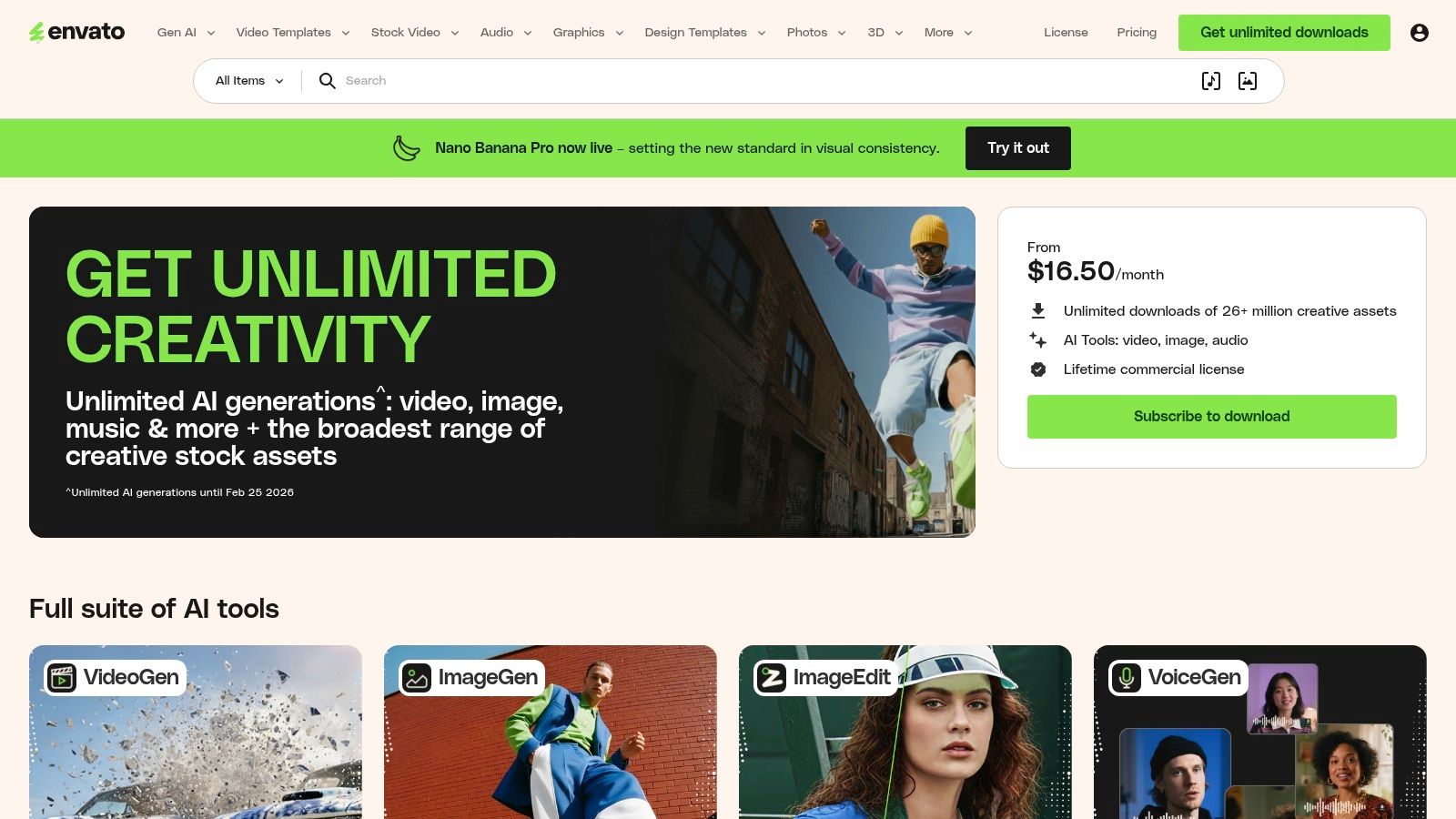
Unlike single-purchase marketplaces, Envato’s all-you-can-download model encourages experimentation. You can explore various layout styles, from minimalist to data-rich, and find templates for specific app categories like finance, health, or e-commerce. This massive selection allows you to quickly prototype different user flows and visual directions to find the most effective design for your target audience.
Strategic Breakdown
Envato Elements shines with its predictable cost and broad commercial license, which covers nearly all assets for unlimited projects. This is particularly beneficial for agencies or development teams managing multiple app launches, as it streamlines asset procurement and legal clearance. The sheer volume of available kits provides a constant stream of inspiration for creating modern and engaging iPhone app layouts that boost conversions.
- Key Offering: Unlimited downloads of iOS UI kits, layout templates, icons, fonts, and other design assets.
- Unique Advantage: The subscription model offers incredible value for high-volume users, and its commercial license simplifies asset management for professional projects.
- Pricing: Starts at $16.50/month for individuals, with custom pricing available for teams.
Actionable Takeaways
To maximize Envato Elements, use its powerful search filters to narrow down options by application (Figma, Sketch) and category. Before committing to a full design, download several UI kits to compare their component libraries and layout structures. This allows you to cherry-pick the best elements from multiple sources to create a unique and cohesive design for your app store screenshots.
Pro-Tip: Always check the "last updated" date and user comments on an asset. Since quality is author-dependent, prioritizing recently updated and well-reviewed kits ensures you are working with modern design patterns that align with current iOS standards.
By leveraging Envato's extensive library, you can significantly accelerate your design process. Instead of building every screen from the ground up, you can adapt professional templates, focusing your time on customization and user experience refinement. This efficiency is key to rapidly developing and iterating on cool iPhone app layouts that stand out in a competitive marketplace.
6. Creative Market
For designers and developers looking for unique, niche-specific aesthetics, Creative Market serves as an expansive digital marketplace. Unlike subscription services, it allows you to purchase cool iPhone app layouts and UI kits on an individual basis. This makes it an ideal resource when you need a specific style for a one-off project, from a minimalist fintech app to a vibrant e-commerce platform, without committing to a monthly fee.
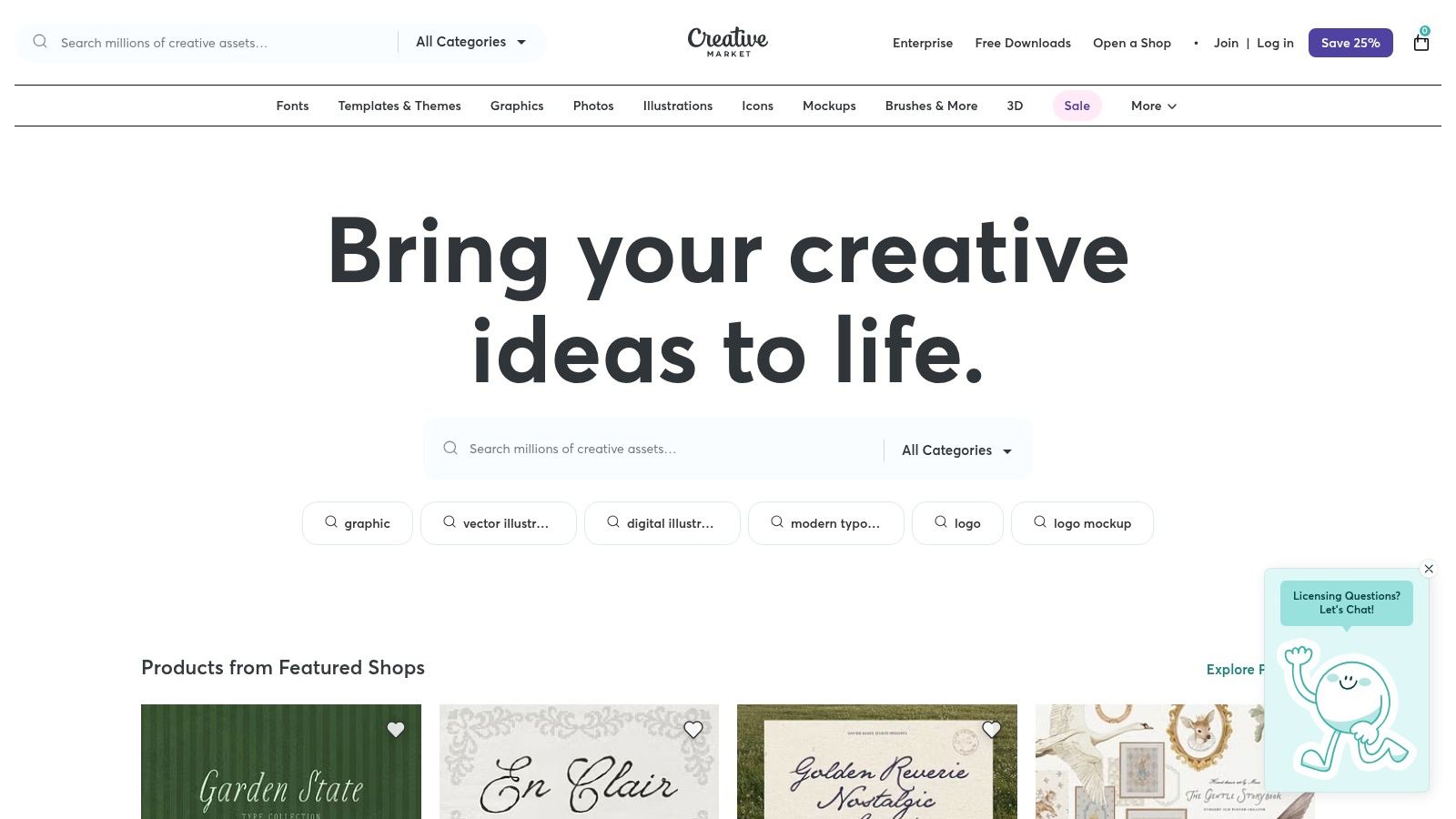
The platform hosts thousands of independent creators, resulting in a diverse and eclectic collection of design assets. You can find meticulously crafted UI kits for Figma, Sketch, Adobe XD, and Photoshop, often complete with entire user flows like onboarding, social feeds, and checkout processes. This variety is perfect for finding inspiration that breaks away from standard templates.
Strategic Breakdown
Creative Market’s strength lies in its pay-per-item model and sheer diversity. It empowers you to find a unique visual identity for your app by tapping into a global community of designers. While quality can vary between sellers, the detailed product previews, user reviews, and creator support links help you make an informed purchase.
- Key Offering: A massive collection of iOS UI kits, wireframe kits, and app layout templates sold individually by independent creators.
- Unique Advantage: The freedom to buy exactly what you need, when you need it, provides access to a wide range of artistic styles not always found on subscription platforms.
- Pricing: Varies per item, with UI kits typically ranging from $15 to $80.
Actionable Takeaways
To use Creative Market effectively, start by using specific keywords like "iOS e-commerce UI kit" or "finance app Figma template" to narrow down the vast selection. Before purchasing, thoroughly review the file compatibility, included screens, and the date of the last update to ensure the kit is modern and suitable for your tools.
Pro-Tip: Always check the seller's profile and reviews. Reputable creators often provide ongoing support and updates to their kits, which is crucial for long-term projects. Many templates on Creative Market are excellent starting points for creating high-converting app store screenshots that reflect a unique and professional brand identity.
7. UI8
For teams looking to accelerate their design process with production-ready assets, UI8 is a premier marketplace for premium iOS UI kits and complete app layout systems. Unlike repositories focused on individual components, UI8 specializes in comprehensive, visually polished kits that cover entire user flows, making it an invaluable resource for creating sophisticated and cool iPhone app layouts quickly.
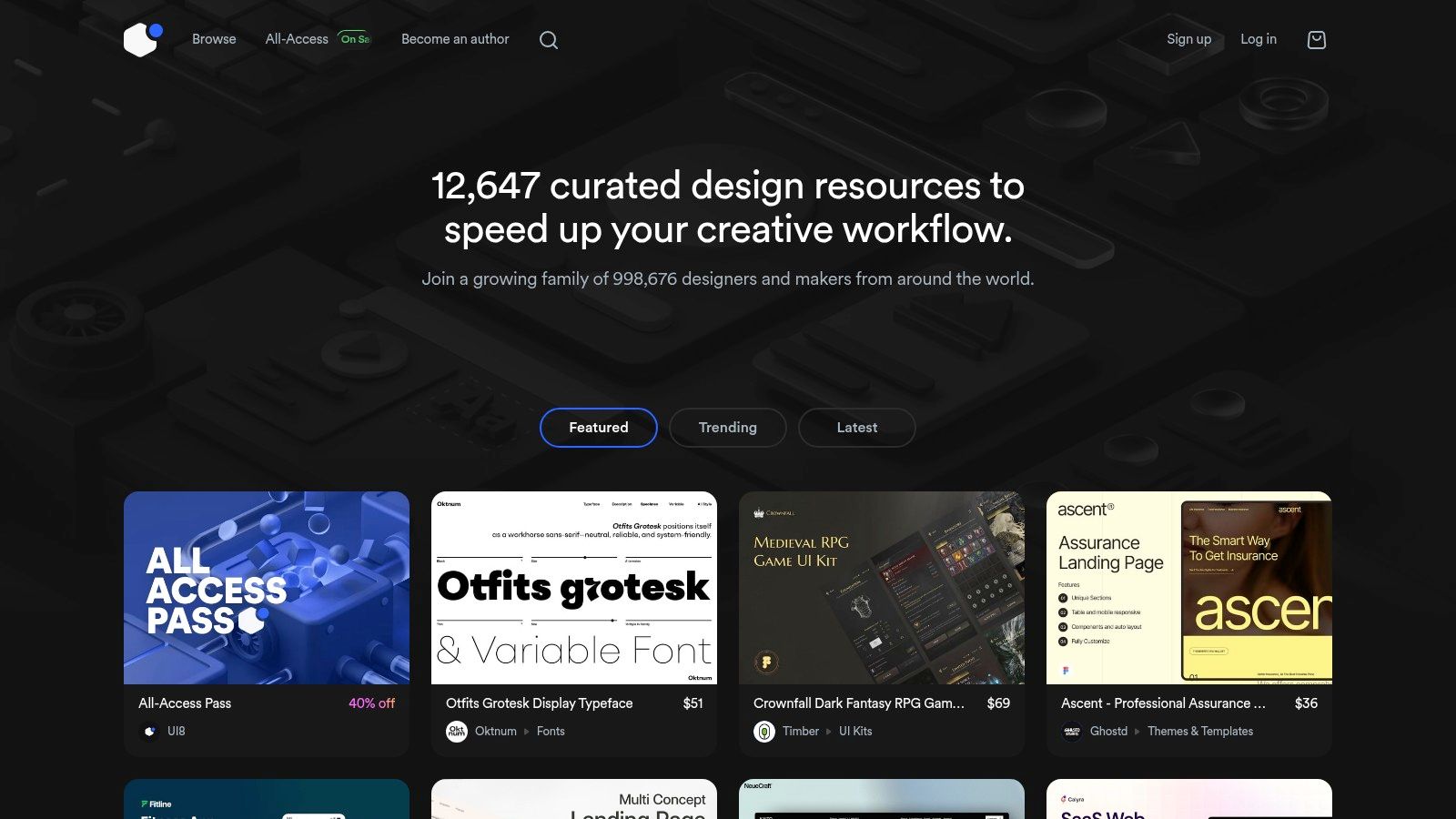
This platform offers a massive catalog of design systems for Figma, Sketch, and Adobe XD, catering to agencies and product teams that need to move from concept to high-fidelity mockups with speed. The kits often include hundreds of pre-designed screens, components, and variants, allowing you to assemble a cohesive and professional-looking app without starting from a blank canvas. This focus on complete systems is what makes UI8 a go-to for serious projects.
Strategic Breakdown
UI8 operates on both a per-item purchase model and an "All-Access" subscription, providing flexibility for different project needs. While it is a premium service, the time saved by using a high-quality, pre-built design system can offer a significant return on investment. The key is to vet each kit and seller carefully, as quality can vary.
- Key Offering: Premium, large-scale iOS UI kits, component libraries, and full app design systems.
- Unique Advantage: The focus on complete, production-ready kits allows teams to bypass foundational design work and jump straight into customization and branding, drastically cutting down development time.
- Pricing: Individual kits vary in price; an All-Access subscription is available for unlimited downloads.
Actionable Takeaways
When using UI8, start by filtering for recently updated and highly-rated kits to ensure they align with the latest iOS design conventions. Before purchasing, thoroughly review the included screens and components to confirm they match your app's required user flows. This small step prevents investing in a kit that doesn't meet your functional needs.
Pro-Tip: Leverage a UI kit from UI8 as your foundational design system. Customize the typography, color palette, and key brand elements first. This ensures consistency as you assemble your app's screens and helps you create a unique look while still benefiting from the kit's structure.
Once your layouts are finalized, you will need to present them in compelling marketing materials for the App Store. To showcase your newly designed app, you can create a high-quality iPhone mockup PNG with a transparent background to use in your screenshots and promotional assets. This professional touch helps your app stand out and can significantly boost conversions.
Top 7 iPhone App Layout Sources Comparison
| Resource | Implementation 🔄 (complexity) | Resources ⚡ (requirements / cost) | Expected outcomes 📊⭐ | Ideal use cases 💡 | Key advantages ⭐ |
|---|---|---|---|---|---|
| Apple Human Interface Guidelines (HIG) and Design Resources | 🔄 Medium. strong platform rules; learning curve to internalize | ⚡ Low monetary cost; official Figma/Sketch kits; time investment to learn | 📊⭐ Highly accurate, platform-correct UIs and components | 💡 Building native iOS/iPadOS apps that must follow Apple standards | ⭐ Definitive, regularly updated official guidance |
| Figma Community | 🔄 Low. open files ready to duplicate and edit | ⚡ Free/paid files; Figma account required; variable quality | 📊⭐ Rapid prototyping and exploration inside Figma | 💡 Fast layout iteration, brainstorming, remixing community files | ⭐ Massive, up-to-date ecosystem + native workflow |
| Mobbin | 🔄 Low. browse curated real app screens; no template editing | ⚡ Freemium; Pro/team subscriptions for advanced use | 📊⭐ Real-world, production-shipped examples for validation | 💡 Pattern validation, benchmarking and cross-functional research | ⭐ Grounded in shipped apps; strong research tooling |
| Pttrns | 🔄 Low. focused, scannable pattern browsing | ⚡ Membership plans with a free trial | 📊⭐ Quick, targeted inspiration from categorized patterns | 💡 Fast lookups for common UI patterns (navigation, forms, e-commerce) | ⭐ Curated, easy-to-scan archive of proven patterns |
| Envato Elements | 🔄 Medium. integrate varied assets into projects | ⚡ Subscription (unlimited downloads); team plans; commercial license | 📊⭐ Broad access to many UI kits; quality varies by author | 💡 Teams or heavy users needing predictable, high-volume assets | ⭐ Predictable cost model and clear commercial licensing |
| Creative Market | 🔄 Low–Medium. per-item purchase and integration; vetting required | ⚡ Pay-per-item; no subscription required; item-level licenses | 📊⭐ On-demand styles and templates; quality varies widely | 💡 One-off purchases for a specific style or small projects | ⭐ Wide stylistic variety; buy only what you need |
| UI8 | 🔄 Medium. premium kits may need setup and customization | ⚡ Per-item or All-Access subscription; premium pricing | 📊⭐ Polished, production-ready UI kits and complete systems | 💡 Agencies and teams needing near-final visual systems quickly | ⭐ High-quality, visually consistent, time-saving kits |
From Inspiration to Conversion: Your Action Plan
We have explored a powerful collection of resources, from the foundational principles of Apple’s Human Interface Guidelines to the vast template libraries on platforms like Envato Elements and UI8. The journey through these tools reveals a clear pattern: the most cool iPhone app layouts are not just visually appealing; they are strategic assets designed to communicate value and drive conversions. They blend aesthetic trends with proven user experience principles to create a compelling narrative for your app on the App Store.
The key takeaway is that an effective app layout is a direct reflection of your app’s core functionality and unique selling proposition. As we saw with resources like Mobbin and Pttrns, analyzing successful apps provides a blueprint for what works. These platforms show us how to structure information, guide the user’s eye, and highlight features that solve real problems. Remember, your App Store presence is your first, and often only, chance to make an impression. A well-designed layout is your silent salesperson.
Your Path Forward: From Layouts to Launches
Transforming this inspiration into tangible results requires a structured approach. Your next steps should focus on bridging the gap between design concepts and high-converting App Store assets. Here is your action plan to implement what you have learned and start creating your own cool iPhone app layouts.
- Define Your Core Narrative: Before choosing a template or starting a design, clearly articulate the single most important message you want to convey. What problem does your app solve? What is its most impressive feature? Your layout must support this central story.
- Audit Top Competitors (and Inspirations): Use tools like Mobbin to analyze the layouts of leading apps in your category. Do not just copy them; deconstruct their strategy. Note their use of color, typography, device frames, and background imagery. Ask yourself why they made those specific design choices.
- Select the Right Tool for the Job: Your choice of tool depends on your specific needs. For example, a specialized screenshot editor allows you to quickly apply a vibrant, eye-catching gradient background or add localized caption text with just a few clicks, speeding up the creation of efficient, high-converting assets.
- Prototype and Test: Never settle on your first idea. Create several variations of your screenshots. Test different taglines, feature highlights, and color schemes. A/B testing your final creative on the App Store can yield powerful insights into what truly resonates with your target audience and boosts downloads.
By following this strategic process, you move beyond simply finding a "cool" layout. You begin crafting a visual identity that is purposeful, persuasive, and perfectly aligned with your growth objectives.
Ready to turn these strategies into stunning, high-converting App Store assets without the complexity of traditional design tools? ScreenshotWhale is built specifically for app marketers and developers who need to create beautiful and effective screenshots in minutes. Stop wrestling with generic templates and start building cool iPhone app layouts that drive real growth. Explore our powerful editor and see the difference at ScreenshotWhale.
Put this into practice on your own listing
Import your live app into an ASO workspace — metadata, keywords, competitors, and store screenshots in one place.
Import my app