
The 12 Best App Store Optimization Tools for Growth in 2025
Discover the best app store optimization tools to boost downloads and conversions. A detailed guide to platforms for keywords, screenshots, and A/B testing.
App Store Optimization (ASO) is the engine that powers visibility and drives downloads for your app. But in a crowded marketplace, a winning strategy goes far beyond basic keyword research. It demands a sophisticated toolkit that covers every facet of your store listing, from data-driven keyword insights to visually compelling, high-converting screenshots. Choosing the right tools can mean the difference between blending in and standing out. For startups, integrating ASO is a key part of a broader growth strategy; if you're building your foundation, this comprehensive guide to digital marketing for startups provides essential context for where ASO fits in.
This guide breaks down the best app store optimization tools available today, helping you find the perfect stack to elevate your metadata, perfect your creative assets, and ultimately, grow your user base on both the Apple App Store and Google Play Store. We have gone beyond surface-level descriptions to provide actionable insights into how each platform solves specific problems. Whether you're an indie developer needing to create efficient, high-converting screenshots or a growth team looking for deep competitive analysis, this resource is designed to help you make an informed decision.
Inside, you will find a detailed analysis of each tool, including its core features, ideal use cases, pricing structures, and a candid look at its pros and cons. Each entry includes screenshots and direct links, so you can quickly evaluate the platforms that best align with your specific goals, from boosting app store growth and conversions to automating your reporting with powerful APIs. We have done the heavy lifting to help you assemble a powerful ASO toolkit that delivers real results.
1. ScreenshotWhale
Best for: Rapidly creating high-converting, localized app store screenshots.
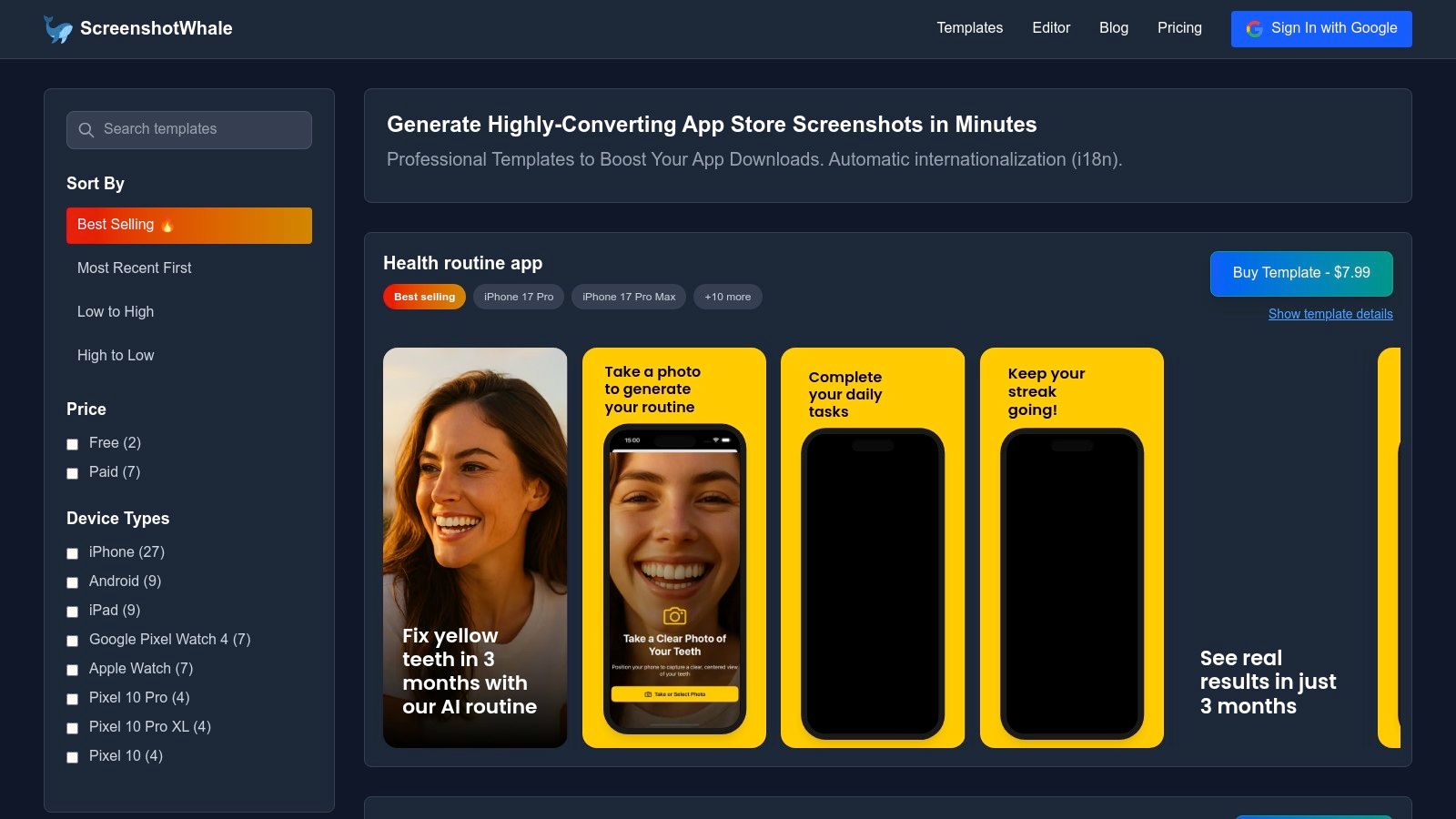
ScreenshotWhale distinguishes itself as a premier tool by focusing intensely on the most critical visual component of any app store listing: the screenshots. While many ASO platforms offer broad functionality, ScreenshotWhale provides a specialized, conversion-focused solution for generating professional, on-brand store visuals in minutes. It effectively eliminates the design bottleneck for teams of all sizes, from solo indie developers to enterprise growth teams, helping to boost app store growth and conversions directly.
The platform's strength lies in its meticulously designed, ASO-optimized templates. These are not generic layouts; they are categorized by app vertical (like fitness, social, and AI chat) and incorporate proven design principles to highlight features, benefits, and social proof. The drag-and-drop editor is exceptionally intuitive. For a practical example, a user can upload a raw app capture, select a vibrant, high-contrast template, and the editor automatically places it within the latest device mockups, like the iPhone 16 Pro Max or Google Pixel. From there, you can add bold, concise captions like "Track Your Progress in Real-Time" to create a compelling visual narrative that drives installs on both Android and iOS stores.
Core Features and Analysis
ScreenshotWhale’s standout capabilities make it an indispensable part of modern app store optimization toolkits.
- AI-Powered Localization (i18n): Its most powerful feature is the integrated AI translation engine. With a single click, you can translate screenshot copy into over 100 languages, making global day-one launches feasible without tedious, manual design work for each locale. This is a game-changer for teams aiming for international scale.
- Automation via API: For teams managing multiple apps or frequent updates, the API facilitates the bulk production of thousands of screenshot variations. This is ideal for automating assets for A/B testing, seasonal campaigns, or new feature releases, saving countless hours of developer and designer time.
- Up-to-Date Device Mockups: The library is consistently updated with the latest device frames from Apple, Samsung, and Google. This ensures your app always looks current and professional, building user trust. Ensuring high-resolution visuals is key; dedicated image upscaling tools can polish your app screenshots to perfection, enhancing visual quality for your app store listings.
- Template Variety: A rich selection of both free and premium templates provides a clear path for users to get started quickly and scale up to more complex designs as their needs evolve.
Pricing and Use Cases
ScreenshotWhale operates on a freemium model. You can start creating with free templates immediately, while premium templates, advanced features, and API access require a paid plan. For specific pricing tiers or enterprise needs, you will need to consult their website directly.
| User Profile | Ideal Use Case |
|---|---|
| Indie Developer | Quickly generate professional screenshots for a new app launch using high-quality free templates. |
| Growth/ASO Team | Use the API to automate screenshot creation for A/B testing different value propositions across 10+ languages. |
| Design Agency | Standardize and accelerate the delivery of store assets for multiple clients with premium, branded templates. |
| Pros | Cons |
|---|---|
| Speed and Efficiency: Build App Store and Play Store visuals in minutes with ASO-best-practice templates. | Niche Focus: It excels at screenshots but does not manage other ASO elements like keywords, metadata, or A/B test deployment. |
| Powerful Localization: AI-driven translation for 100+ languages enables rapid global expansion. | Pricing Transparency: Detailed plan costs are not immediately visible and require visiting the pricing page to evaluate. |
| Automation at Scale: The API is a significant asset for teams managing frequent updates or large app portfolios. | |
| Always Current: Access to the latest device mockups from Apple, Google, and Samsung ensures a modern presentation. |
Visit Website: screenshotwhale.com
2. AppTweak
AppTweak is a powerful, data-driven ASO platform that provides a comprehensive suite of tools for app marketers and developers aiming to increase their visibility on both the App Store and Google Play. It excels at providing actionable insights through a clean, intuitive interface, making it one of the best app store optimization tools for teams of all sizes. The platform covers the entire ASO workflow, from keyword research and competitor analysis to review management and market intelligence.
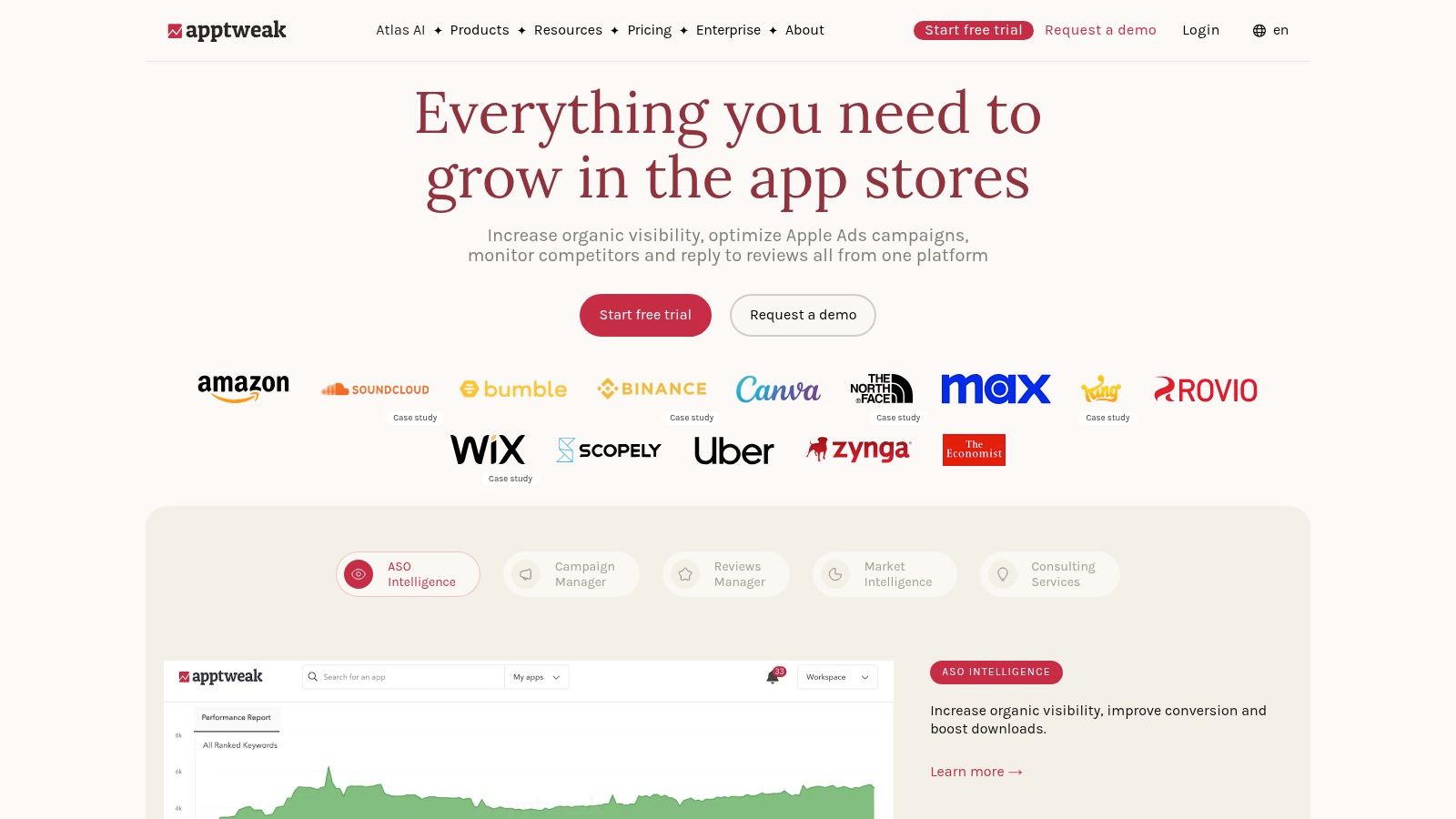
What sets AppTweak apart is its transparent, self-serve pricing model and the quality of its data. Unlike some enterprise-focused tools, you can sign up for a 7-day free trial directly on their website and get started immediately. This accessibility makes it a great choice for indie developers and smaller teams wanting to test a professional-grade tool without a lengthy sales process. Its keyword research tool, complete with historical data and difficulty scores, is particularly effective for building a robust keyword strategy from scratch.
Core Features & Use Case
- Keyword Intelligence: Track keyword rankings, discover new opportunities, and analyze keyword performance over time. A great use case is identifying low-competition keywords with high search volume that your competitors are ignoring.
- Competitor Analysis: Monitor competitors' ASO updates, download trends, and feature placements. This is ideal for reverse-engineering successful strategies and staying ahead in your category.
- Review & Sentiment Analysis: Aggregate and analyze user reviews to find bugs, feature requests, and overall sentiment trends, helping you prioritize your product roadmap.
Pricing and Access
AppTweak offers several clear pricing tiers, starting with a "Starter" plan ideal for individuals and small apps. Higher-tier plans unlock more keywords, competitor tracking, API access, and advanced market intelligence features. The 7-day free trial provides a solid opportunity to evaluate its core functionalities.
Pros & Cons
| Pros | Cons |
|---|---|
| Transparent pricing and free trial | Lower-tier plans have keyword/seat limits |
| Excellent data quality and user interface | Advanced features are on pricier plans |
| Comprehensive feature set for ASO | API access requires an enterprise plan |
Website: https://www.apptweak.com
3. App Radar (by SplitMetrics)
App Radar, now part of the SplitMetrics suite, is an intelligent ASO platform designed to streamline and automate the optimization workflow for app marketers and developers. It provides a robust set of tools focused on keyword research, listing management, and competitor analysis. This makes it one of the best app store optimization tools for teams looking to execute their ASO strategy efficiently, particularly with the help of AI-powered features that accelerate common tasks.
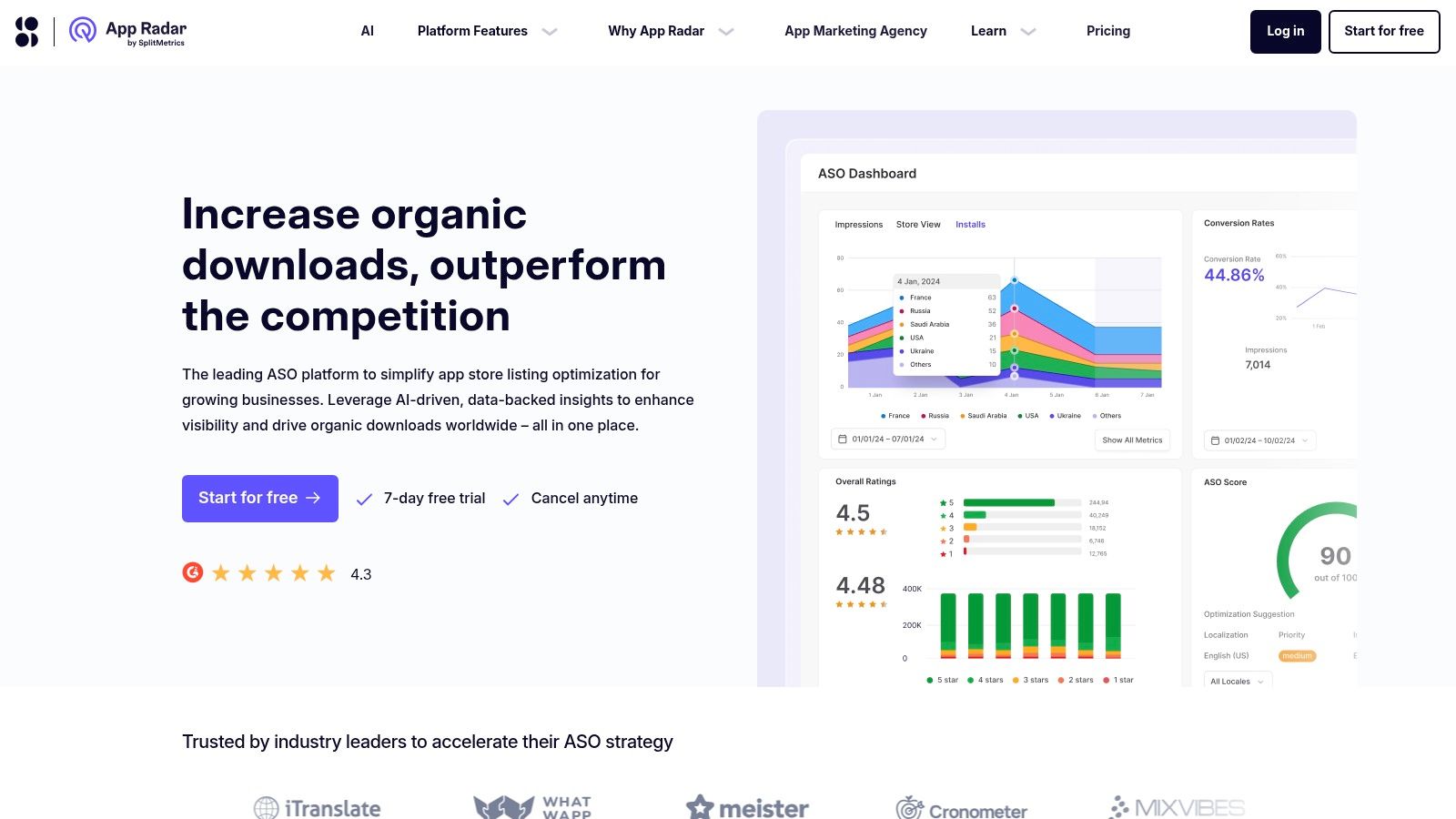
What makes App Radar stand out is its emphasis on workflow automation and AI assistance. The platform simplifies the process of updating your store listing with a built-in editor and localization manager, allowing you to preview changes before publishing. Its AI-powered review management, using GPT-4, helps teams quickly summarize sentiment and generate relevant replies, saving significant time. The transparent pricing and free trial make it accessible for growing teams to adopt professional ASO tools without a major upfront commitment.
Core Features & Use Case
- Keyword Intelligence & Automation: Discover, track, and prioritize keywords with live ranking data. A key use case is setting up automation rules to get alerts on significant ranking changes for your most important keywords.
- Store Listing Editor: Directly edit and manage your app's metadata for all languages in one place. This is perfect for teams localizing their app, as they can preview how the listing will appear in different countries and on different devices.
- AI Review Management: Use GPT-4 to summarize user feedback and generate context-aware replies. This feature helps community managers maintain a high response rate and extract product insights from reviews efficiently.
Pricing and Access
App Radar offers multiple pricing tiers, including a free plan for basic tracking and a 7-day free trial for its paid features. Paid plans scale based on the number of keywords, competitors, and apps you need to track, making it flexible for everyone from solo developers to larger marketing teams.
Pros & Cons
| Pros | Cons |
|---|---|
| Free 7-day trial and a free basic plan | Advanced features require higher-tier plans |
| Strong focus on automation and AI assistance | A/B testing is handled by a sister product |
| Scales effectively from individuals to teams | API access is limited to enterprise plans |
Website: https://appradar.com
4. MobileAction
MobileAction is a comprehensive mobile intelligence platform offering a diverse set of tools that cater to both organic ASO and paid user acquisition. It stands out by providing an accessible entry point for indie developers and small teams, while still offering the depth needed for larger enterprises. This makes it one of the best app store optimization tools for those who need to manage both ASO and ad intelligence under one roof.
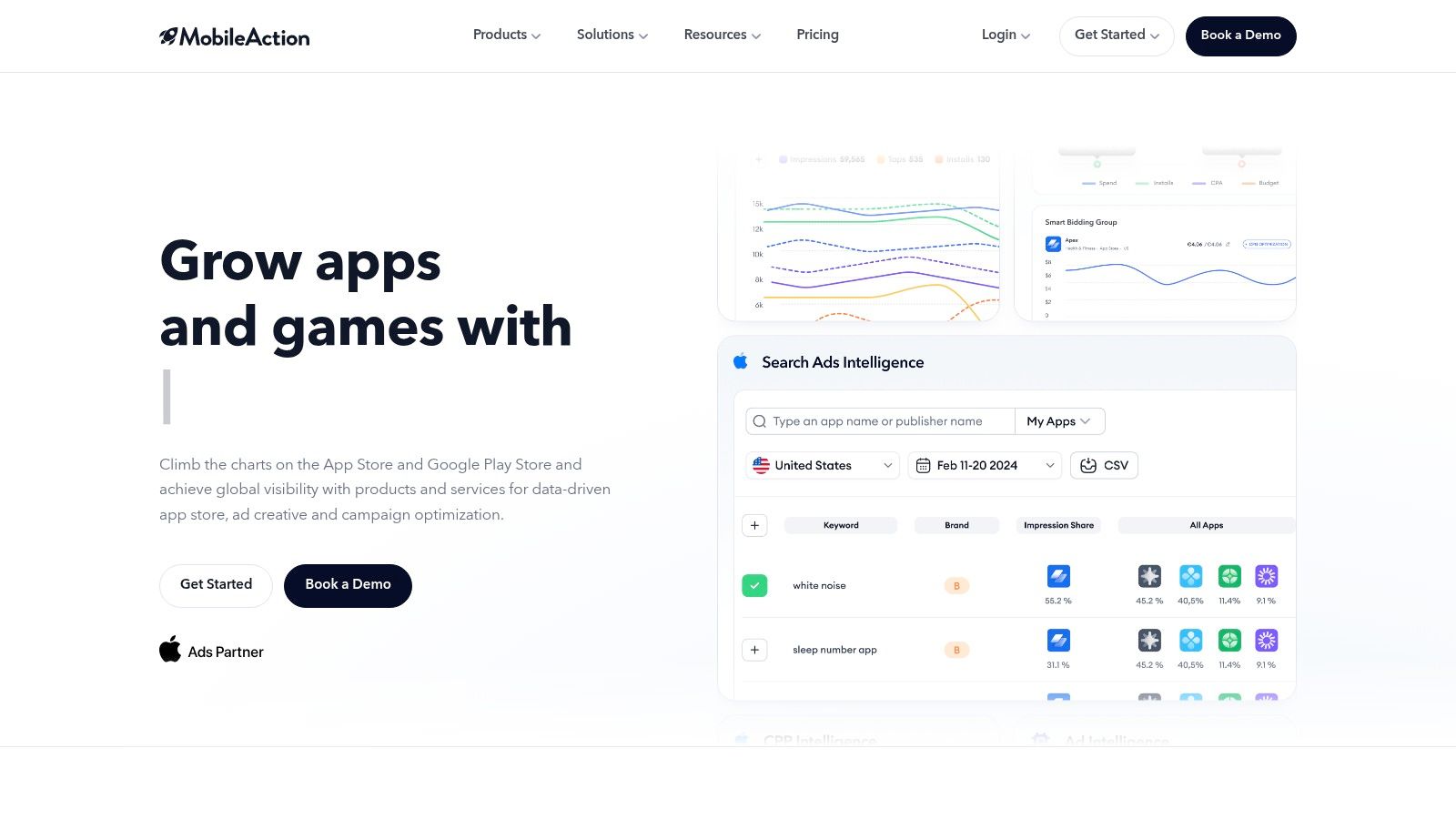
What makes MobileAction unique is its product ecosystem, which includes ASO Intelligence, Ad Intelligence, and Market Intelligence. This allows teams to analyze the full spectrum of a competitor's strategy, from their keyword rankings to their paid ad creatives. The platform's very low-cost "Lite" plan and free trial make professional-grade data accessible without a significant upfront investment, removing a common barrier for new app developers.
Core Features & Use Case
- ASO Intelligence: Offers robust keyword research with difficulty scores, metadata analysis, and visibility tracking. A great use case is using its "Keyword Investigator" to find long-tail keywords your competitors rank for but have not included in their metadata.
- Competitor Tracking: Monitor changes in competitors' app store pages, rankings, and user reviews. This is perfect for identifying shifts in category trends and reacting quickly to a competitor's successful ASO update.
- Ad & Market Intelligence: Provides insights into top advertisers, ad networks, and market-level download and revenue estimates. Use this to inform your paid UA strategy by seeing which ad creatives are performing best in your niche.
Pricing and Access
MobileAction offers a tiered pricing model that is very friendly to smaller teams. The "Lite" plan provides basic ASO features at a very low cost, with higher tiers unlocking more keywords, competitor tracking, and historical data. A 7-day free trial is available to test the platform. Advanced market and ad intelligence data are typically add-ons or part of enterprise-level plans.
Pros & Cons
| Pros | Cons |
|---|---|
| Very low-cost entry plan for individuals | Lite/Basic plans have tight limits on keywords |
| 7-day free trial is available | Enterprise-level data is a separate add-on |
| Covers both organic ASO and paid UA | Core focus is spread across multiple products |
Website: https://www.mobileaction.co
5. AppFigures
AppFigures is a powerful app intelligence platform that merges ASO tools with comprehensive analytics, making it an excellent all-in-one solution for developers and marketers. It connects directly to your App Store Connect and Google Play Console accounts to pull downloads, revenue, and other key business metrics alongside your ASO performance data. This integration provides a holistic view, allowing you to see how your keyword ranking changes directly impact your app's bottom line.
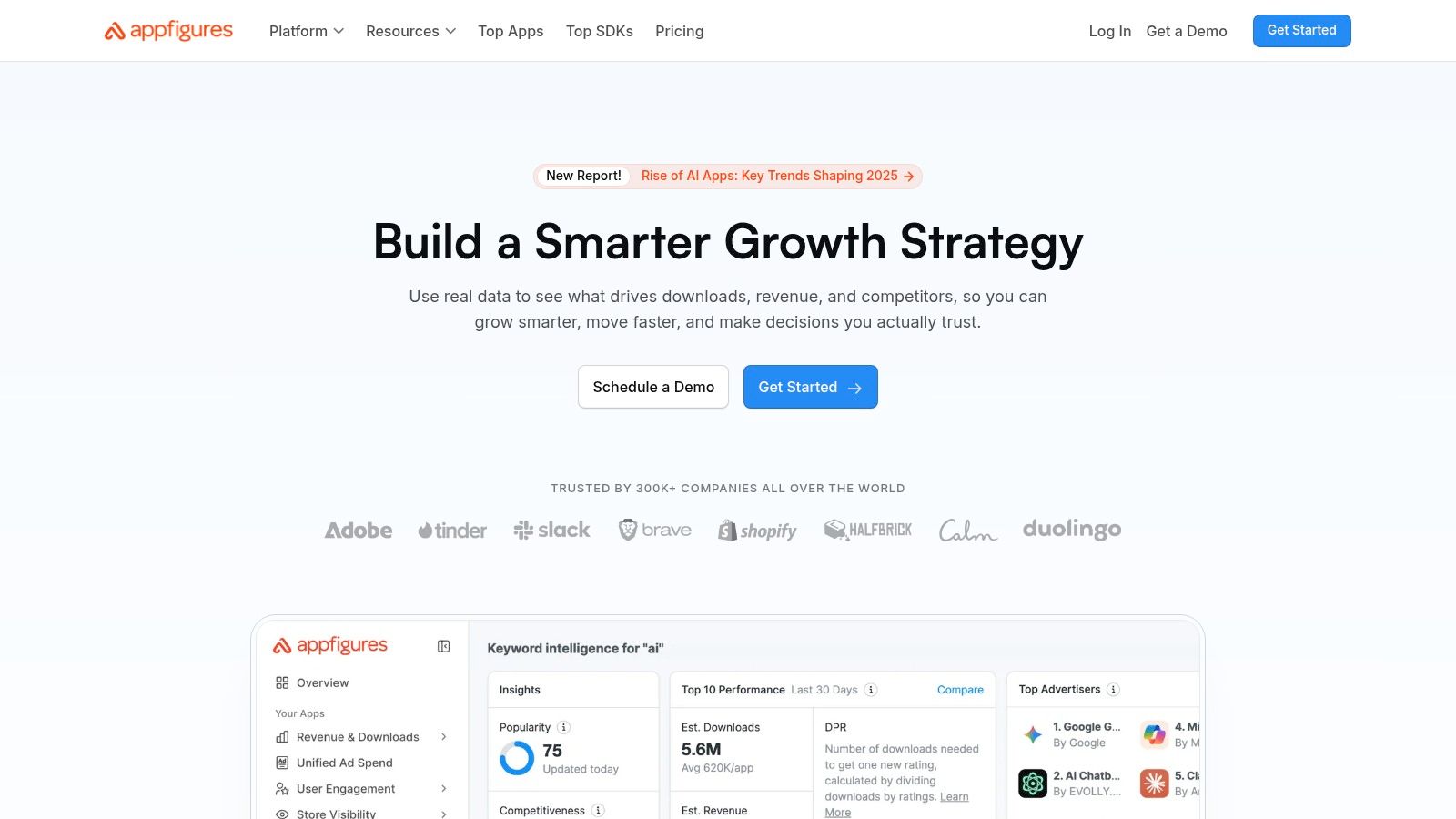
What truly sets AppFigures apart is its unified dashboard that presents complex data in an accessible format. Instead of switching between multiple platforms for analytics, keyword tracking, and review management, you can monitor everything from one place. Its generous free tier, which allows tracking for up to two apps, makes it one of the best app store optimization tools for indie developers and small teams who need professional-grade data without an initial investment. The platform is also known for its extensive, well-documented resources and frequent updates.
Core Features & Use Case
- Integrated App Analytics: Connect your developer accounts to track downloads, revenue, and subscription metrics right next to your ASO data. This is perfect for directly measuring the ROI of your optimization efforts.
- Keyword & Rank Tracking: Monitor keyword performance with hourly updates and discover what keywords your competitors are ranking for. A great use case is setting up alerts to be notified when a competitor starts ranking for one of your target keywords.
- Market & Ad Intelligence: Analyze top charts, identify trending apps, and track competitor ad campaigns. This is invaluable for spotting market opportunities and refining your user acquisition strategy.
Pricing and Access
AppFigures offers a "Connect" plan that is completely free and supports up to two apps, making it highly accessible. Paid plans start with the "Grow" tier and scale up to "Monitor," "Analyze," and "Explore," each unlocking more advanced ASO features, market intelligence data, and API access.
Pros & Cons
| Pros | Cons |
|---|---|
| Free starter plan for tracking 2 apps | Advanced market intelligence is expensive |
| Integrates business and ASO metrics | Some features are bundled separately |
| Broad feature set in one platform | UI can feel dense with so much data |
Website: https://appfigures.com
6. Sensor Tower
Sensor Tower is an enterprise-grade market intelligence platform that provides deep insights into the global app economy. While it offers a comprehensive suite of ASO tools, its core strength lies in its powerful market data, making it a go-to resource for large publishers, brands, and investors seeking a competitive edge. It goes beyond standard keyword tracking to deliver app performance metrics, advertising insights, and audience intelligence.
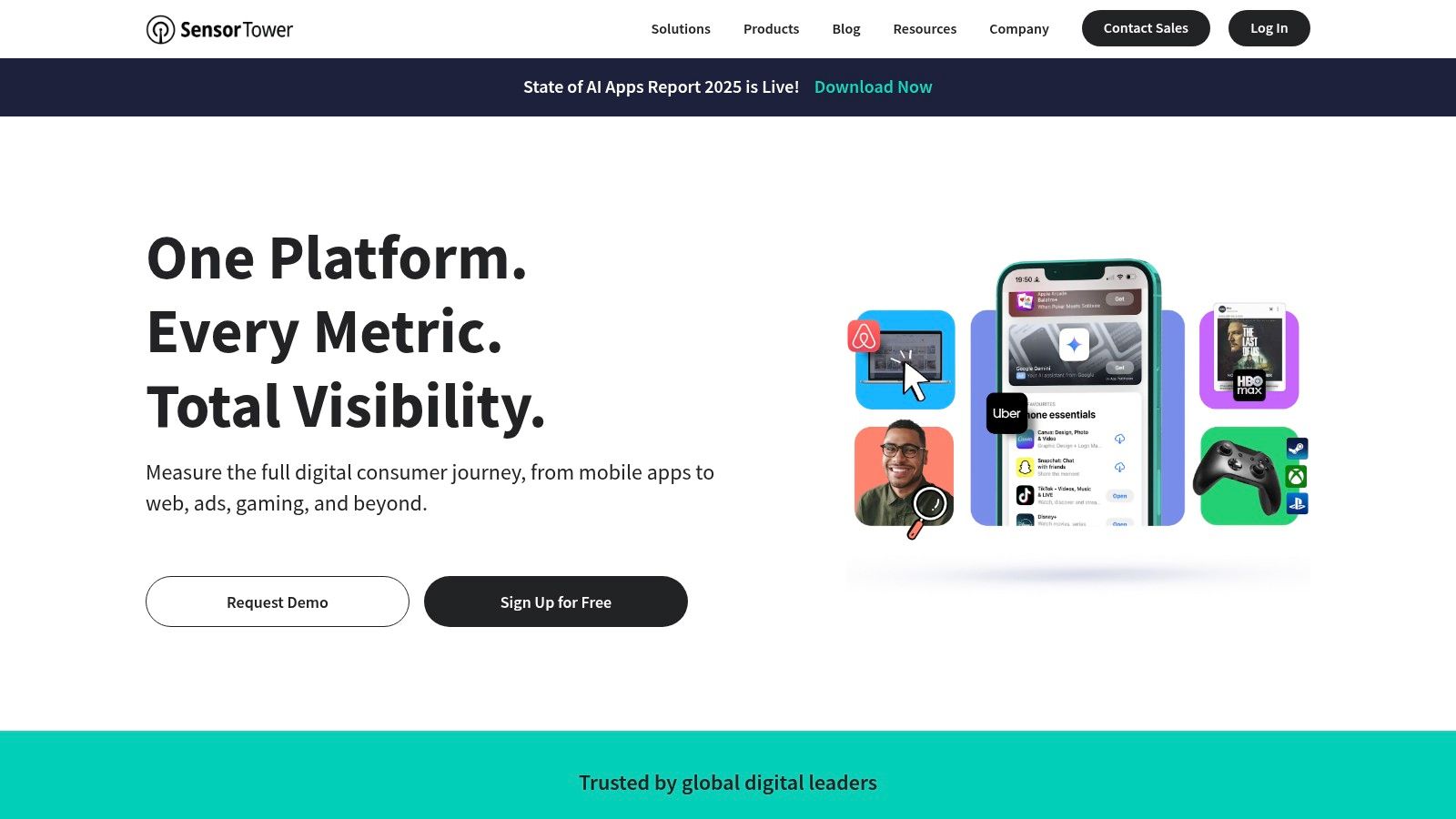
What makes Sensor Tower one of the best app store optimization tools for strategic decision-making is its trusted, high-level data. It is less about the day-to-day ASO grind and more about understanding market trends, estimating competitor revenue, and analyzing ad spend. This makes it invaluable for companies making significant budget or product decisions based on market viability. Its focus on enterprise clients means the platform is robust, reliable, and backed by strong data science.
Core Features & Use Case
- App Intelligence: Get accurate estimates on downloads, revenue, and user engagement for any app. This is perfect for market research before entering a new category or for benchmarking your performance against top players.
- Ad Intelligence: Analyze top ad creatives and networks used by competitors. Use this to inform your own user acquisition campaigns and understand what messaging resonates with your target audience.
- ASO & Keyword Research: Track keyword rankings, analyze search traffic, and monitor store metadata changes. Its Apple Search Ads integration helps create a holistic view of both organic and paid keyword performance.
Pricing and Access
Sensor Tower's pricing is quote-based and tailored for enterprise clients. There is no public pricing or free trial available on the website; access requires scheduling a demo with their sales team. This model is suited for larger organizations with significant market research budgets.
Pros & Cons
| Pros | Cons |
|---|---|
| Deep market and competitive data | Pricing is not public and is enterprise-focused |
| Recognized industry standard with trusted data | Can be overly complex for smaller teams |
| Excellent advertising and UA insights | Lacks the self-serve model of other tools |
Website: https://sensortower.com
7. data.ai (formerly App Annie)
data.ai, widely known by its former name App Annie, is a market intelligence powerhouse that offers critical data for a comprehensive ASO strategy. While not a dedicated ASO keyword tool, it provides the high-level market context necessary to make informed decisions. It excels at delivering insights into app rankings, download estimates, revenue, and user engagement, making it one of the best app store optimization tools for competitive benchmarking and market analysis.
What sets data.ai apart is its legacy and the sheer breadth of its historical data. Its free "Intelligence" tier is a significant draw, offering a robust entry point for indie developers and marketers to start tracking top charts and basic performance indicators without any financial commitment. This allows teams to benchmark their app’s performance against the broader market or key competitors, providing a vital reality check for growth targets and ASO impact.
Core Features & Use Case
- Market and Competitive Benchmarking: Track download and revenue estimates for millions of apps. A great use case is analyzing a competitor's growth trajectory after a major app update or marketing campaign to understand its impact.
- Rankings and Top Charts: Monitor daily and historical rankings across different countries, categories, and devices. This is ideal for identifying market trends and understanding which apps are gaining momentum.
- Ratings & Review Analysis: Analyze trends in user ratings over time to correlate them with new version releases or store listing changes, helping to diagnose issues that affect conversion.
Pricing and Access
data.ai offers a free Intelligence plan with access to top charts and basic app details. For deeper insights, including download and revenue estimates, advanced analytics, and API access, you must contact their sales team for custom enterprise-level pricing. The pricing is not public.
Pros & Cons
| Pros | Cons |
|---|---|
| Powerful free version for basic benchmarking | Core ASO features (keyword optimization) are absent |
| Industry-standard for market intelligence data | Paid pricing is enterprise-focused and not public |
| Extensive historical app performance data | Can be complex for users new to market analysis |
Website: https://www.data.ai
8. AppFollow
AppFollow is a powerful ASO platform that excels by combining app store optimization with in-depth reputation management. While it offers a strong suite of ASO tools for visibility, its core strength lies in helping teams manage and analyze user reviews to boost conversion rates and retention. It effectively bridges the gap between marketing, product, and support teams by integrating review feedback directly into their daily workflows.
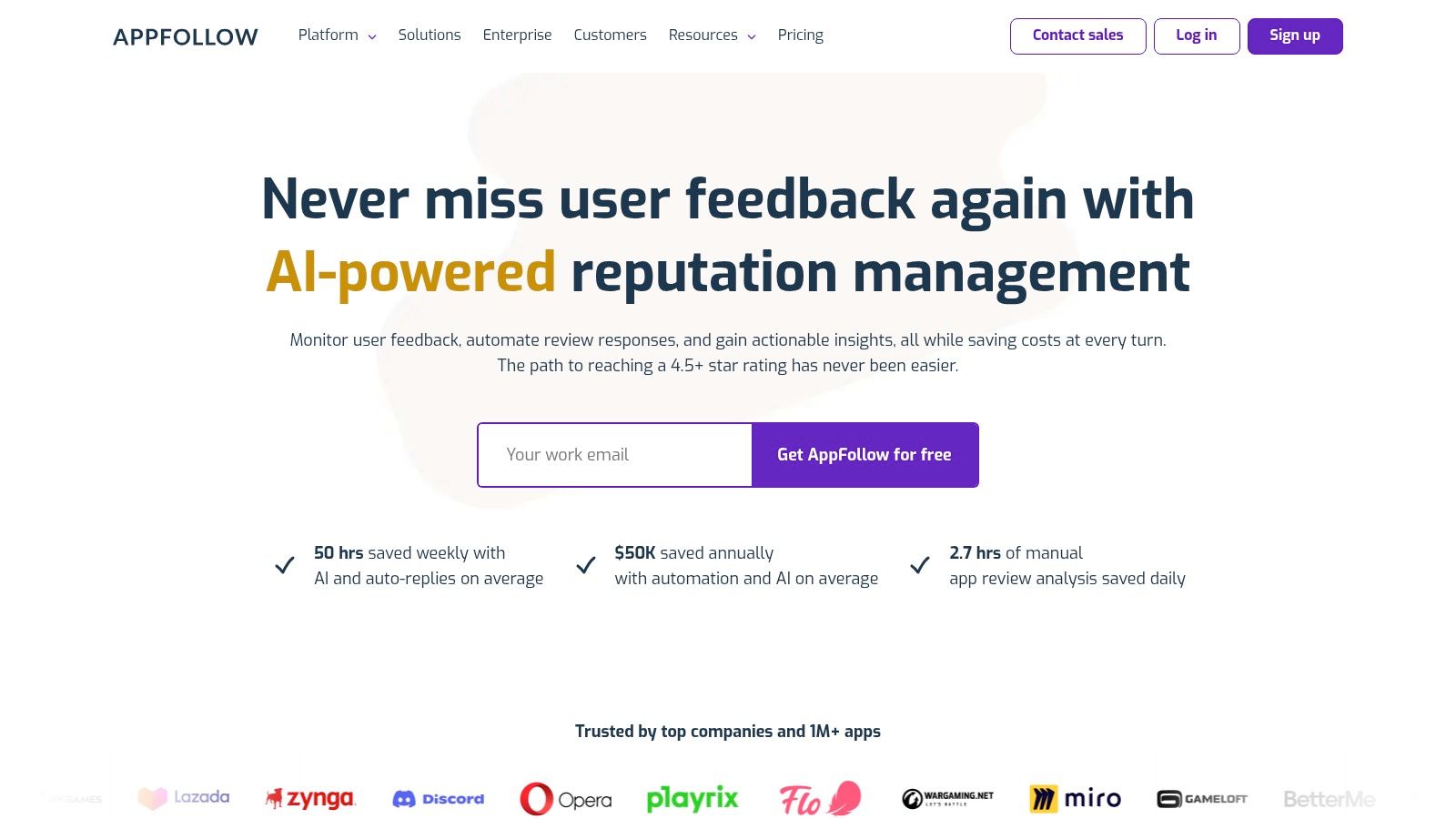
What sets AppFollow apart is its focus on workflow automation and integration. It connects seamlessly with platforms like Slack, Zendesk, and Salesforce, allowing support teams to respond to reviews without leaving their preferred help desk. This makes it one of the best app store optimization tools for companies that prioritize customer feedback and want to leverage it for product improvement and higher ratings. The platform’s AI-powered reply features help teams manage high volumes of feedback efficiently.
Core Features & Use Case
- Review & Ratings Management: Aggregate all app reviews, tag them automatically with AI, and use pre-made templates or AI-generated replies to respond quickly. A great use case is creating an automation rule to send all reviews mentioning "bug" or "crash" directly to a specific Slack channel for the engineering team.
- ASO & Keyword Tracking: Monitor organic keyword performance, analyze store visibility, and track competitor ASO changes. This is ideal for ensuring your reputation management efforts translate into improved rankings and downloads.
- Workflow Integrations: Connect review data and ASO alerts to business intelligence tools and help desks. This allows teams to build a holistic view of app performance, combining user sentiment with organic traffic data.
Pricing and Access
AppFollow offers a generous forever-free plan that includes tracking for two apps and up to 1,000 keywords, making it highly accessible. Premium plans are available with 10-day free trials, unlocking advanced features like more integrations, AI-powered automation, and deeper analytics.
Pros & Cons
| Pros | Cons |
|---|---|
| Generous forever-free plan is available | Creative A/B testing capabilities are limited |
| Excellent integrations for support workflows | Advanced automation is on higher-priced tiers |
| Strong focus on review management and AI | The core focus is less on pure ASO discovery |
Website: https://appfollow.io
9. ASOdesk
ASOdesk is an analytical ASO platform that offers a comprehensive set of features for keyword optimization, competitor tracking, and review management. It has gained popularity among startups and mid-size teams looking for a robust toolkit that provides significant value, making it one of the best app store optimization tools for those who need enterprise-level data without the enterprise-level price tag. The platform focuses heavily on keyword analytics and organic traffic analysis to help marketers make data-backed decisions.
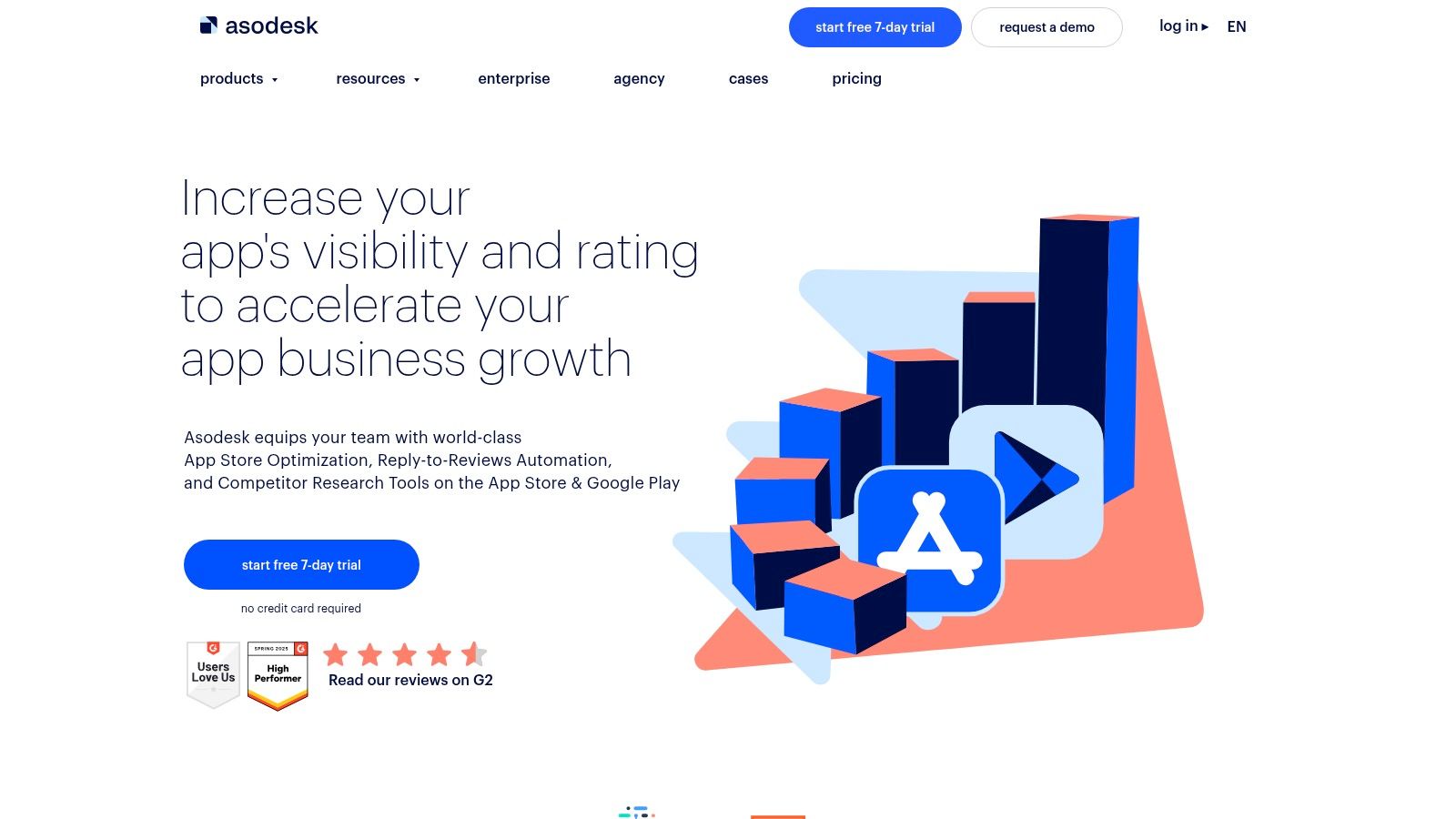
What makes ASOdesk stand out is its deep integration of Apple Search Ads data, including the official Search Ads Popularity score, directly into its keyword tools. This allows users to build a metadata strategy informed by real user search behavior. The platform also provides useful extras like keyword difficulty scores and historical ranking data, which are crucial for assessing the viability of a new keyword strategy. While the interface can feel dense with information, it offers powerful tools for those willing to dive in.
Core Features & Use Case
- Keyword Analytics: Utilize tools like Keyword Explorer and Organic Report to find high-traffic, relevant keywords. A great use case is leveraging the "Missing Keywords" tool to instantly see what valuable terms your competitors rank for, but you do not.
- Competitor Analysis: Monitor keyword rankings, app updates, and visibility changes for any competitor app. This is perfect for identifying shifts in competitor strategy and finding opportunities to overtake them in search results.
- Reviews & Replies: Centralize user feedback from both the App Store and Google Play. Use the built-in translation and template features to respond to international reviews quickly, improving your app's rating and user sentiment.
Pricing and Access
ASOdesk offers a range of subscription plans tailored to different needs, from solo developers to large agencies. Their pricing is generally competitive, and they provide a free plan with limited functionality as well as free trials for their paid tiers, allowing users to test the platform's core capabilities.
Pros & Cons
| Pros | Cons |
|---|---|
| Competitive pricing with multiple tiers | User interface can be dense for new users |
| Integrates Apple Search Ads popularity data | Advanced automation often requires higher tiers |
| Useful extras like keyword history and difficulty | Pricing pages can be complex to navigate |
Website: https://asodesk.com
10. SplitMetrics Optimize
SplitMetrics Optimize is a specialized A/B testing and pre-launch validation platform focused on maximizing store conversion rates. Instead of running tests on a live app page, it allows marketers to create emulated App Store and Google Play pages to test creative assets like icons, videos, and screenshots. This approach makes it one of the best app store optimization tools for de-risking major creative changes and validating hypotheses without affecting your live store ranking or user experience.
What sets SplitMetrics Optimize apart is its focus on conversion rate optimization (CRO) in a controlled environment. By sending paid traffic to these test pages, you can gather over 50 behavioral metrics to see exactly how users interact with your creatives before pushing them live. This methodology is ideal for enterprise-level teams that want to make data-backed decisions on high-stakes branding or messaging updates, ensuring every element is fine-tuned for maximum impact. Learn more about how to create high-converting app store screenshots that you can test with this tool.
Core Features & Use Case
- Pre-launch A/B Testing: Test icons, screenshots, videos, and descriptions on emulated store pages before your app is live. This is perfect for validating your entire product page concept with your target audience to ensure a strong launch.
- Multi-locale Experiments: Run tests for different regions and languages simultaneously to optimize your creative assets for global markets. Use this to discover which visual styles or value propositions resonate most with users in specific countries.
- Behavioral Analytics: Gain deep insights from heatmaps, scroll depth, and video engagement metrics. This helps you understand not just what won, but why it won, informing your future creative strategy.
Pricing and Access
SplitMetrics Optimize operates on a custom, quote-based pricing model tailored to enterprise needs. Access typically involves a demo and consultation with their team to build a plan that fits your testing volume and support requirements. This model includes expert onboarding and strategic guidance.
Pros & Cons
| Pros | Cons |
|---|---|
| De-risks creative testing outside live stores | Pricing is custom and quote-based |
| Gathers deep behavioral analytics | Requires sufficient test traffic to reach statistical validity |
| Enterprise onboarding and flexible terms | Not a self-serve platform; requires a sales process |
Website: https://splitmetrics.com/optimize
11. Storemaven
Storemaven is a market leader and pioneer in app store creative testing, focusing on conversion rate optimization (CRO) for both the App Store and Google Play. It provides a sophisticated A/B testing platform that allows large publishers to experiment with every element of their product page, from icons and screenshots to videos and descriptions. This scientific approach to creative optimization helps teams understand what resonates with their target audience, ultimately driving higher install rates from both organic and paid user acquisition channels.

What sets Storemaven apart is its deep expertise and advisory services, which go beyond just providing a tool. The platform is designed to generate granular data on user behavior, helping marketers map audience preferences to specific creatives. For teams looking to maximize their user acquisition spend, Storemaven offers one of the most robust solutions for testing and validating app store assets before a full rollout, making it one of the best app store optimization tools for enterprise-level growth strategies.
Core Features & Use Case
- App Store A/B Testing: Run tests on every creative asset on your product page to find the highest-converting combination. A perfect use case is testing a new set of screenshots that highlight a specific gameplay feature to see if it boosts installs more effectively than the current set.
- Audience Mapping & Insights: Analyze test results to understand which creative concepts appeal to different user segments. This is ideal for tailoring your user acquisition campaigns by aligning ad creatives with the app store page that converts that specific audience best.
- Creative Optimization Suite: Leverage a full platform to design, test, and analyze app store creatives. This helps teams build an efficient, data-driven workflow for boosting app store growth and conversions.
Pricing and Access
Storemaven’s pricing is not publicly available and is tailored for enterprise clients. Access typically requires a consultation and a custom quote based on the scale of testing and services needed. It is not designed as a self-serve tool for smaller developers.
Pros & Cons
| Pros | Cons |
|---|---|
| Industry-leading A/B testing technology | Pricing is not public and enterprise-focused |
| Deep creative expertise and advisory support | May be too complex for single-app developers |
| Trusted by top-tier app publishers | Requires a sales-led engagement process |
Website: https://www.storemaven.com
12. Keyword Tool (App Store & Google Play modules)
Keyword Tool is a focused keyword research platform that offers dedicated modules for both the Apple App Store and Google Play Store. While not a comprehensive ASO suite, it excels at its core function: generating a massive list of keyword suggestions based on store autocomplete data. This makes it a valuable supplementary resource for brainstorming and expanding your initial keyword lists before validating them in a full-featured ASO platform.
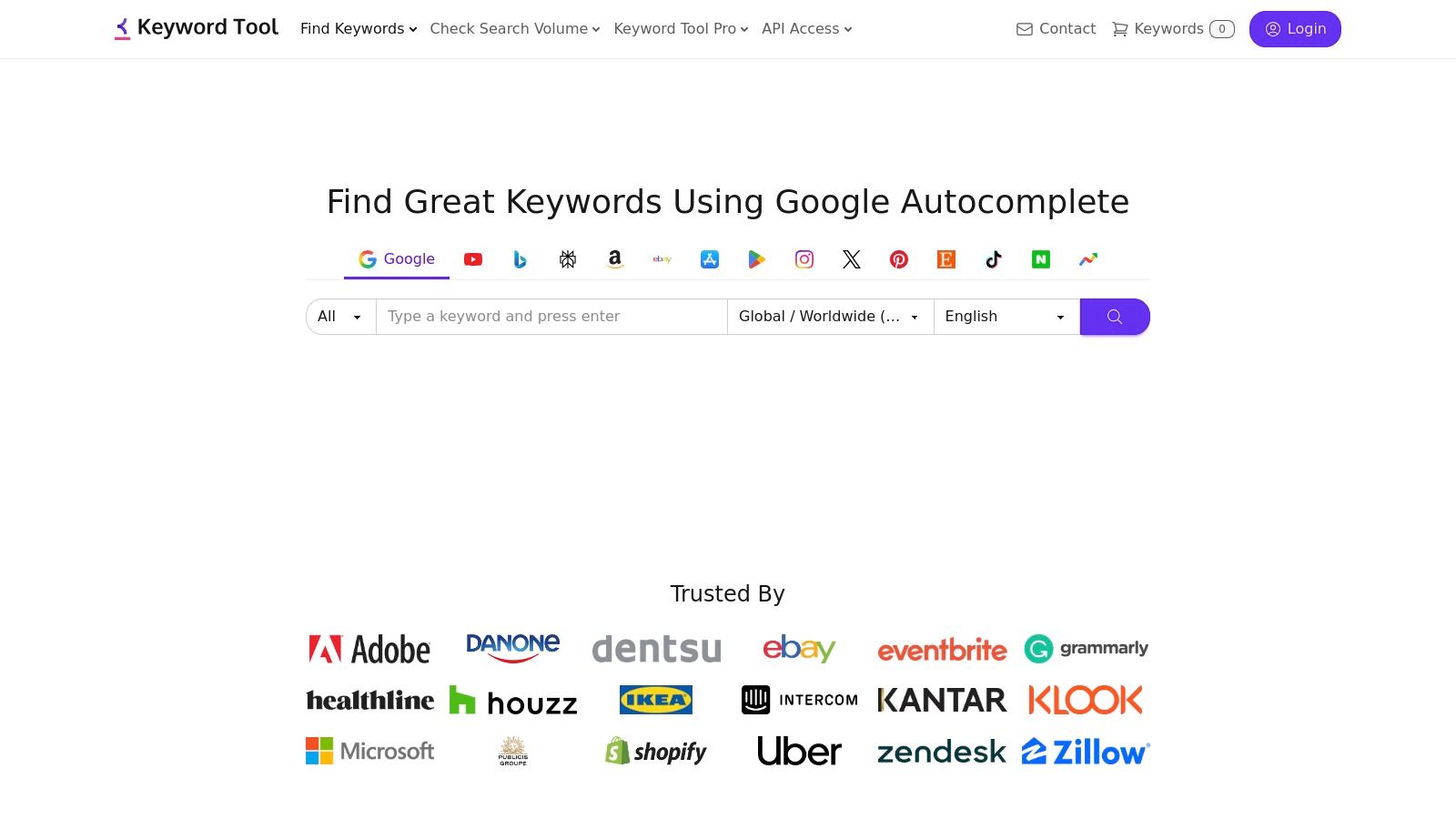
What sets Keyword Tool apart is its simplicity and speed for discovery. By scraping the real-time autocomplete suggestions from each app store, it provides insight into what actual users are searching for right now. This is perfect for the initial discovery phase of your ASO strategy, helping you uncover long-tail keywords and user intent you might have otherwise missed. It’s an effective tool for quickly building a foundational keyword set, especially when preparing an app store listing for either platform.
Core Features & Use Case
- App Store & Play Store Autocomplete: Generates hundreds of keyword ideas from a single seed term, specific to each app marketplace. Its primary use case is to rapidly expand a small list of core keywords into a large pool of potential targets.
- Search Volume & Competitor Data: The Pro version provides search volume estimates, trend data, cost-per-click, and competition levels. This is useful for filtering your large list of discovered keywords down to the most viable options.
- Bulk Queries & Export: Allows users to check search volumes for thousands of keywords at once and export the data to CSV. This is ideal for agencies or marketers managing large-scale keyword research projects and integrating the data into other tools.
Pricing and Access
Keyword Tool has a free version with limited functionality (keyword suggestions without data). The paid "Pro" plans unlock search volume, CPC, and competition data. While there is no traditional free trial for the Pro features, the platform offers a 30-day money-back guarantee, allowing users to test the full functionality risk-free.
Pros & Cons
| Pros | Cons |
|---|---|
| Fast, platform-specific keyword discovery | Not a full ASO suite; lacks rank tracking |
| Simple and easy-to-use interface | No traditional free trial for Pro features |
| Offers a 30-day money-back guarantee | Core value is in keyword discovery only |
Website: https://keywordtool.io
Top 12 ASO Tools — Side-by-Side Comparison
| Product | Core features | Quality (UX) | Value & Pricing | Target audience | Unique selling points |
|---|---|---|---|---|---|
| 🏆 ScreenshotWhale | ASO-focused templates, drag‑&‑drop editor, device mockups, i18n, API | ★★★★☆ | 💰 Free + paid templates; enterprise/API quotes | 👥 Developers, ASO/growth teams, design agencies, indie makers | ✨ AI i18n (100+ langs), API automation, device-specific mockups |
| AppTweak | Keyword intelligence, rank tracking, competitor & market insights | ★★★★☆ | 💰 Clear pricing + 7‑day trial | 👥 ASO teams, marketers, analysts | ✨ Strong keyword/data quality |
| App Radar (by SplitMetrics) | Keyword workflows, listing editor, AI replies, localization library | ★★★★☆ | 💰 Tiered plans + 7‑day trial | 👥 Mid-market ASO teams, product managers | ✨ AI-assisted replies, automation for ASO tasks |
| MobileAction | ASO intelligence, ad & market insights, SearchAds tools | ★★★★☆ | 💰 Very low-cost Lite plan + trials | 👥 Indie devs & growing UA/ASO teams | ✨ Broad mobile intelligence + SearchAds integration |
| AppFigures | Keyword research, hourly rank tracking, app analytics & reviews | ★★★★☆ | 💰 Free starter; paid analytics tiers | 👥 Product & analytics teams, studios | ✨ Unified downloads/revenue/ASO reporting |
| Sensor Tower | App performance, ad & audience insights, keyword & review tracking | ★★★★★ | 💰 Enterprise/quote-based | 👥 Large publishers, brands, strategists | ✨ Deep market data; industry-standard analytics |
| data.ai (App Annie) | Market benchmarking, ranks, downloads, trends | ★★★★☆ | 💰 Free Intelligence tier; sales-led pricing | 👥 Analysts, enterprises, market teams | ✨ Large dataset + benchmarking tools |
| AppFollow | Review management, AI replies, keyword tracking, integrations | ★★★★☆ | 💰 Forever-free plan; premium trials | 👥 Support/ops teams, ASO & product teams | ✨ AI replies + Slack/CRM/helpdesk integrations |
| ASOdesk | Keyword analytics, difficulty/history, review tooling | ★★★★☆ | 💰 Competitive tiered pricing | 👥 Startups & mid-size ASO teams | ✨ Keyword history & Apple Search Ads popularity |
| SplitMetrics Optimize | Out-of-store A/B tests, emulated store pages, behavioral metrics | ★★★★☆ | 💰 Custom/quote-based | 👥 Teams focused on conversion & pre-launch testing | ✨ Risk-free creative testing with 50+ metrics |
| Storemaven | A/B testing, audience mapping, creative optimization & advisory | ★★★★★ | 💰 Enterprise/sales-led pricing | 👥 Large publishers, UA & growth teams | ✨ Deep creative testing expertise & insights |
| Keyword Tool (App Store & Play) | Autocomplete keyword ideas, search volumes, CSV/API (paid) | ★★★★☆ | 💰 Clear public pricing; 30‑day money‑back | 👥 Indie ASO practitioners, SEOs | ✨ Fast platform-specific keyword discovery, bulk export |
Building Your Perfect ASO Toolkit for Maximum Impact
Navigating the crowded landscape of App Store Optimization can feel overwhelming, but as we have explored, the right set of tools transforms this challenge into a significant opportunity for growth. The journey from obscurity to a top-ranked app is not about finding a single magic bullet. Instead, it is about strategically assembling a powerful, complementary toolkit tailored to your specific goals, budget, and team size. This guide has dissected some of the best app store optimization tools available, from comprehensive intelligence platforms like AppTweak and Sensor Tower to specialized creative powerhouses like ScreenshotWhale and A/B testing leaders like SplitMetrics Optimize.
The core takeaway is that a successful ASO strategy is a blend of art and science. The "science" comes from the data-driven insights provided by keyword tracking, competitive analysis, and market intelligence tools. The "art" is in how you apply those insights to craft a compelling narrative through your app's title, description, and, most importantly, its visual assets. An app with perfectly optimized keywords but weak, uninspired screenshots will struggle to convert impressions into downloads. Conversely, stunning visuals without the right keyword foundation will never reach their intended audience.
Synthesizing Your ASO Strategy
Choosing your ideal toolkit requires a clear understanding of your primary objectives. Let's recap how different team structures can approach this:
For the Indie Developer or Solo Founder: Your focus is on achieving maximum impact with a limited budget and time. The most effective combination often involves a powerful, free or low-cost keyword research tool paired with a specialized creative asset tool.
- Actionable Combo: Use a tool like Keyword Tool's app module to identify high-opportunity, low-competition keywords. Then, leverage a platform like ScreenshotWhale to quickly generate professional, high-converting screenshots that make your app look polished and trustworthy, helping you compete with larger studios.
For the In-House Growth Team: Your goal is continuous, iterative improvement and scaling. You need a robust, all-in-one platform for daily monitoring, combined with sophisticated tools for conversion rate optimization (CRO).
- Actionable Combo: A subscription to App Radar or MobileAction can serve as your central hub for tracking rankings, monitoring reviews, and spying on competitors. Pair this with a dedicated A/B testing platform like Storemaven to scientifically validate changes to your icons, screenshots, and video previews, ensuring every update positively impacts your conversion rates.
For the Marketing Agency: You manage multiple clients with diverse needs, requiring efficiency, automation, and powerful reporting. Your toolkit should prioritize features that streamline workflows and demonstrate clear ROI.
- Actionable Combo: An enterprise-level solution like data.ai or AppTweak provides the depth of data and global insights needed for comprehensive client strategies. Integrating their APIs into your internal dashboards can automate reporting. Supplementing this with AppFollow helps manage reviews and community engagement at scale across your entire client portfolio, maintaining brand reputation effortlessly.
Final Considerations for Implementation
As you build your stack, remember that these tools are not "set it and forget it" solutions. They are instruments that require a skilled operator. To maximize their value, commit to a cycle of research, implement, measure, and iterate. Use the data to form a hypothesis, apply it to your app store listing, measure the results, and refine your approach based on the outcome. This agile methodology is the key to sustained growth in the dynamic app marketplaces. The best app store optimization tools are those that not only provide data but also empower you to act on it decisively, turning raw numbers into more downloads, higher engagement, and ultimately, greater revenue.
Ready to elevate the most critical component of your app's conversion funnel? Your screenshots are your best salesperson, and ScreenshotWhale makes it easy to create a stunning, professional, and high-converting visual story. Stop wrestling with design software and start generating beautiful, localized screenshot sets for iOS and Android in minutes with ScreenshotWhale.
Put this into practice on your own listing
Import your live app into an ASO workspace — metadata, keywords, competitors, and store screenshots in one place.
Import my app