App Store Screenshot Sizes: The Ultimate Guide
Learn critical app store screenshot dimensions for boosting downloads.
Enhancing your app store presence begins with mastering the right dimensions for app store screenshots. It might seem basic, but this step is crucial and often overlooked, influencing conversion rates significantly.
For the Apple App Store, submitting screenshots for the 6.7-inch iPhone (1290 x 2796 pixels) and the 12.9-inch iPad Pro (2048 x 2732 pixels) is essential. The Google Play Store, however, is more flexible with a preference for a 16:9 aspect ratio, recommending 1080 x 1920 pixels for optimal visuals.
The Importance of Screenshot Sizes for App Success
Your app's screenshots are powerful visual tools that dictate first impressions on your product page. Incorrect sizes can result in poor-quality images, damaging potential trust with users.
Properly sized images ensure sharp visuals across all devices, directly boosting download numbers. Achieving precise presentation helps your app stand out and minimizes risks of rejection during reviews, making it a crucial part of successful app marketing for both iOS and Android platforms.
The chart here illustrates the key dimensions you need to meet for various platforms.
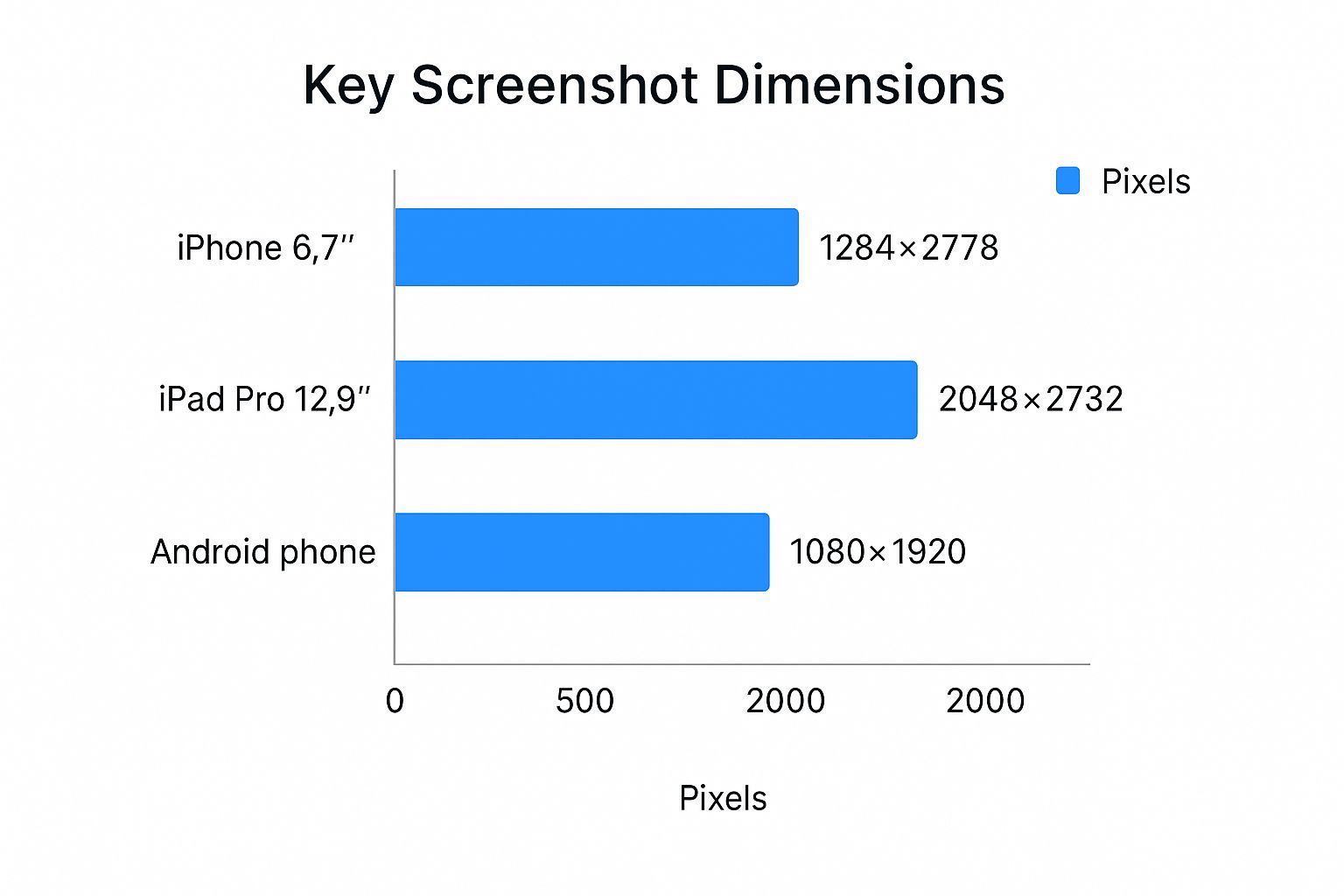
As demonstrated, iPadOS mandates larger and higher-quality assets compared to iOS and Android counterparts. Don't overlook this detail when designing for tablets.
Quick Reference for iOS and Android Screenshot Sizes
Here’s a handy guide to the most frequently required screenshot sizes to assist in preparing your submissions effectively.
| Platform | Device Category | Required Dimensions (Pixels) | Aspect Ratio |
|---|---|---|---|
| Apple App Store | 6.7" iPhone | 1290 x 2796 | 19.5:9 |
| Apple App Store | 5.5" iPhone | 1242 x 2208 | 16:9 |
| Apple App Store | 12.9" iPad Pro (6th Gen) | 2048 x 2732 | 4:3 |
| Apple App Store | 12.9" iPad Pro (2nd Gen) | 2048 x 2732 | 4:3 |
| Google Play Store | Phone | 1080 x 1920 (recommended) | 16:9 |
| Google Play Store | 7-inch Tablet | Flexible, e.g., 1200 x 1920 | 16:10 |
| Google Play Store | 10-inch Tablet | Flexible, e.g., 1600 x 2560 | 16:10 |
Adhering to these specs from the outset is vital to maintaining a professional appearance and ensures your app passes through reviews without trouble, aiding in creating a compelling first impression.
Mastering Apple App Store Screenshot Requirements
Submitting an app to Apple can be a rigorous process, especially when it comes to getting the screenshot dimensions correct. Precise sizing isn’t just preferable; it’s essential to prevent submission headaches and ensure a polished storefront that encourages user conversions.
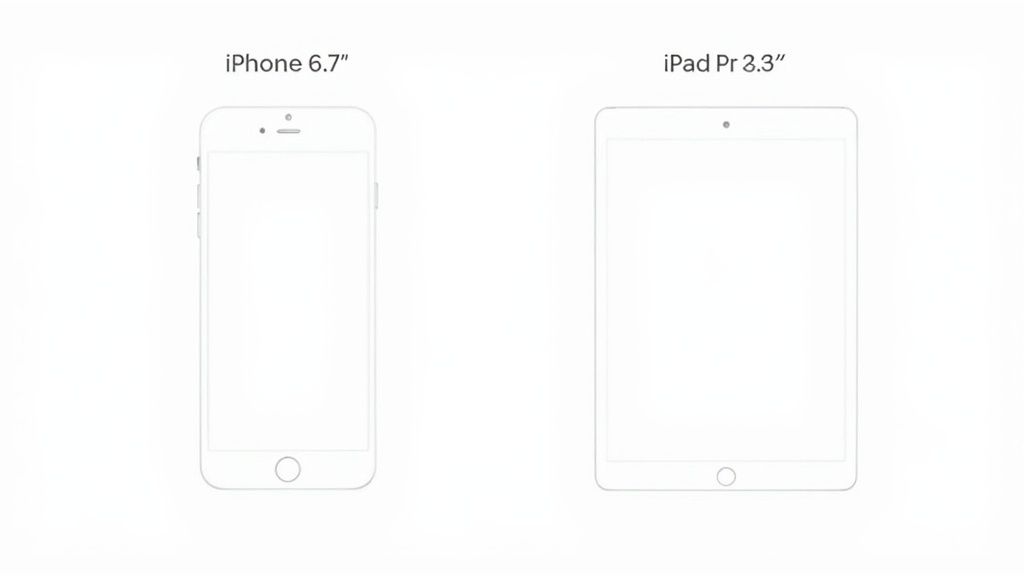
In 2023, Apple improved developer processes by simplifying the dimensional requirements to focus on just two main devices: the 6.9-inch iPhone (that's 1290 x 2796 pixels) and the 13-inch iPad (2048 x 2732 pixels). Apple’s platform will then adjust these assets for other device configurations automatically, ensuring a uniform experience across numerous devices. Explore the complete guidelines at Adapty.io’s latest update.
Technical Guidelines for Apple Store Artifacts
Succeeding in App Store submissions involves more than just correct pixels. Following these technical parameters is vital for a seamless review.
- Image Formats: Stick to PNG and JPEG—they’re the only accepted formats.
- Opacity: Ensure images are fully opaque; transparency is off the table.
- Allowed Screenshots: You can choose up to 10 screenshots per language or localization supported.
Abiding by these standards is not just a box to tick; it's about crafting an effective app store page that turns interest into installations.
Screenshot Guidelines for Google Play Store
Google Play is more relaxed compared to Apple, emphasizing aspect ratios over fixed pixel counts. This approach accommodates Android’s diverse screen sizes.
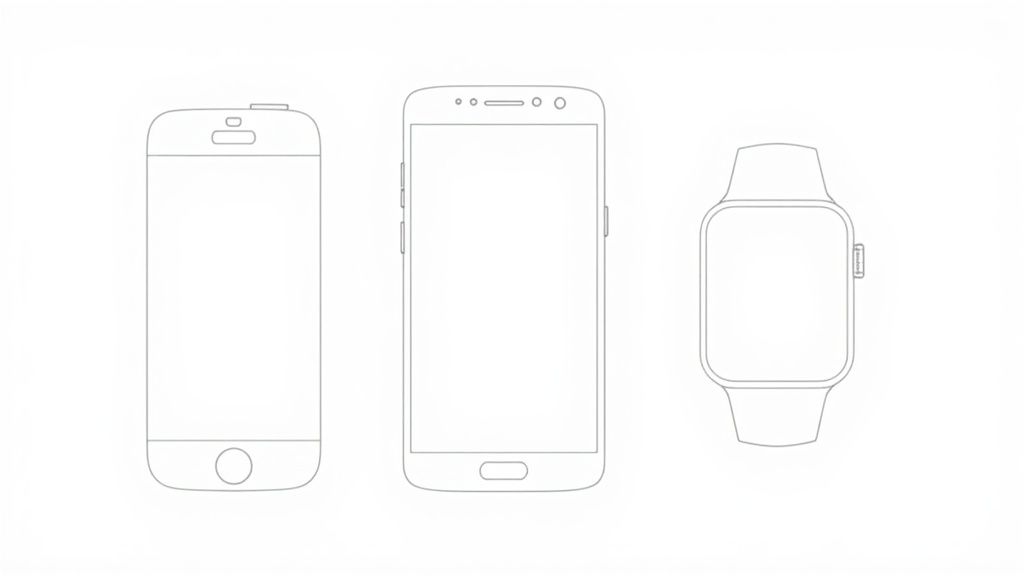
This flexibility ensures high-quality visuals across both phones and larger tablets.
Google Play’s Key Requirements
Before releasing your app, there are a few essential standards to meet, enhancing the quality and consistency for users.
- Number of Screenshots: Start with a minimum of 2 and reach for up to 8 per device type (phone, tablet, Wear OS).
- Aspect Ratio: Stick to 16:9 (landscape) or 9:16 (portrait).
- Size Range: The dimensions need to be between 320 pixels and 3840 pixels.
For efficient design, target creating a set at 1080 x 1920 pixels. This convenient size adjusts seamlessly to the majority of Android devices, saving you significant time while maintaining high-quality displays.
Correct sizing is just the starting point for app growth. Compelling visual storytelling that draws users to download is imperative.
Your initial screenshots hold transformative potential as users often make rapid decisions on your app without scrolling further.
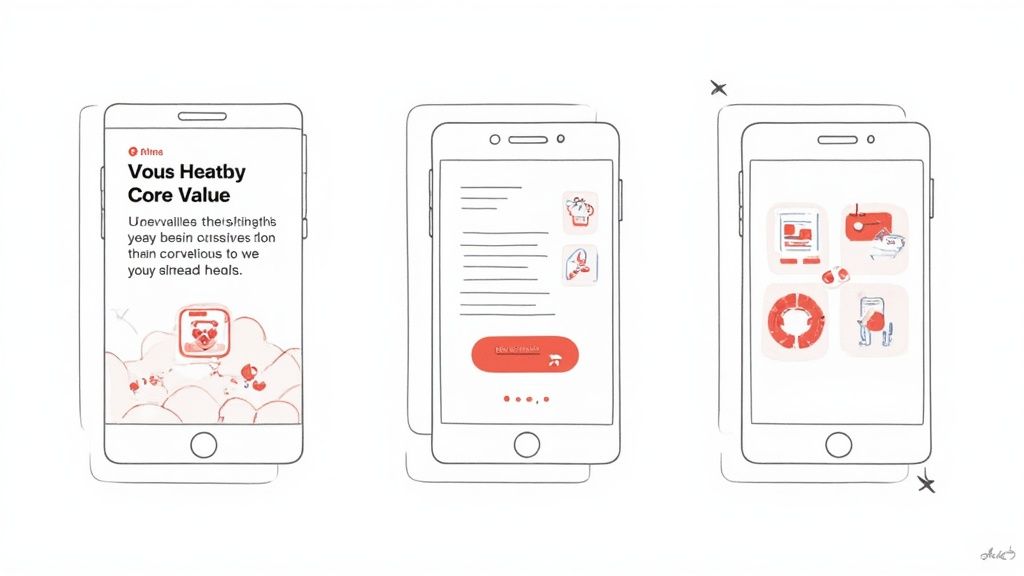
Transition from developer to marketer in crafting visuals that engage and catalyze conversion.
Building an Engaging Visual Story
Your screenshot reel should function like a storyboard, illustrating how your app's primary offerings deliver what’s promised.
A successful screenshot shifts focus from mere app features to their benefits for users' lives, driving greater engagement.
Highlight the most compelling benefit in your opening image to captivate instantly. Employ bold, readable overlays to communicate value. A fitness app, for instance, might lead with “Your Personalized Fitness Plan,” speaking to user desires and enhancing conversion potential.
Explore iOS app screenshot strategies for insights on influencing user engagement. By mastering these elements, transform your app store listings into effective marketing assets.
Enhancing Your ASO with Screenshot Strategy
Screenshots often seem minor, yet they’re a powerhouse for App Store Optimization (ASO). Modern algorithms now index text in images, making them vital assets.
This development is pivotal. Captions that articulate benefits aren't just user-facing but rank-influencing. Incorporating potent keywords directly into visuals can significantly improve your app’s discoverability.
Here's a chart illustrating the shift in app rankings influenced by keyword-aligned screenshots post-algorithm update.
The evidence is compelling: embedding text in screenshots is proving critical in boosting search rankings. It highlights a blend of compelling design and strategic keyword use.
Natural Keyword Integration
A major App Store algorithm overhaul in early 2025 altered how text in screenshot captions can drive app ranking. Dive deeper into the details on Appfigures.com.
Employing this technique is fundamental for robust growth tactics. For a deeper exploration, see our comprehensive guide on app store optimization practices.
Simplifying the Screenshot Production Workflow
Achieving pixel-perfect screenshots for every device size can delay your app releases. I’ve witnessed this impediment repeatedly, especially when managing multilingual content. Creating an effective workflow is essential to maintaining both time efficiency and brand consistency.
For design-savvy teams, tools like Figma and Canva are fantastic starter options, with extensive community support offering templates ideal for app visuals. These platforms provide immense creative freedom over designing appealing visuals.
Automate for Efficiency
Manual design, however, can hinder scalability. Specialized screenshot generators can rapidly produce localized and device-specific images, formatted perfectly for both Apple and Google stores.
This automation liberates you from tedious tasks, allowing focus on meaningful endeavors like A/B testing visuals to enhance download rates. Testing variations, such as different color schemes, offers direct insights into what bolsters conversion.
After creating your assets, further guidance on uploading screenshots ensures a streamlined submission process. Utilizing the right tools can transform bottlenecks into efficient growth strategies.
Incorrect dimensions in screenshots are a subtle yet damaging error that can derail growth. This might lead to store rejection or reduced conversions.
A common mistake is uploading wrong-sized images. This results in pixelation or awkward cropping, giving an unprofessional appearance, which can be off-putting immediately.
Another frequent error is failing to showcase the app’s actual interface. Users need a clear preview. According to Apple's standards, screenshots must showcase real app captures. Although App Store Connect provides up to 10 screenshot placements, many developers use far fewer. This is a missed chance for narrative storytelling and feature highlighting, each of which can profoundly affect download decisions.
Visit Apptweak’s resource on optimizing your app’s visuals for comprehensive strategies.
Readable Text and Effective Localization
Perfect dimensions can still fall short due to overlooked elements like text clarity. Font size, contrast, and word count hold crucial significance; disregarding them can deter users.
Localization is equally vital. Ignoring it could alienate potential global users. Consider how an app in Japan with English screenshots signals exclusion. Proper translation and cultural adaptation are critical for maximizing global user engagement.
FAQ: Solving App Screenshot Queries
Here are swift responses to frequently asked questions about optimizing app store screenshots. Use this as a quick reference to perfect your submissions.
What are the Essential App Store Screenshot Sizes?
Prioritize these dimensions: 6.7-inch iPhone (1290 x 2796 pixels) and the 12.9-inch iPad Pro (2048 x 2732 pixels).
These sizes streamline submission as Apple scales these down for other devices, simplifying the process dramatically.
How Many Screenshots Should Be Uploaded?
Optimize by using as many slots as possible. Both Apple and Google offer up to 10 slots. Utilize them all if you can.
Typically, uploading 5 to 7 screenshots provides users with a thorough insight into your app’s key features, narrating an engaging story to boost downloads.
Can Captions be Added to Screenshots?
Definitely, and it’s recommended. Use concise captions to underscore benefits, assisting users in instantly grasping your app’s purpose.
Add captions smartly—these snippets are evaluated by app store algorithms, playing a role in ASO by enhancing rank visibility.
Are Actual Screenshots Required?
Absolutely necessary. Both Apple and Google necessitate truthful depictions of app interfaces.
Creativity in presenting these visuals, such as embedding text or using devices frames, is encouraged, but the primary content must remain genuine to avoid review complications.
Avoid overwhelming yourself with complex editors and start capturing more interest. ScreenshotWhale provides an extensive selection of professional templates and automatically translates your visuals into compelling, localized content. Design your ideal app store screenshots today!
Every current size, one page
The 2026 screenshot dimensions for every iPhone, iPad, and Android device — with an editor that exports them all at once.
See all screenshot sizes