What ASO Stands For and How to Master It
Learn what ASO stand for and discover actionable strategies to boost your app's visibility, downloads, and revenue in the app stores.
Ever heard of ASO? It stands for App Store Optimization.
Think of it as SEO, but for the packed aisles of the Apple App Store and Google Play. It’s the whole process of making your app more visible so you can get more organic downloads and boost your app store growth.
What App Store Optimization Really Means
In short, ASO is how you get your app to the top of the search results when people are looking for something you offer. With literally millions of apps out there, a solid ASO plan is not just a nice-to-have; it's the foundation of any real mobile growth strategy.
So what does that look like in practice? It’s a mix of choosing the right keywords, creating visuals that grab attention and drive conversions, and managing your reputation through ratings and reviews. The entire goal is to put your app in front of the right people at the exact moment they need a solution like yours. Get it right, and it directly impacts your app's growth and bottom line.
Why ASO Is So Critical for App Growth
Standing out is tough. By 2025, the Apple App Store and Google Play will host over 4 million apps combined. That's a lot of noise.
The real kicker? 70% of mobile users find new apps by searching the app stores, and a whopping 65% of all downloads come directly from those searches. If you ignore ASO, even the most amazing app will just get lost.
A strong ASO strategy is not just about one thing; it delivers benefits across the board. Here's a quick look at the core advantages.
Core Benefits of a Strong ASO Strategy
| Benefit | Impact on App Growth |
|---|---|
| Increased Organic Downloads | Higher visibility in search results means more installs without paying for ads. |
| Improved Conversion Rates | A polished app page with great screenshots and clear text convinces more people to hit "Download." |
| Enhanced Brand Visibility | Showing up for key search terms builds your brand's reputation and authority. |
| Global Expansion | Smart localization helps you connect with users worldwide, opening up entirely new markets. |
These benefits compound over time, creating a sustainable engine for growth that does not rely entirely on a massive ad budget.
To really nail this, you have to understand how the marketplaces work, including things like the App Store Review Guidelines. For a much deeper dive into the specifics, check out our complete iOS app store optimization guide.
The Two Pillars of App Store Optimization
Getting App Store Optimization right comes down to understanding two core pillars: On-Metadata and Off-Metadata. Think of it like a storefront. One pillar is the sign on your door and the displays in your window. The other is the word-of-mouth buzz happening on the street.
Nailing both is what separates an app that gets discovered from one that gets buried.
On-Metadata covers everything you can directly change in your app store listing. These are the levers you pull, the knobs you turn. It's the content you upload and edit yourself to tell both the app store algorithms and potential users what your app is all about.
On the flip side, Off-Metadata factors are the external signals you can influence but do not directly control. This includes things like how many downloads you're getting, your average star rating, and what people are saying in their reviews. You cannot just log in and change these, but your app's quality and marketing efforts have a huge impact on them.
On-Metadata: The Elements You Control
Your On-Metadata is your frontline marketing. It’s your first and sometimes only chance to make an impression.
Here are the key elements you're in charge of:
- App Title & Subtitle: This is prime real estate. It's where you need to place your most important keywords and communicate your app's core value in just a few words.
- Keywords: The Apple App Store gives you a dedicated field to target the specific search terms people are using to find apps like yours.
- Description: While Apple does not use the description for keyword ranking, it’s absolutely critical for persuading users to hit "install." Google Play, on the other hand, does index it, making it vital for both platforms.
Optimizing these pieces is not guesswork; it requires real research. A huge part of ASO is figuring out what your competitors are doing right, and a keyword gap analysis is the perfect way to uncover opportunities they've missed.
This simple diagram shows how all these efforts feed into the two main goals of ASO: getting seen and getting downloaded.
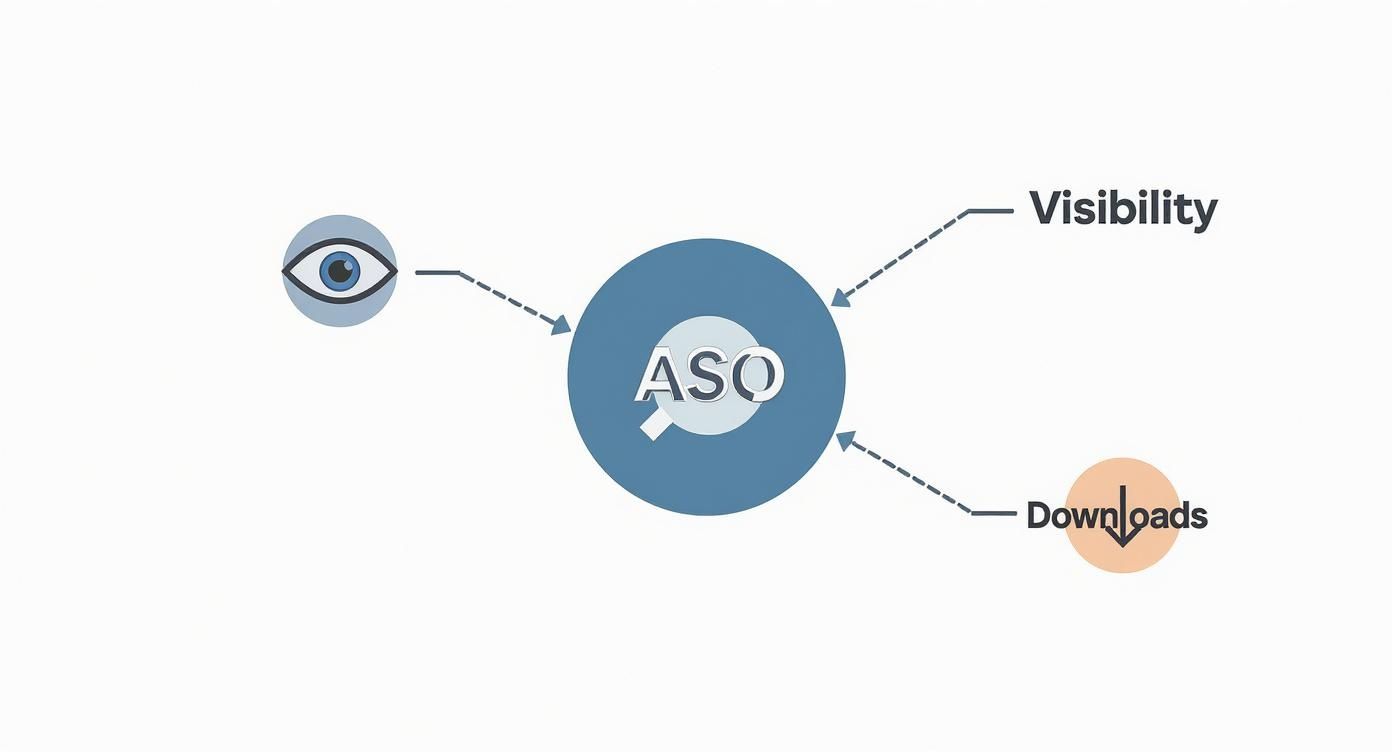
When you master both the content you control and the external signals you influence, you create a powerful cycle. You do not just get more eyes on your app; you convince more of those people to become users.
Creating High-Converting App Store Screenshots
Let's be honest, you have seconds, maybe seven if you're lucky, to convince someone your app is worth their time. When they land on your app page, they are not reading your carefully crafted description first. Their eyes jump straight to the visuals.
Your app store screenshots are your most powerful sales pitch. They’re a visual story that has one job: get that user to tap ‘Download’. Think of them less as a feature list and more as your front-line tool for boosting conversions.
Vibrant, eye-catching imagery is your first hook. It’s what stops the scroll. Your first one or two screenshots are basically a digital billboard. They need to scream your app’s core value using bold, vibrant colors, clean layouts, and a focal point that instantly communicates a major benefit.
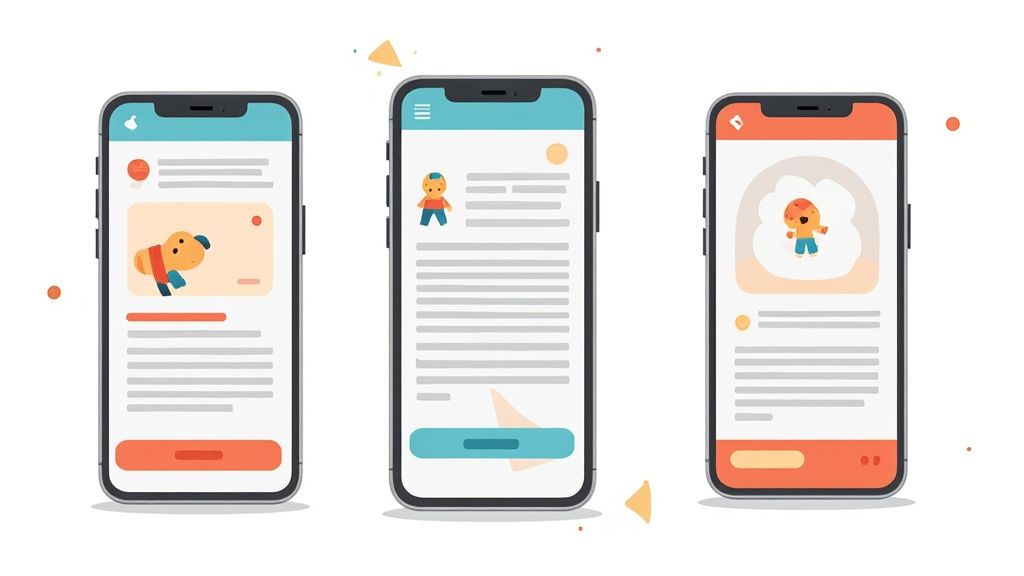
Crafting a Compelling Visual Narrative
The best screenshots are not just a random collection of features; they tell a story. Each image should build on the last, guiding the potential user from "What is this?" to "I need this." A smart ASO strategy makes sure that narrative is crystal clear.
Kick things off with your most powerful feature or benefit. Then, use the following screenshots to show how your app solves a real problem or makes their life easier. You can wrap it up with a bit of social proof like awards, glowing testimonials, or a strong call to action.
Your first screenshot must communicate the single most important reason someone should download your app. If a user only sees one image, make it count.
When you structure them this way, your screenshot gallery stops being a simple gallery and transforms into a high-efficiency conversion funnel.
Actionable Tips for Better Screenshots
You do not need to be a design guru to create visuals that convert. Focusing on a few key principles can dramatically boost your app store's performance. For a much deeper look, our guide on perfecting your app store screenshot has more advanced techniques.
But for now, here are a few quick wins for both the Android and iOS stores:
- Focus on Benefits, Not Features: Instead of a caption like "Track calories," try "Reach Your Fitness Goals Faster." See the difference? You’re focusing on the outcome for the user. Keep your text overlays short, punchy, and super easy to read on a small screen. A screenshot editor can help you quickly add this benefit-driven text to your images using pre-designed templates.
- Show, Do Not Just Tell: Ditch the raw UI captures. Placing your app's interface inside polished device mockups looks far more professional and helps people visualize themselves actually using it. This simple trick builds trust and gets them excited.
- Keep It Consistent: Your brand's colors, fonts, and overall vibe should flow through every screenshot. A cohesive design feels professional and reinforces brand recognition. For example, use your site editor to create a template with your brand's font and color palette, then apply it to every screenshot for a unified, high-quality look that builds trust.
Go Global with App Localization
If you want real app store growth, you cannot just stick to your home market. The key to unlocking new audiences around the world is app localization. But this is so much more than just translating your description. It’s about adapting your entire app store presence, from your title and keywords to your screenshots, so it actually connects with different cultures.
A one-size-fits-all approach just does not cut it. What grabs someone's attention in the U.S. might be completely ignored in Japan or Brazil. Getting localization right means doing your homework on regional search habits and cultural norms. It's how you build trust and, ultimately, drive way more downloads.

Why Localization Is a Must-Have ASO Strategy
Adapting your app store page for different regions has a massive impact on your ASO. Localized keywords get you ranking in new countries, and culturally relevant screenshots can make your download numbers skyrocket. This is especially true in sensitive categories like finance and health, where trust is everything.
By 2025, an estimated 75% of top apps and 96% of top games will have localized their metadata, including keywords and visuals. Adapting app listings to match local languages and cultural nuances is a proven method for achieving higher conversion rates. You can find more details in this guide to app store optimization in 2025.
A Practical Way to Localize Your App Store Page
Getting started with localization does not need to be some huge, expensive project. Just focus on the high-impact stuff first to get the best bang for your buck. Our guide on how to auto translate device screenshots gives you tools and workflows to make this whole process a lot less painful.
Here’s a simple process to get you started:
- Hunt for Regional Keywords: Use ASO tools to find out what search terms people in your target countries are actually using. Direct translations almost always miss the mark.
- Adapt Your Visuals: Your screenshots and icon need to fit in with local design trends and preferences. A color or symbol that’s positive in one culture might have a totally different meaning somewhere else.
- Localize Your Text: Get a native speaker to translate your app title, subtitle, and description. This ensures the language feels natural and persuasive, capturing all the local slang and cultural nuances that AI translators miss.
How to Measure Your ASO Performance
You cannot improve what you do not measure. A good App Store Optimization strategy is built on data, not just guesswork. Tracking the right numbers shows you what’s working, what is not, and where you can find new pockets of growth.
Throwing ideas at the wall and hoping something sticks just does not cut it. A data-driven approach lets you make informed decisions, ensuring your efforts are actually moving the needle on your app's visibility and download numbers.
Key Performance Indicators to Watch
To figure out if your ASO efforts are paying off, you need to zero in on a few crucial metrics. These are the vital signs that give you a clear picture of your app's health in the stores.
Start by keeping a close eye on these core KPIs:
- Keyword Rankings: Where does your app show up for its most important keywords? A higher rank means more eyes on your app and, hopefully, more downloads.
- Organic Downloads: This is the magic number, installs that come directly from app store searches or browsing. It’s the purest measure of your ASO effectiveness.
- Conversion Rate: What percentage of people who land on your app page actually hit that "Install" button? This tells you how well your icon, screenshots, and description are doing their job.
- Ratings and Reviews: Never underestimate the power of social proof. App stores favor apps with high ratings and positive feedback, so watch your average star rating and what users are saying.
A strong ASO strategy is not just about ranking for keywords; it's about turning that visibility into actual downloads. A high conversion rate is a powerful signal to the app stores that your listing is relevant and compelling.
You can find most of this data right inside App Store Connect and the Google Play Console. For a deeper dive, third-party ASO platforms can give you advanced analytics and competitor tracking, helping you build a simple but powerful workflow to keep tweaking and improving your strategy.
A Few Common ASO Questions
Getting into App Store Optimization can feel like learning a new language. You pick up the basics, but then the real questions start popping up when you try to put it all into practice. Here are some of the most common ones I hear from developers and marketers.
How Often Should I Actually Update My ASO?
My best advice? Treat ASO like a garden, not a statue. You do not just set it and forget it. You should be checking in on your keyword performance, what your competitors are up to, and your conversion rates at least once a month. Things change fast in the app stores, and staying on top of it is how you stay ahead.
Think about bundling big changes like a new app title or subtitle with your app updates. It sends a strong "freshness" signal to the store algorithms. But for your visuals, like your icon and screenshots, you should be testing them way more often. A/B testing is your best friend here. It’s the only way to really know what visuals and messages get people to tap that "Install" button.
What's the Real Difference Between ASO and SEO?
It’s easy to get these two mixed up. ASO and SEO are like cousins; they both want to get you more visibility, but they play in totally different sandboxes. SEO (Search Engine Optimization) is all about ranking high on web search engines like Google. ASO, on the other hand, is built specifically to get your mobile app discovered in the Apple App Store and Google Play.
While they both care about keywords and getting people to click, ASO has its own unique set of rules. The app stores care deeply about things that do not matter as much in web search.
Things like:
- Download Velocity: How many people are downloading your app in a short amount of time.
- User Ratings: That star rating is a massive signal of your app's quality.
- Review Volume and Sentiment: The number of reviews you have and whether they’re good or bad directly impacts how you rank.
Can I Just Use the Same Keywords for iOS and Android?
Please do not. That’s one of the biggest rookie mistakes you can make. It's always better to build a separate keyword strategy for each store, because they are fundamentally different beasts.
Apple gives you a dedicated, hidden 100-character keyword field. Their algorithm mashes those keywords up with your title and subtitle to figure out where you should rank.
Google plays a completely different game. It scans your public-facing text, your title, short description, and long description, for keywords. This means you have to weave your keywords into your marketing copy in a way that sounds natural and persuasive. If you want to get the best results on both platforms, you absolutely have to do your homework and optimize for each store individually.
Ready to create stunning, high-converting visuals that drive more downloads? With ScreenshotWhale, you can generate professional App Store and Google Play screenshots in minutes. Our easy-to-use editor, ASO-friendly templates, and powerful localization tools give you everything you need to stand out. Start designing for free today!
Put this into practice on your own listing
Import your live app into an ASO workspace — metadata, keywords, competitors, and store screenshots in one place.
Import my app