App Store Mockups: Top Tools & Templates to Boost Conversions
Explore top tools to create app store mockups: templates, generators, and tips to boost iOS/Android conversions.
In the hyper-competitive iOS App Store and Google Play Store, first impressions are everything. Users take mere seconds to judge your app, and their decision to install or ignore it often comes down to one critical element: your app store screenshots. High-quality app store mockups are not just decorative frames. They are powerful marketing assets that tell a visual story, demonstrate core functionality, and persuade potential users to tap that coveted 'Install' button. They are a fundamental component of App Store Optimization (ASO), directly influencing conversion rates and your app's growth.
This guide eliminates the guesswork by providing a curated, authoritative list of the best tools and resources for creating stunning, high-converting app store screenshots for the Android and iOS stores. We will dive deep into everything from fully automated platforms that generate beautiful mockups in minutes to professional-grade templates for maximum creative control. Each entry includes a direct link, a clear description of its strengths, and practical, actionable insights to help you find the perfect solution for your specific needs, budget, and workflow.
Whether you're a solo indie developer, part of a growth marketing team, or a product manager preparing for launch, this resource will show you how to produce efficient and high-converting app store visuals that capture attention and drive downloads. We'll explore generators, device-specific assets, and even touch on how dynamic visuals can elevate your listing. Beyond static mockups, dynamic video previews are increasingly important for engaging users. Tools offering AI-powered Image to Video conversion are becoming valuable for creating compelling App Previews without extensive video editing. This comprehensive roundup is your roadmap to mastering the art of the app store mockup and turning your product page into a powerful conversion engine.
1. ScreenshotWhale
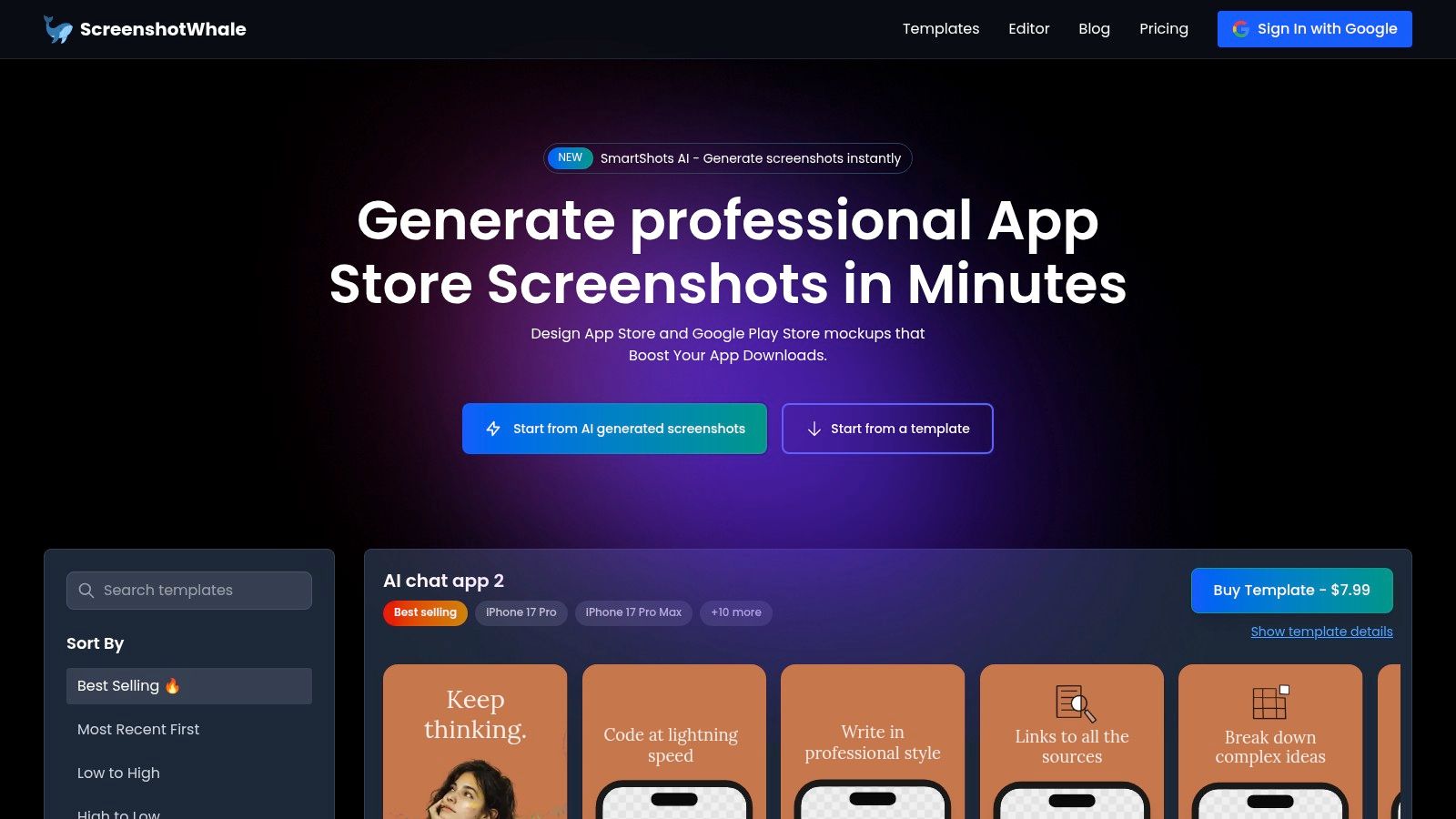
ScreenshotWhale positions itself as a premier solution for generating high-converting app store mockups, moving beyond simple device frames to offer a comprehensive, ASO-driven workflow. It is built for speed and effectiveness, catering directly to developers and marketers who require polished, platform-compliant assets without the typical design overhead. The platform combines a streamlined drag-and-drop editor with professionally designed templates, ensuring your final screenshots effectively communicate value and boost app store growth on both the App Store and Google Play.
The core of ScreenshotWhale is its marketplace of device-specific templates. You can find layouts for the latest iPhone, iPad, and Apple Watch models, alongside popular Android devices. These templates are not just generic placeholders. They are tailored for specific app categories, such as fitness, social media, and finance, incorporating proven visual strategies to highlight key features and benefits.
Key Differentiators and Use Cases
What truly sets ScreenshotWhale apart are its AI-powered features designed for scale and efficiency. The AI i18n engine is a standout, allowing you to instantly translate screenshot copy into over 100 languages. This completely removes the manual, error-prone process of localization, making it feasible for even small teams to create tailored assets for global markets.
Another powerful feature is the API, which enables the automated production of screenshot sets. This is invaluable for teams managing frequent app updates, A/B testing different visual approaches, or running seasonal campaigns that require refreshed creatives across multiple apps and locales.
- For Indie Developers: Quickly produce a complete, professional set of screenshots for a new app launch using a single, affordable template.
- For ASO/Growth Teams: Leverage the AI localization and API to efficiently scale A/B testing and personalize store listings for international audiences.
- For Design Agencies: Standardize the creation of high-quality app store assets for multiple clients, ensuring brand consistency and adherence to the latest platform guidelines. For a detailed breakdown of current specifications, you can find more information on the latest App Store screenshot requirements from ScreenshotWhale.
Practical Considerations
ScreenshotWhale operates primarily on a per-template pricing model, with most templates costing between $4.99 and $7.99, alongside a few free options. This model is cost-effective for targeted projects but can become expensive if you need a large variety of distinct layouts. The editor prioritizes speed and template adherence, which means it may not be the ideal tool for teams that require highly bespoke, from-scratch vector designs. However, for the vast majority of users, its focus on conversion-optimized templates is a significant advantage.
Visit ScreenshotWhale
2. Placeit by Envato
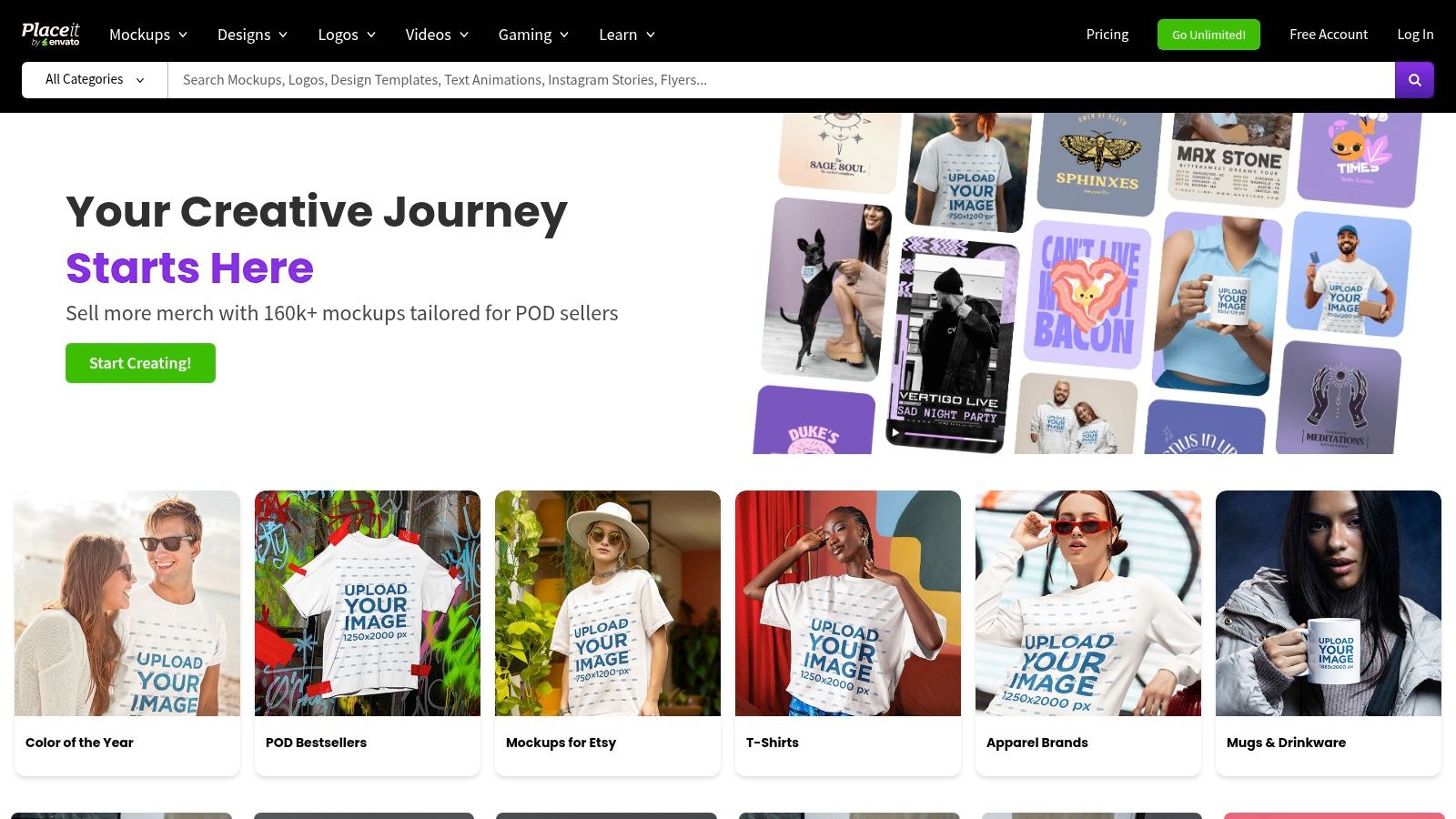
Placeit by Envato is a powerful, browser-based design tool that excels at speed and variety, making it a strong choice for teams needing more than just app store assets. Its core strength lies in its vast library of templates, extending far beyond typical app store mockups into social media posts, ad banners, and even video intros. This makes it a one-stop shop for a comprehensive marketing campaign. The platform is engineered for non-designers, featuring a simple drag-and-drop interface where you can upload a screenshot, add text, and change colors in minutes.
Key Features and Use Cases
Placeit’s dedicated screenshot generator provides ready-made layouts for both iOS and Android, ensuring your exports meet App Store and Google Play specifications. For a practical example, you can select an iPhone 15 Pro frame in the editor, upload your app's UI, and then add a punchy headline like "Track Your Fitness in Seconds" directly in the browser. The process is remarkably fast, allowing you to generate a full set of high-converting screenshots in under 10 minutes.
- Best For: Teams needing a wide range of marketing visuals, not just store assets.
- Limitations: While user-friendly, it lacks the advanced ASO-specific features of specialized tools, such as detailed analytics integration or bulk localization management.
- Pricing: Offers free templates, with full access requiring a subscription (starting around $7.47/month for an annual plan) or single-item purchases.
For a deeper dive into creating effective visuals with tools like these, explore our comprehensive guide to mobile app mockup creation. Placeit is a fantastic resource for producing high-quality marketing materials quickly, especially when you need consistency across multiple channels beyond the app stores.
Website: https://placeit.net
3. Envato Elements
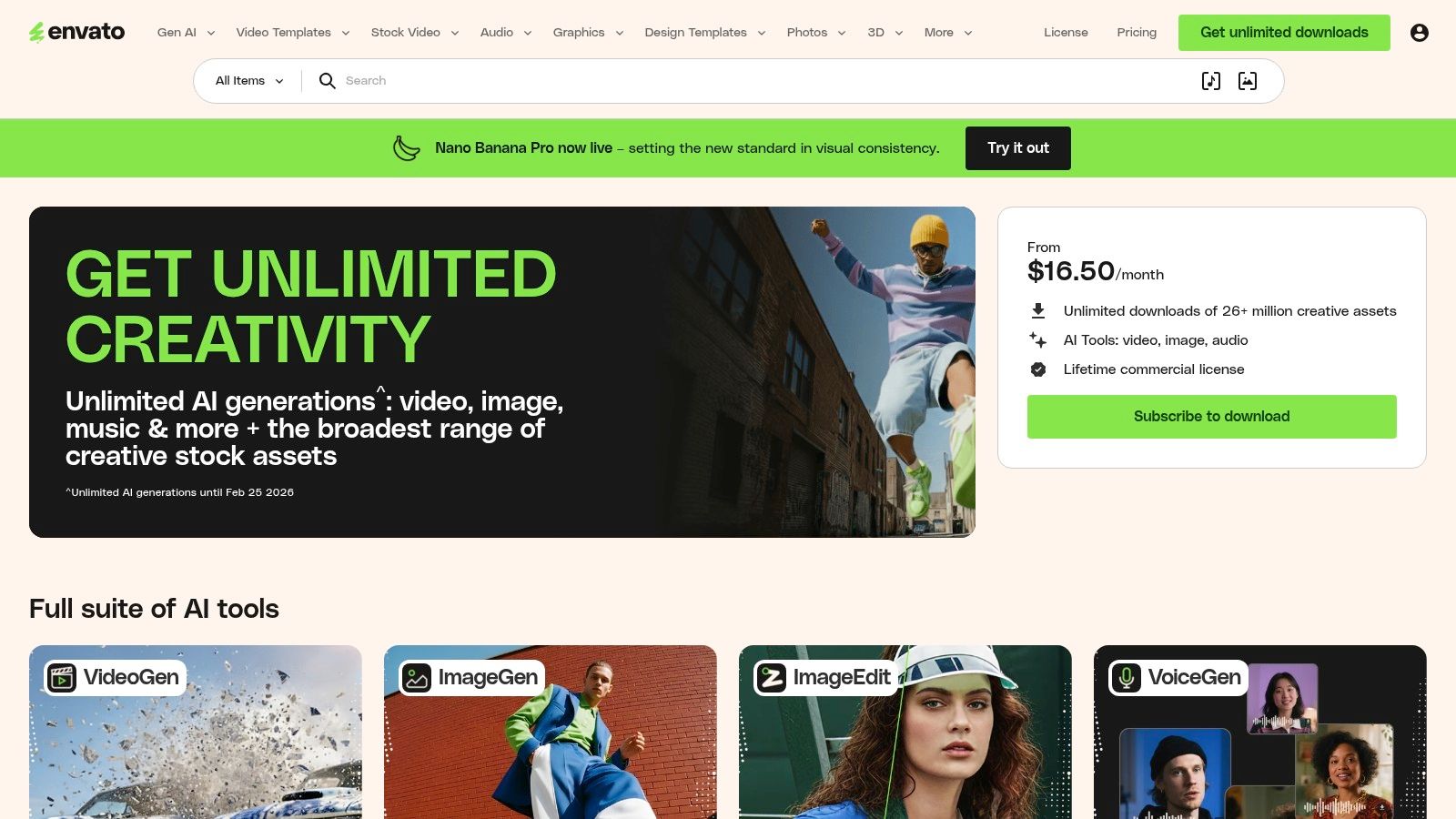
Envato Elements is a subscription service offering unlimited downloads from a massive library of creative assets, including high-quality app store mockups. Unlike automated generators, its strength lies in providing fully editable source files (PSD, Figma, Sketch), giving designers and developers complete creative control. This is the ideal choice for teams that need to deeply customize their visuals to match specific brand guidelines, rather than relying on preset templates. The platform is a goldmine for professionals who require a steady stream of creative assets beyond just app store screenshots.
Key Features and Use Cases
The core offering for app developers is downloadable template bundles. For a practical example, you can find a pack of 10 layered PSD files for an iPhone 15, open them in Photoshop, and have full control over fonts, colors, device angles, and background elements. This level of customization is perfect for creating a truly unique and branded storefront that boosts app store growth. Because you are editing the source files, you can ensure pixel-perfect alignment and integrate complex brand assets that browser-based tools might not support.
- Best For: Designers and teams with access to Photoshop or Figma who need full customization and a wide variety of creative assets.
- Limitations: Requires design software and the skills to use it. The process is entirely manual, which can be time-consuming for generating multiple resolutions or localized versions.
- Pricing: A single subscription (starting at $16.50/month) provides unlimited downloads with a commercial license, making it extremely cost-effective for agencies or active developers.
Envato Elements empowers you to build highly polished, on-brand visuals, but it trades the speed of automated tools for the power of manual customization. It’s a professional-grade resource for those who want to take full ownership of their creative output.
Website: https://elements.envato.com
4. Creative Market
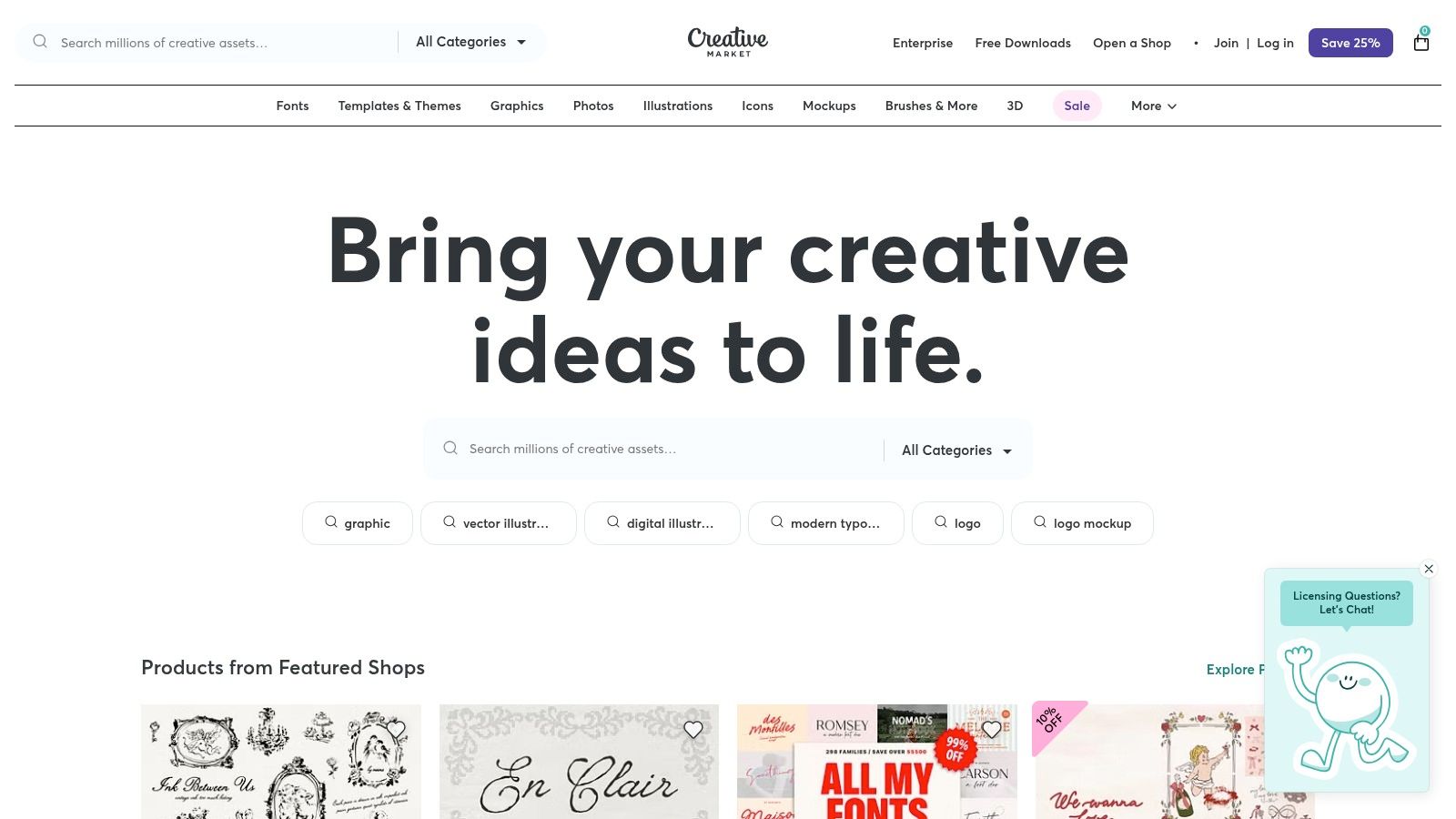
Creative Market is a massive marketplace for design assets, functioning less like a dedicated tool and more like a digital library built by independent creators. Its main appeal for generating app store mockups comes from its pay-per-item model, allowing you to purchase individual, high-quality templates without committing to a subscription. This is ideal for one-off projects or when you need a unique, stylistic design that stands out from the more uniform templates found in SaaS tools. The platform offers a vast selection of files for Photoshop, Figma, and Sketch.
Key Features and Use Cases
The primary use case for Creative Market is finding a niche aesthetic that perfectly matches your app’s branding. For a practical example, a gaming app could find a dynamic, high-energy template pack, while a wellness app could discover a clean, minimalist layout with vibrant colors. You purchase a template pack, download the source files, and then manually edit them in your preferred design software. This process gives you full creative control over every layer, text element, and device frame, which is great for designers wanting to fine-tune every pixel for maximum conversion.
- Best For: Designers and teams wanting unique, high-fidelity templates for a single project without a recurring fee.
- Limitations: The quality and file organization vary significantly between sellers, and it requires you to own and be proficient with design software like Figma or Photoshop for customization.
- Pricing: Pay-per-asset, with template packs typically ranging from $15 to $50.
For those comfortable working with design files, Creative Market is a treasure trove of inspiration. To get the most out of these assets, it's helpful to understand the fundamentals of device framing, and you can explore our guide to using an iPhone mockup template to learn more. The platform empowers you to create truly custom and polished app store visuals.
Website: https://creativemarket.com
5. Rotato
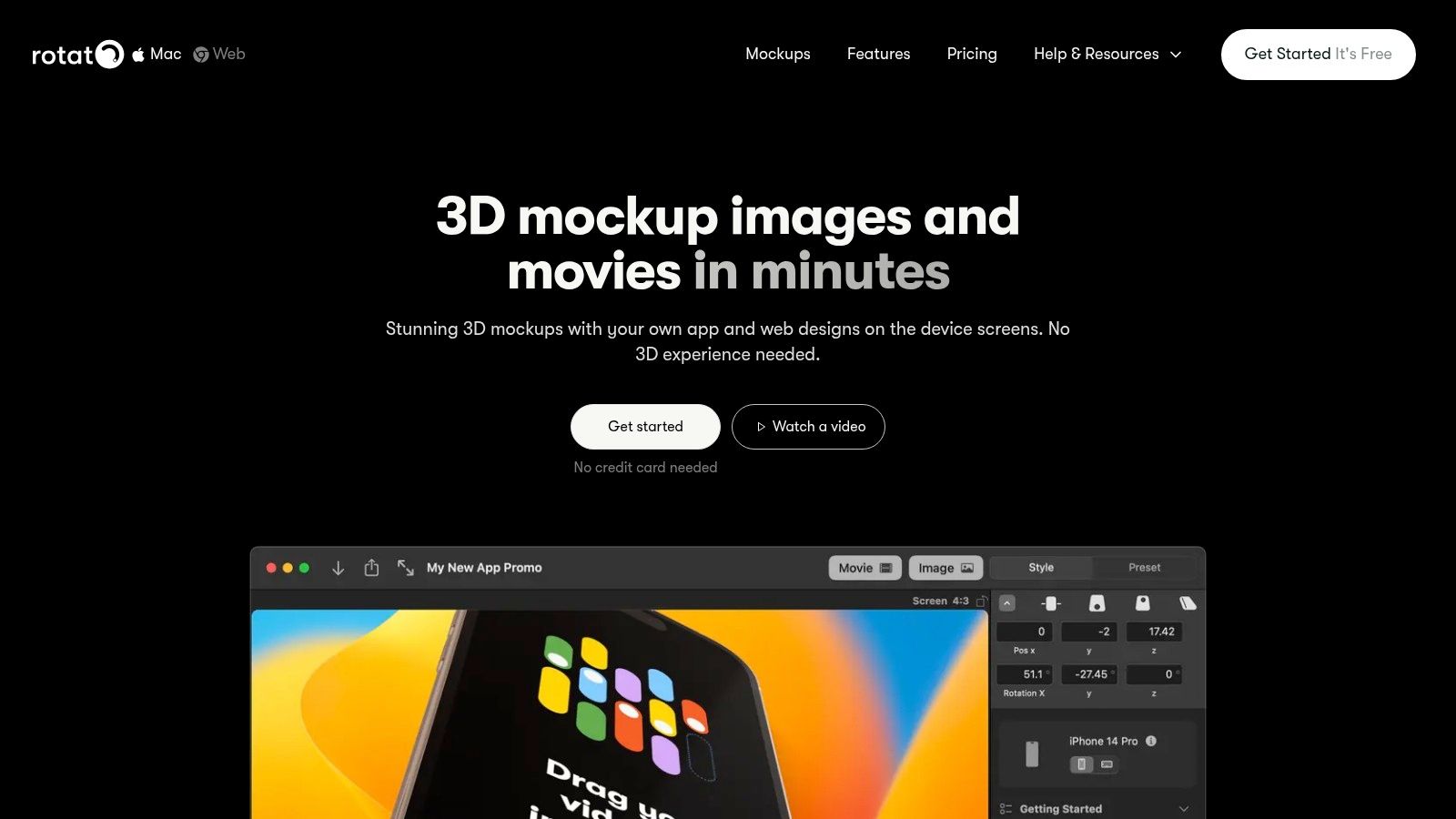
Rotato is a specialized design app for Mac and web that excels at creating premium, 3D, and animated device mockups. It moves beyond static images, allowing you to produce photorealistic renders and dynamic videos perfect for launch campaigns, hero visuals, and social media promotions. Its core strength is its ability to place your app into sophisticated 3D scenes with customizable angles, lighting, and reflections, giving your app store mockups a high-end, polished feel that basic generators cannot match. The desktop app unlocks its full potential, offering granular control over every visual element.
Key Features and Use Cases
Rotato’s batch creation feature is a significant time-saver, letting you export a full set of screenshots for multiple iPhone sizes from a single design. For a practical example, you can create a stunning 3D animation of your app’s onboarding flow, then export static frames from that animation for all required App Store dimensions in just a few clicks. The Figma plugin further streamlines this process, sending your designs directly into Rotato’s 3D device frames with one click. This workflow is ideal for producing both App Store assets and compelling video ads from the same source files to boost conversions.
- Best For: Teams wanting to create high-production-value launch videos, animated visuals, and photorealistic 3D mockups.
- Limitations: The learning curve is steeper than simpler online tools, and the desktop app is required for maximum control and performance.
- Pricing: Offers a free version with watermarks. The Pro version is a one-time purchase (around $69), with options for team licenses available.
Rotato is the go-to choice when you need your app visuals to look exceptionally premium and dynamic, making it a powerful asset for major launches or redesigns.
Website: https://rotato.app
6. AppLaunchpad
AppLaunchpad is a dedicated online generator purpose-built for creating app store screenshots efficiently. It stands out by focusing exclusively on this niche, offering a streamlined workflow designed to automate the repetitive tasks associated with producing assets for both the App Store and Google Play. Its strength lies in its simplicity and speed, allowing developers and marketers to generate a complete, localized set of visuals without needing advanced design skills. The platform is engineered for quick turnarounds, making it a go-to for teams needing to launch or update app listings under tight deadlines.
Key Features and Use Cases
AppLaunchpad’s core feature is its screenshot builder, which provides a library of pre-built layouts and device frames for iOS and Android. A key use case is rapid localization. In the editor, you can upload your base screenshots, add captions in English, and then quickly translate the text into multiple languages directly within the tool. The platform automatically resizes and exports the full set of app store mockups for every required device size, such as iPhone 15 Pro Max and Google Pixel 8, saving hours of manual work. This makes it an efficient tool for launching an app in multiple international markets.
- Best For: Solo developers and small teams needing a fast, no-fuss tool for generating standard app store screenshots.
- Limitations: The web editor offers less pixel-level control than tools like Figma or Photoshop, and the template-driven approach can result in a generic look if not customized with unique backgrounds and fonts.
- Pricing: Offers a free plan with watermarks. Paid plans with full features and no watermarks start at $29 per month.
For those prioritizing speed and compliance with store guidelines, AppLaunchpad delivers a focused, effective solution. It removes the guesswork from formatting and lets you concentrate on crafting compelling copy for your visuals.
Website: https://theapplaunchpad.com/screenshot-builder/
7. LaunchMatic
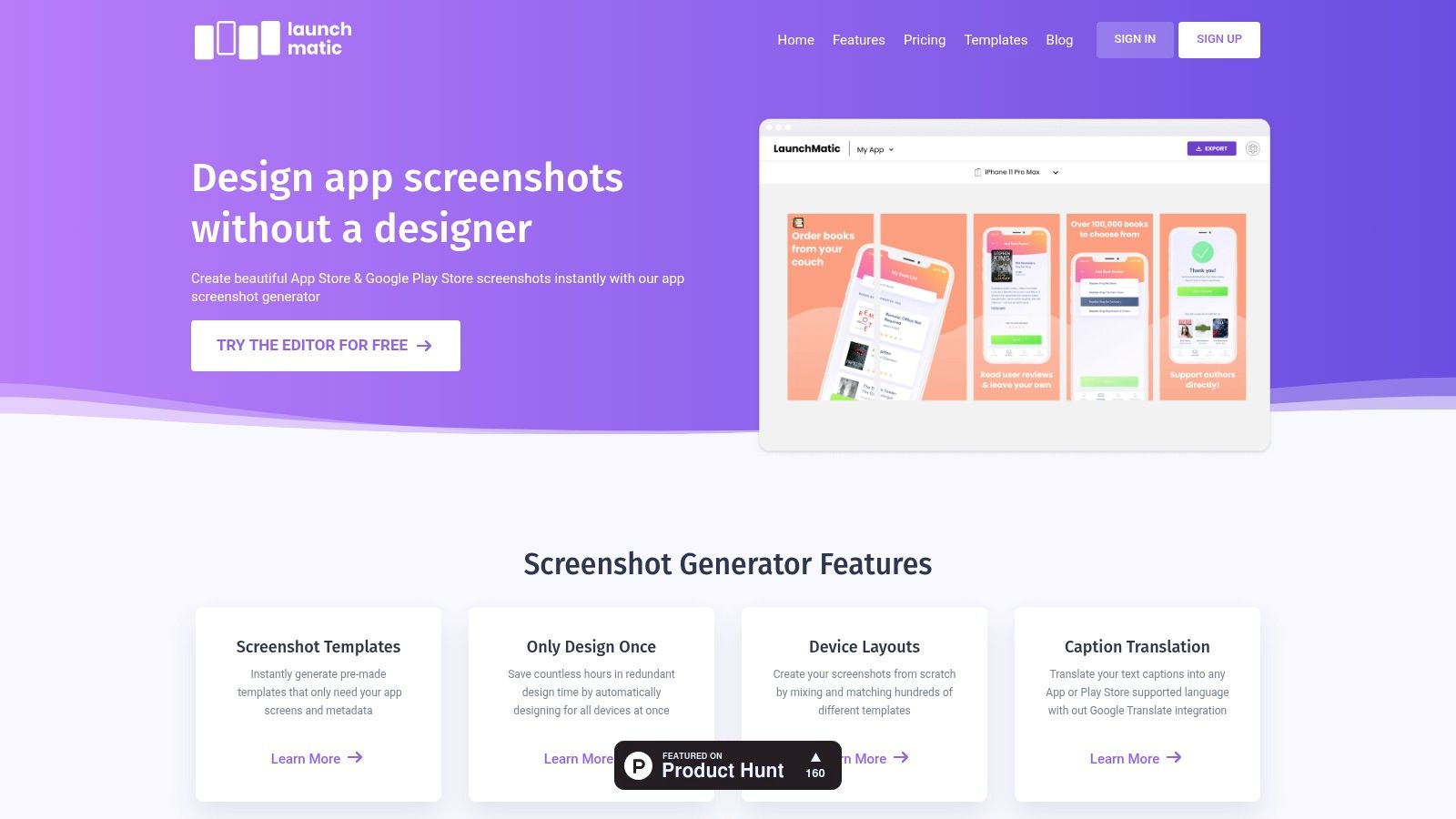
LaunchMatic is a specialized, web-based tool built for one primary purpose: creating high-quality app store mockups with maximum efficiency. Its core philosophy is "design once, export many," allowing developers and marketers to generate a complete set of screenshots for multiple devices and languages from a single design. The platform strips away unnecessary complexity, offering a lean user interface with curated templates and intuitive controls. This focus makes it ideal for teams who need to produce professional, store-ready visuals without a steep learning curve or the overhead of a full-featured design suite.
Key Features and Use Cases
The standout feature of LaunchMatic is its streamlined workflow for multi-device and multi-language projects. As a practical example, you can design a layout for an iPhone 15 Pro in the site editor, and the platform will automatically adapt it for other required sizes like the iPhone 8 Plus and various iPad models, saving hours of tedious manual resizing. Its integration with Google Translate also speeds up localization. You can input captions in one language and quickly generate translated versions for different markets directly within the editor. This makes it a powerful asset for global app launches and boosting conversions worldwide.
- Best For: Indie developers and teams needing a fast, repeatable process for generating screenshots across all required App Store and Google Play sizes.
- Limitations: Its focused nature means it lacks the freeform creative flexibility of a full vector design tool. Advanced brand systems with unique typography or graphical elements may require external editing first.
- Pricing: Offers a free plan with watermarks. Paid plans start at $19/month for unlimited projects and exports.
LaunchMatic excels at simplifying a traditionally time-consuming task. Its curated templates and automated resizing provide a clear path to producing consistent, high-converting app store screenshots for a global audience.
Website: https://www.launchmatic.app
8. DaVinci Apps
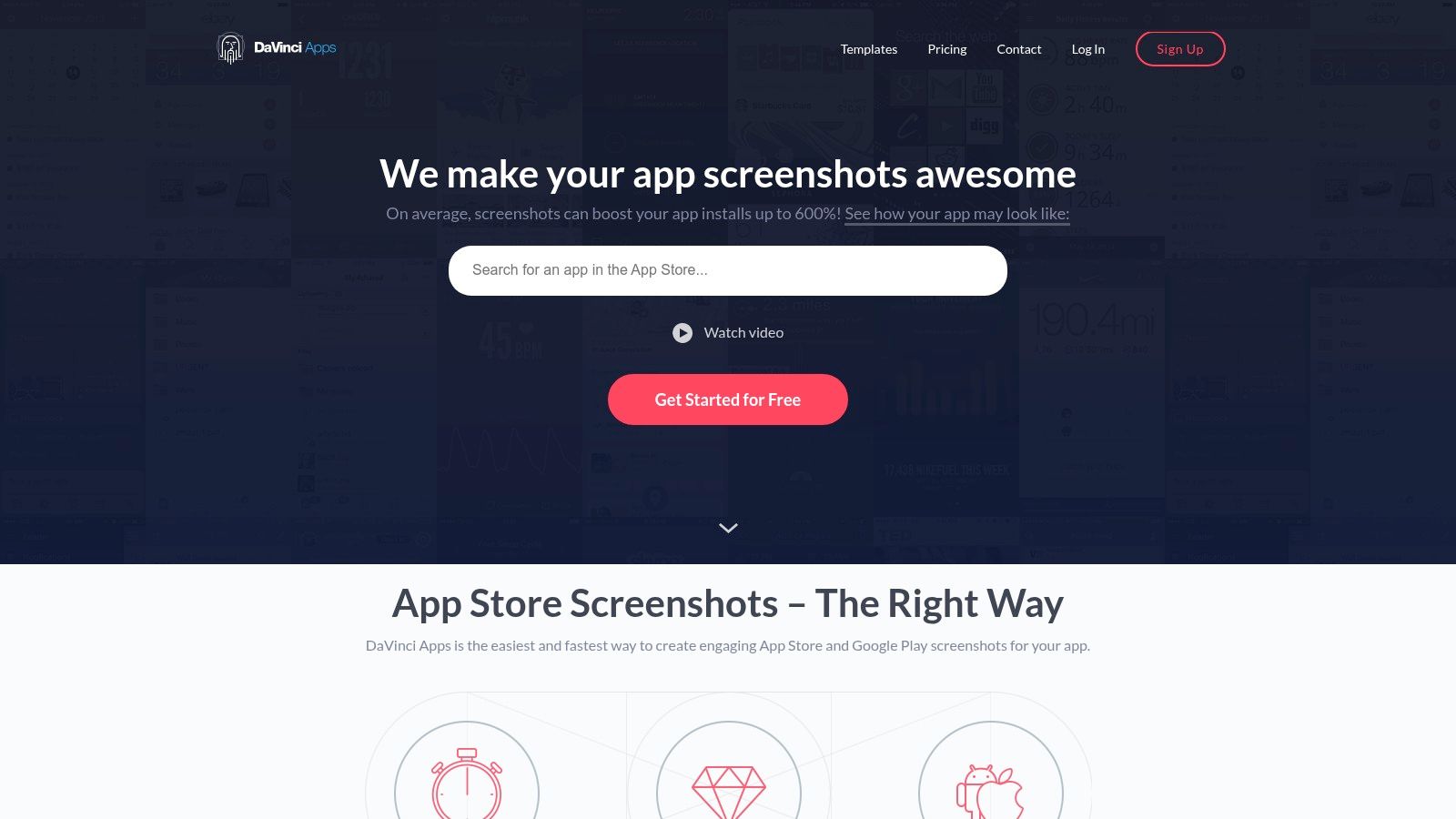
DaVinci Apps is a streamlined, web-based screenshot generator designed for developers and marketers who need to produce professional-looking visuals without the complexity of traditional design software. Its primary strength is its simplicity and focus. The platform provides a curated set of templates specifically for iOS and Android, allowing you to quickly create polished app store mockups with device frames, backgrounds, and custom captions. The interface is highly intuitive, making it ideal for solo founders or small teams who prioritize speed and efficiency over extensive customization.
Key Features and Use Cases
DaVinci Apps excels at its core function: generating properly sized screenshots for both the App Store and Google Play. The workflow is straightforward. In the site editor, you select a template, choose a device frame (like an iPhone 15 or Google Pixel 8), upload your app screen, and then adjust the text and background color. A key benefit is its ability to export a full set of screenshots for every required device size in a single click, saving significant time compared to manual resizing. This makes it a great tool for quickly refreshing visuals after a minor UI update to keep your store listing fresh and appealing.
- Best For: Solo developers and small teams needing a fast, no-fuss tool for basic screenshot creation.
- Limitations: The template-first approach can feel restrictive for those wanting unique layouts. It also lacks advanced ASO features like localization management or AI-powered copy suggestions found in more comprehensive platforms.
- Pricing: Offers a free plan with watermarks, with paid plans starting at $19/month for unlimited projects and high-resolution exports.
For those who need to get store-ready assets live with minimal effort, DaVinci Apps is a solid and reliable choice that covers the fundamentals exceptionally well.
Website: https://www.davinciapps.com
9. Pixelle
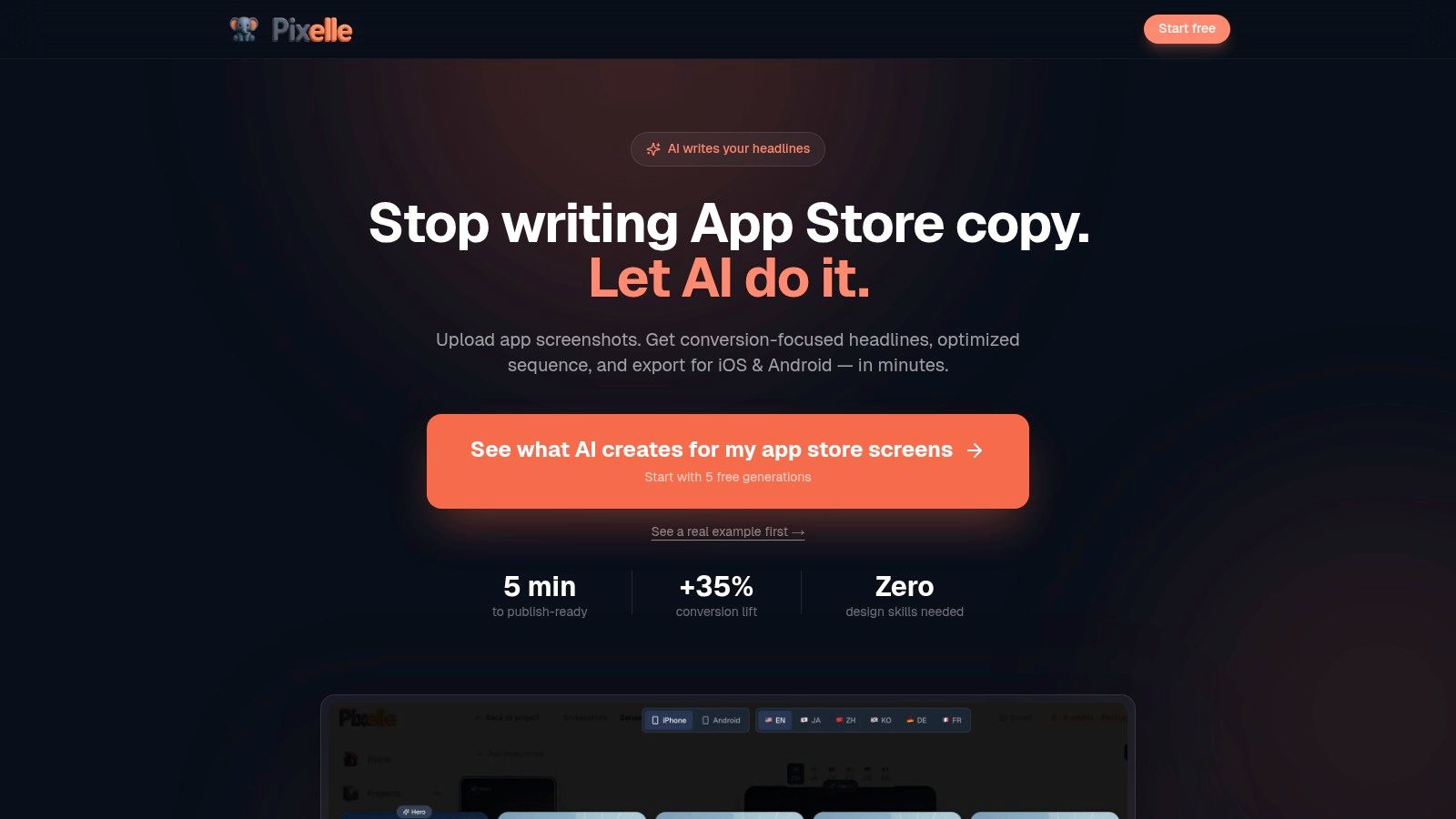
Pixelle introduces an AI-driven approach to creating app store mockups, positioning itself as a smart assistant for developers and marketers who need to move quickly. Its unique selling proposition is its AI engine, which suggests entire screenshot sequences, layouts, and marketing headlines based on ASO best practices. This innovative feature helps overcome creative blocks and provides a solid, data-informed foundation for your visuals, significantly speeding up the initial design process. The platform is designed for efficiency, allowing you to generate store-ready assets without deep copywriting or design expertise.
Key Features and Use Cases
Pixelle’s core strength is its ability to transform raw UI screenshots into a compelling narrative. For a practical example, you can upload your app’s login, dashboard, and feature screens, and the AI will suggest a sequence that highlights the user journey, complete with benefit-driven headlines like "Simplify Your Finances Instantly." This provides an actionable starting point to create efficient, high-converting screenshots. The platform also excels at localization; with a single click, it can translate your text into over 20 languages, making global launches far more manageable.
- Best For: Solo developers and small teams needing ASO-optimized copy and design ideas without hiring a specialist.
- Limitations: As a newer tool, its template library is smaller than some legacy platforms. The AI suggestions are a great starting point but often require manual review and refinement to align perfectly with a specific brand voice.
- Pricing: Information on pricing is available directly on their website, often structured around subscription tiers.
For teams looking to leverage AI to kickstart the creative process for their app store screenshots, Pixelle offers a unique and powerful solution that combines intelligent suggestions with a streamlined workflow.
Website: https://pixelle.io/app-store-screenshots
10. Shotsnapp
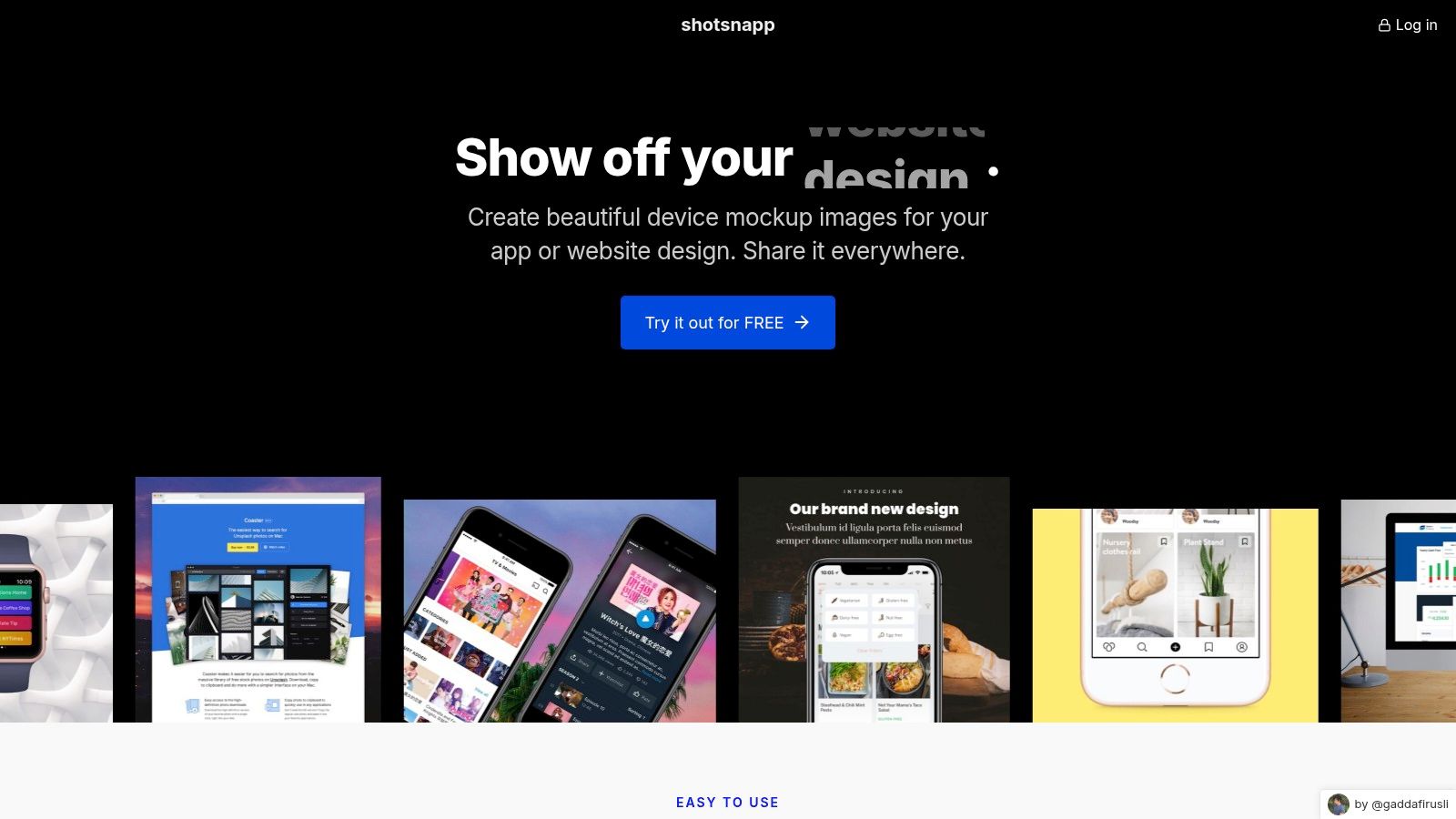
Shotsnapp is a lightweight and accessible browser-based tool for creating polished device mockups quickly. Its strength lies in simplicity and speed, offering a streamlined process for placing your app screenshots into various device frames, including phones, tablets, laptops, and smartwatches. Unlike comprehensive design suites, Shotsnapp focuses exclusively on framing your visuals elegantly, making it an excellent choice for creating individual app store mockups or marketing assets for social media and landing pages without a steep learning curve.
Key Features and Use Cases
The platform allows you to upload a screenshot, select a device like the latest iPhone or Google Pixel, and instantly see it framed. A standout feature is its built-in Unsplash integration, which lets you search for and add high-quality background images directly within the editor, saving you time. For a practical example, you can frame your fitness app's UI in an Apple Watch, set it against a vibrant gym photo from Unsplash, and export the finished image in seconds. It’s ideal for generating hero images or supplementary graphics for your app store listing.
- Best For: Solo developers and marketers needing quick, single-device mockups for promotional materials.
- Limitations: It is not a dedicated app store screenshot sequencer. It lacks features for creating a cohesive, multi-image narrative and does not offer automated exports for various device sizes required by the App Store and Google Play.
- Pricing: A generous free tier is available, with a Pro plan (around $36/year) that unlocks all templates, more device options, and higher-resolution exports.
Shotsnapp excels at producing clean, professional-looking framed visuals with minimal effort, making it a valuable tool for anyone who needs polished marketing images on the fly.
Website: https://shotsnapp.com
11. AppMockupGenerator.com
AppMockupGenerator.com is a specialized, AI-assisted tool designed to streamline the creation of store-ready visuals from raw UI screenshots. Its unique selling point is the integration of artificial intelligence to suggest layouts and marketing copy, helping developers overcome the initial creative block. This platform is built for speed and efficiency, allowing users to transform simple screen captures into polished app store mockups for both the App Store and Google Play within a single, cohesive workflow. The focus is purely on generating high-converting screenshots with minimal friction.

Key Features and Use Cases
The core of AppMockupGenerator is its AI engine, which provides starter layouts and headline suggestions tailored to your app's function. For a practical example, after uploading a screenshot of a meditation app's timer, the AI might propose a headline like "Find Your Calm in Minutes" and arrange it cleanly above the device frame. This feature is particularly useful for indie developers looking for actionable insights on copy. The tool supports the latest device frames and automatically exports assets in the precise dimensions required by each app store, removing any guesswork from the submission process.
- Best For: Solo developers and small teams looking for an AI-powered assistant to quickly generate professional screenshots.
- Limitations: The AI-generated copy is a starting point and often requires manual tuning to align with a specific brand voice. Its ecosystem is smaller compared to more established, all-in-one design platforms.
- Pricing: The service is available for a one-time payment, offering lifetime access which is a cost-effective alternative to subscription models.
This tool is an excellent choice for anyone who needs to produce high-quality, platform-compliant visuals quickly but prefers a guided, AI-driven approach to design and copywriting. It effectively bridges the gap between raw screenshots and compelling marketing assets.
Website: https://appmockupgenerator.com
12. AppScreen Studio
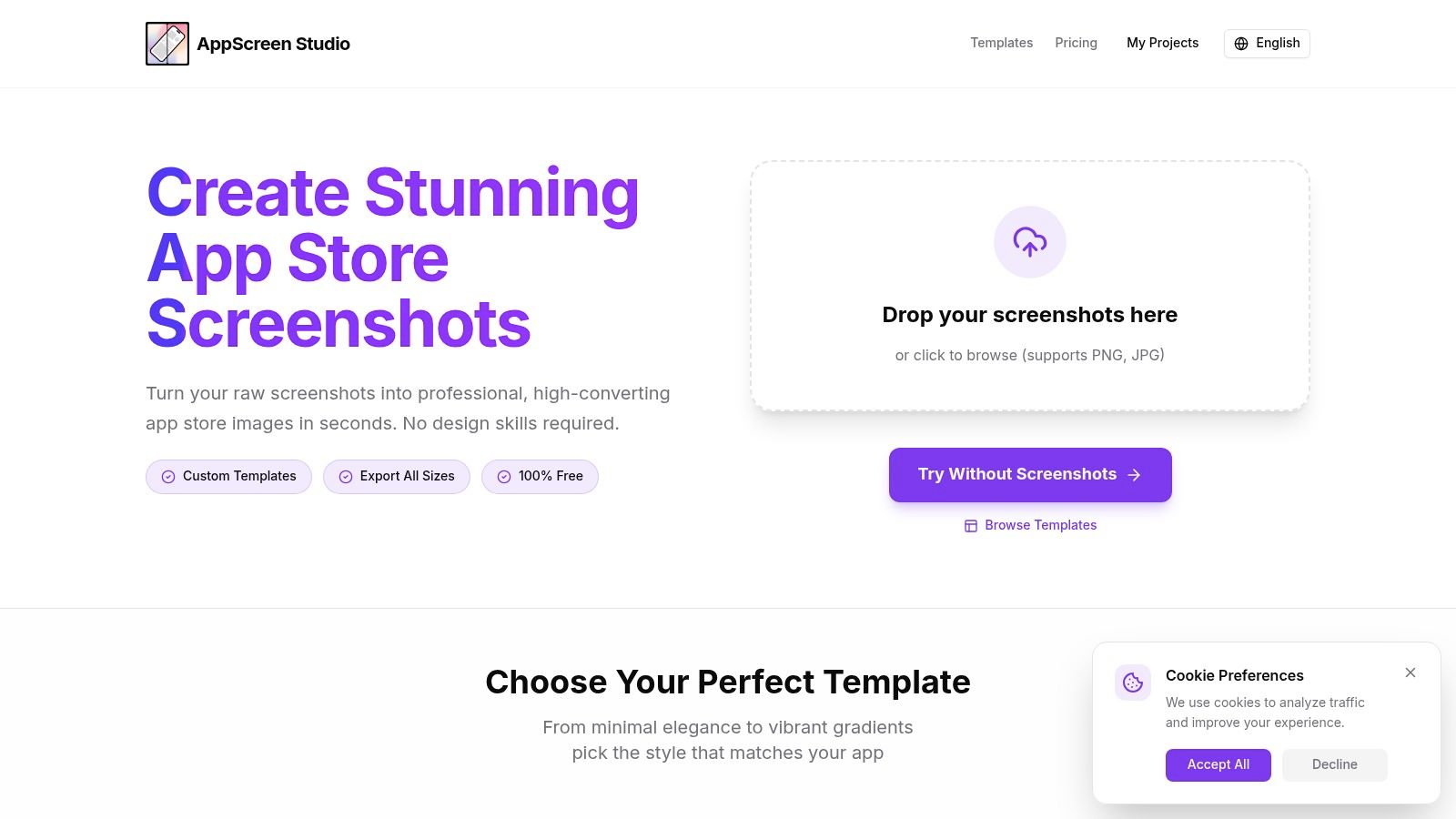
AppScreen Studio offers a streamlined workflow for developers and marketers who need to produce complete screenshot sets quickly. Available both as an online tool and a native Mac app, its core value is efficiency. The platform is built around themed templates and a powerful "multi-size sync" feature, allowing you to design your layout once and instantly generate perfectly formatted exports for every required iOS and Android device size. This approach dramatically cuts down on the repetitive work of resizing and adjusting layouts for different screens.
Key Features and Use Cases
AppScreen Studio's strength is its template-driven process combined with synchronization. For a practical example, a developer can select a "Healthcare" theme with a vibrant color palette, populate the first screenshot for an iPhone 15 Pro, and the tool automatically creates corresponding visuals for older iPhones and iPads. This is ideal for ensuring brand consistency across your entire App Store presence without manual effort. The native Mac app also provides a solid offline workflow for those who prefer working on their desktop.
- Best For: Solo developers and small teams needing an efficient way to generate full, multi-device screenshot sets.
- Limitations: The template-first approach can feel restrictive for those wanting to build highly unique or complex custom layouts from scratch. Its library is also less extensive than larger, all-in-one design platforms.
- Pricing: Offers a free plan with watermarks. Paid plans with full features and no watermarks start at $12 per month or a one-time lifetime license option.
AppScreen Studio excels at creating professional, consistent app store mockups without a steep learning curve. Its focus on automating the multi-device export process makes it a valuable asset for anyone managing app store listings.
Website: https://www.appscreenstudio.com
12 App Store Mockup Tools — Feature Comparison
| Product | Core features & unique selling points ✨ | UX / Quality ★ | Price & value 💰 | Target audience 👥 |
|---|---|---|---|---|
| ScreenshotWhale 🏆 | Device-specific templates, drag‑drop editor, ASO best practices, AI SmartShots + i18n (100+ langs), API ✨ | ★★★★☆ Fast, ASO-optimized | 💰 Per-template ~$4.99–$7.99; some free templates | 👥 Mobile devs, ASO/growth teams, agencies, PMs |
| Placeit by Envato | Massive mockup library, browser editor, ready iOS/Android layouts ✨ | ★★★★☆ Very fast & easy | 💰 Subscription / pay-per-use (best content on paid) | 👥 Marketers, small businesses, non-designers |
| Envato Elements | Unlimited downloads, PSD/Figma screenshot bundles, commercial license ✨ | ★★★★☆ High variety (requires design skills) | 💰 Subscription—cost-effective for volume | 👥 Designers, agencies, studios |
| Creative Market | Pay-per-item template marketplace (Figma/PSD/Sketch) ✨ | ★★★☆☆ Varied quality by seller | 💰 Pay-per-item — buy only what you need | 👥 One-off buyers, indie designers |
| Rotato | 3D device scenes, photoreal renders, animated/video exports, Figma plugin ✨ | ★★★★☆ Premium, cinematic results | 💰 Paid app / pro license | 👥 Motion designers, launch creatives |
| AppLaunchpad | Purpose-built screenshot builder, auto-resize, multi-language support ✨ | ★★★★☆ Fast for full sets | 💰 Freemium — free to start | 👥 App teams, ASO specialists |
| LaunchMatic | Design-once export-many, curated templates, translation integration ✨ | ★★★★☆ Efficient bulk workflow | 💰 Freemium / paid tiers | 👥 Small teams, product marketers |
| DaVinci Apps | Simple templates, customizable captions, multi-size exports ✨ | ★★★★☆ Focused & fast | 💰 Affordable / freemium | 👥 Small teams, indie devs |
| Pixelle | AI sequencing, headline suggestions, one-click localization (20+ langs) ✨ | ★★★★☆ AI jumpstarts copy & flow | 💰 Paid / AI-focused plans | 👥 Non-copywriters, ASO newcomers |
| Shotsnapp | Lightweight device frames, Unsplash backgrounds, quick exports ✨ | ★★★★☆ Polished frames, very fast | 💰 Free tier + affordable Pro | 👥 Marketers, designers needing quick frames |
| AppMockupGenerator.com | AI-assisted layouts, copy suggestions, device frames, store-optimized exports ✨ | ★★★★☆ Fast AI starter results | 💰 Low-cost / pay-as-you-go | 👥 Indie devs, small apps |
| AppScreen Studio | Multi-size sync, themed templates, Mac app option ✨ | ★★★★☆ Fast for synced sets | 💰 Freemium / one-time options | 👥 Mac users, app product teams |
Choosing the Right Tool to Maximize Your App's Potential
Navigating the landscape of app store mockup tools can feel overwhelming, but as we have explored, the perfect solution is the one that aligns with your specific goals, resources, and workflow. Your app’s screenshots are not just decorative previews; they are a critical, high-impact marketing asset. They are your first, and often only, chance to visually pitch your app's core value to a potential user in just a few seconds. The right tool transforms this task from a time-consuming design chore into a strategic growth lever for boosting app store growth.
We have journeyed through a curated selection of resources, each offering a distinct approach to creating compelling app store mockups. From comprehensive SaaS platforms to specialized generators and vast asset marketplaces, the choice ultimately hinges on your unique priorities. Your decision-making process should be guided by a clear understanding of what you need most.
Recapping Your Options: A Quick Decision Guide
To simplify your choice, consider which of these profiles best describes your needs:
For Speed, ASO, and Scalability: If your primary goal is to produce high-converting, localized screenshots quickly and efficiently, an all-in-one platform is your best bet. Tools like ScreenshotWhale and LaunchMatic are built for this purpose, integrating ASO best practices, powerful templating, and automation features that save countless hours, especially when managing multiple apps or languages.
For Total Creative Freedom: If you require pixel-perfect control and a completely unique aesthetic, downloadable assets are the ideal starting point. Marketplaces like Envato Elements and Creative Market provide a limitless supply of PSD and Figma templates. This path requires more design skill and time, but it offers unparalleled customization. To further research powerful options for creating your visuals, consider consulting guides on the best graphic design software.
For Simplicity and Quick Results: When you just need to get a polished mockup done fast without a steep learning curve, simple online generators shine. Tools like AppMockupGenerator.com and Shotsnapp offer a straightforward, no-frills experience perfect for indie developers, early-stage startups, or product managers who need to visualize a concept quickly.
For Immersive 3D Visuals: To create dynamic, video-based, or highly realistic promotional assets, a dedicated 3D tool like Rotato is unmatched. It’s the go-to choice for creating marketing materials that stand out on landing pages, in social media ads, and in product presentations.
Final Thoughts: From Mockup to Momentum
The ultimate goal of any app store mockup is to tell a story that resonates with your target audience and compels them to tap "Get". It is a visual narrative that must communicate functionality, showcase benefits, and build trust in a single glance. The tools discussed in this article are simply the instruments; your understanding of your users and your app's unique value proposition is the sheet music.
Do not treat your app store screenshots as an afterthought or a final item on a pre-launch checklist. Instead, view them as a primary driver of your conversion rate. A/B test different designs, captions, and feature highlights. Analyze what your top competitors are doing and find a way to visually differentiate your product. The investment you make in creating professional, persuasive app store mockups will pay dividends in the form of lower user acquisition costs, higher organic downloads, and a stronger brand presence.
Ready to transform your app store presence and drive more downloads? ScreenshotWhale provides a complete solution for creating high-converting, localized app store mockups in minutes, not hours. Try our powerful template editor and automation features to see how easy it is to boost your app’s growth.
Skip the blank canvas
Start from a professional App Store screenshot template and swap in your own app.
Browse templates