The 12 Best Free iPad Mockup Resources for 2026
Discover the 12 best free iPad mockup resources for 2026. Find PSD, Figma, and online generators to create high-converting app store screenshots.
In the competitive App Store, your screenshots are your most powerful first impression. Before a user reads your description, they judge your app on its visual presentation. A high quality, professional free iPad mockup is a critical tool for boosting app store growth and driving conversions. It places your app's user interface into a realistic, premium context, allowing users to instantly visualize the experience on their own device. A great mockup can be the deciding factor between a user scrolling past or tapping "Get".
The challenge is finding the right resources. Sifting through countless websites for mockups that are not only free but also high resolution, easy to customize, and licensed for commercial use can drain your time. You need tools that help create efficient and high converting app store screenshots for the Android and iOS stores without a steep learning curve or hidden costs. This is why we have compiled this definitive guide.
This listicle cuts through the noise to bring you the 12 best platforms for finding the perfect free iPad mockup. We will explore everything from dedicated online mockup generators and design communities to curated collections of PSD, Sketch, and Figma files. Each entry includes a direct link, an overview of formats, and actionable insights to help you make a quick, informed decision. Understanding the fundamentals behind presenting your digital product is key; in fact, learning the basics of How To Create Website Mockups can provide valuable principles that apply directly to app screenshot design. Get ready to find the ideal mockup to make your app shine.
1. ScreenshotWhale
ScreenshotWhale is an exceptional, design first platform engineered specifically for creating high converting App Store and Google Play screenshots. While it offers a broad range of device mockups, its approach to generating a free iPad mockup is uniquely tied to optimizing app store presence, making it a standout choice for developers and marketers. Rather than just providing a static file, ScreenshotWhale integrates professional iPad mockups into a powerful, ASO focused workflow.
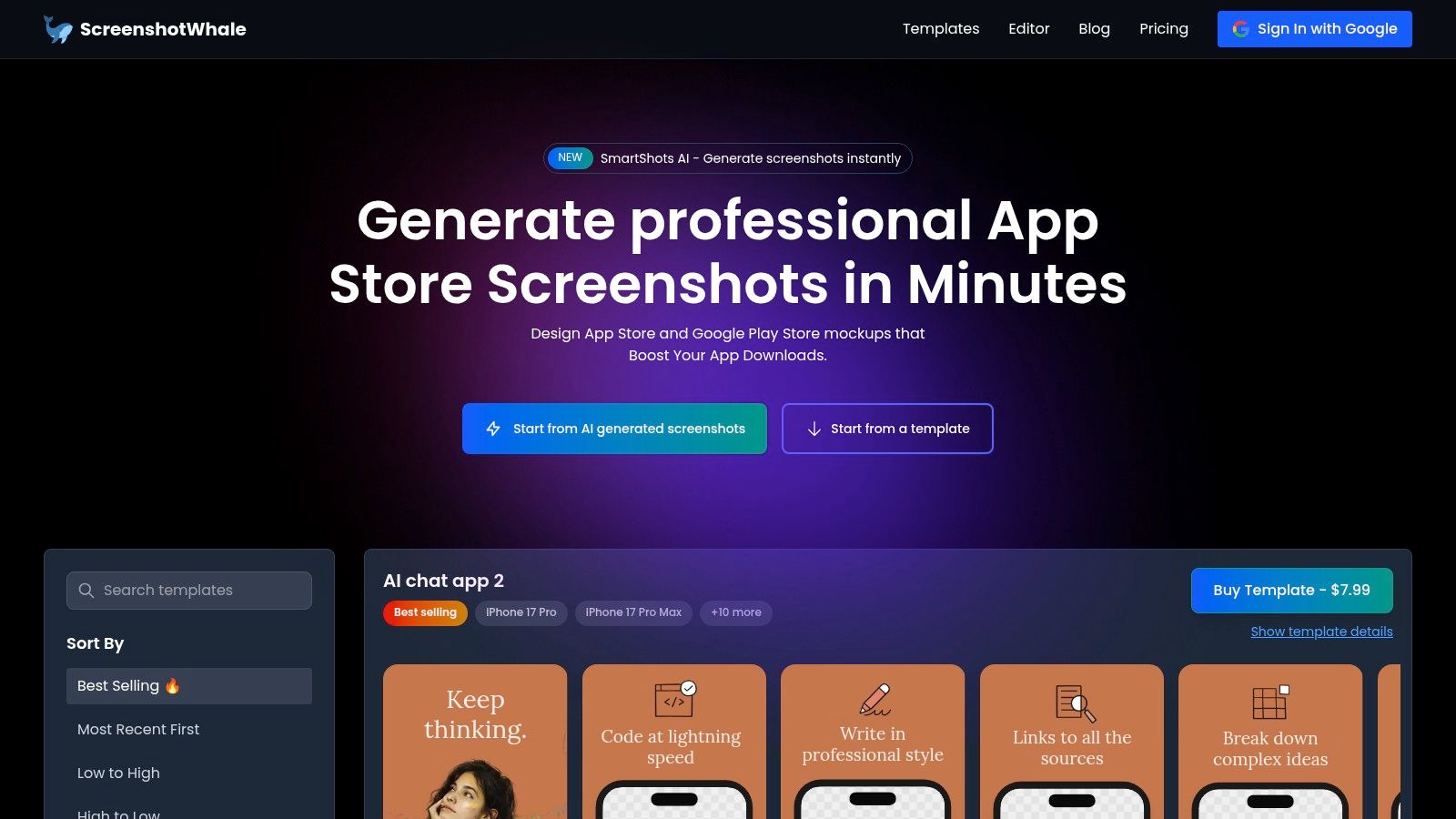
The platform's core strength is its streamlined process. You start by selecting a professionally designed template crafted with conversion best practices in mind, such as clear benefit driven headlines. From there, you upload your app's UI captures, which are instantly placed into modern iPad Pro or iPad Air mockups. For those needing a refresher on capturing the initial images, their guide on how to screenshot on an iPad provides clear, step by step instructions.
Why It's Our Featured Choice
ScreenshotWhale excels by treating the iPad mockup not as the final product, but as a component of a larger marketing asset. Its built in editor allows for extensive customization. For example, you can select a vibrant gradient background, add a bold headline like "Organize Your Day in Seconds," and place your app screenshot inside an iPad Pro frame, all within a few clicks. This empowers teams to create a cohesive and persuasive visual story.
A key differentiator is the AI powered localization engine. With a single click, you can translate your screenshot copy into over 100 languages, automatically generating localized assets for global markets. This feature is a massive time saver for teams managing international app launches, eliminating the need for manual redesigns for each region.
Key Features:
- ASO-Focused Templates: Start with designs built to follow App Store guidelines and maximize downloads.
- Integrated Editor: Customize backgrounds, fonts, colors, and device frames directly in the browser.
- AI-Powered Localization: Translate screenshot text into 100+ languages to automate global asset creation.
- Wide Device Support: Access mockups for the latest iPads, iPhones, and Android devices.
The platform operates on a marketplace model with both free and premium templates. While many advanced designs are paid, the available free options provide more than enough power to produce polished, store ready visuals. The automation API also presents a scalable solution for agencies and large teams needing to generate assets in bulk.
- Website: ScreenshotWhale
- File Formats: JPG, PNG (direct export)
- Pricing: Free templates available; paid templates typically range from $4.99–$7.99.
- Best For: App developers and ASO managers who need to create polished, conversion optimized App Store visuals quickly.
2. Canva
Canva is a powerhouse for non designers seeking a fast and intuitive way to create a polished free iPad mockup directly in their browser. Its drag and drop interface eliminates the need for complex software. You simply upload your app screenshot, search for an iPad frame in their library, and position your image inside. This makes it an ideal tool for marketers and founders who need to generate promotional materials quickly to boost app store growth.
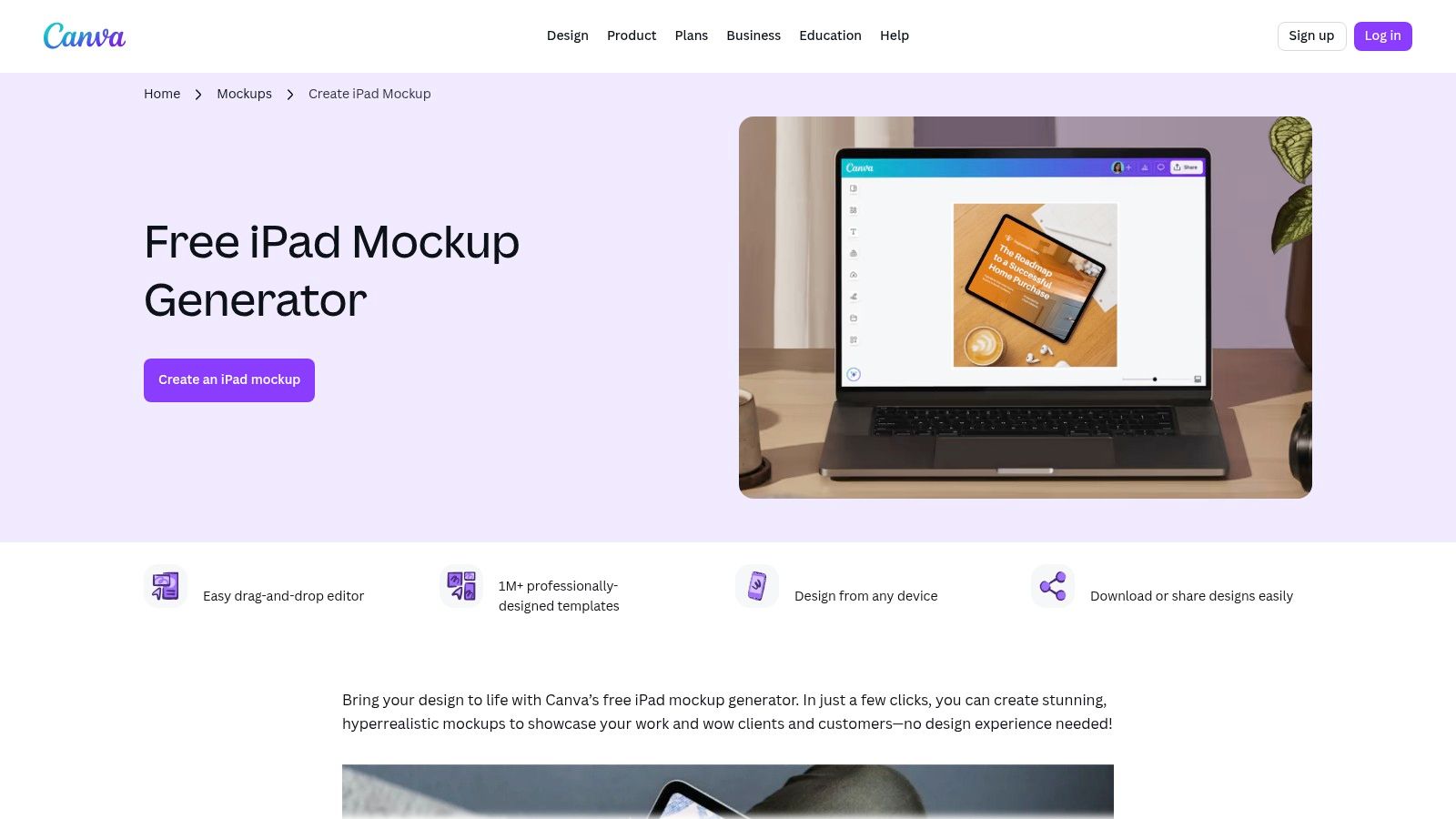
What truly sets Canva apart is its integration into a larger design ecosystem. You can instantly drop your newly created iPad mockup into an App Store screenshot template, a social media post, or a presentation slide. For example, create your mockup, then add it to a new design with a vibrant, eye catching background and a punchy headline to highlight a key feature. This helps maintain a consistent brand identity across all your marketing assets. While the free tier is very generous, some of the more photorealistic mockup scenes require a Canva Pro subscription.
| Feature Analysis | Rating & Notes |
|---|---|
| Ease of Use | ★★★★★ (Excellent for beginners; no technical skills required) |
| Variety of Mockups | ★★★★☆ (Good selection of device frames and lifestyle scenes) |
| Customization | ★★★☆☆ (Limited compared to PSD files but sufficient for most simple tasks) |
| Free Tier Value | ★★★★☆ (The free plan offers substantial functionality for basic mockups) |
| Integration | ★★★★★ (Seamlessly works with the entire Canva design suite) |
Actionable Tip: Use Canva’s "Styles" feature to quickly apply your brand’s color palette and fonts to the background and text elements of your App Store screenshot template. This ensures every mockup you create is perfectly aligned with your app's visual identity, boosting brand recognition on the App Store and driving conversions.
- Link: Canva iPad Mockup Generator
- File Format: PNG, JPG, PDF
- Best For: Fast, browser-based mockups for marketing and social media.
3. Apple Design Resources
For developers who demand pixel perfect accuracy, Apple Design Resources is the definitive source for a free iPad mockup. Apple supplies the most up to date and compliant device frames and UI kits available. These resources are indispensable for creating App Store screenshots that perfectly align with the latest iPadOS and hardware specifications. This is a non negotiable tool for teams aiming for a professional, native looking presence on the iOS App Store.
What makes this platform unique is its focus on technical precision over creative flair. The resources are provided as comprehensive design files for Figma and Sketch, complete with UI components, templates, and the latest device bezels. This is not a simple drag and drop generator; it’s a professional toolkit for designers building high fidelity prototypes or production ready marketing assets. While it requires familiarity with design software, the payoff is an unmatched level of detail and authenticity, which can significantly boost user trust and perceived app quality on the App Store.
| Feature Analysis | Rating & Notes |
|---|---|
| Ease of Use | ★★☆☆☆ (Requires proficiency in Figma or Sketch; not for beginners) |
| Variety of Mockups | ★★★☆☆ (Limited to official Apple devices; no creative or lifestyle scenes) |
| Customization | ★★★★★ (Full control within the design file for ultimate customization) |
| Free Tier Value | ★★★★★ (Completely free, offering unparalleled official assets) |
| Integration | ★★★★☆ (Natively integrates into professional design workflows via Figma/Sketch) |
Actionable Tip: When preparing App Store screenshots, use the official iPad Pro frame from Apple's Figma kit as your base. Place your app UI inside and then use the included system components, like the status bar or Home Bar, to create a realistic context. This ensures your final image is not just a screenshot but a compliant, convincing preview of the user experience, leading to higher conversions.
- Link: Apple Design Resources
- File Format: Figma, Sketch
- Best For: Creating technically accurate, Apple-compliant App Store visuals.
4. Figma Community
For designers and teams already embedded in the Figma ecosystem, the Figma Community is an unparalleled resource for finding a high quality free iPad mockup. It's a vast repository of files shared by other designers, including everything from basic vector device frames to fully interactive, photorealistic scenes. This setup allows for ultimate control, letting you integrate mockups directly into your existing app design workflow without ever leaving the platform.
The primary advantage of using Figma Community is its seamless integration and infinite scalability. You can find official Apple UI kits to ensure pixel perfect accuracy or duplicate a complex template and adapt it to your brand's needs. For a practical example, you could find a template with an iPad mockup, duplicate it five times, and then drop in screenshots of your app's user journey. By adding benefit oriented text above each screen, you efficiently create a full set of high converting screenshots for the iOS store. Because the mockups are vector based, you can resize them without losing quality.
| Feature Analysis | Rating & Notes |
|---|---|
| Ease of Use | ★★★☆☆ (Requires basic Figma knowledge to effectively edit and use files) |
| Variety of Mockups | ★★★★★ (Virtually limitless; from simple frames to complex, interactive scenes) |
| Customization | ★★★★★ (Unmatched flexibility; every element is typically editable) |
| Free Tier Value | ★★★★★ (Access to the entire Community library is free with any Figma plan) |
| Integration | ★★★★★ (Natively integrated into the Figma design and prototyping workflow) |
Actionable Tip: When you find an iPad mockup file you like, look for one that uses "Components". This allows you to create a master iPad frame and then generate multiple instances for your different app screenshots. Updating the master component, such as changing the device color, will automatically update all your screenshots, dramatically speeding up your workflow for creating a cohesive app store mockup series.
- Link: Figma Community
- File Format: .fig (Figma)
- Best For: Designers who need fully customizable, vector-based mockups within their primary design tool.
5. Mockup World
Mockup World acts as a high quality, curated directory, making it a go to resource for designers searching for a photorealistic free iPad mockup. Instead of hosting an editor, it aggregates premium level PSD files from various creators, most of which utilize smart objects for effortless screen replacement in Photoshop. This approach saves countless hours of searching, presenting a reliable collection of diverse scenes perfect for App Store feature graphics.
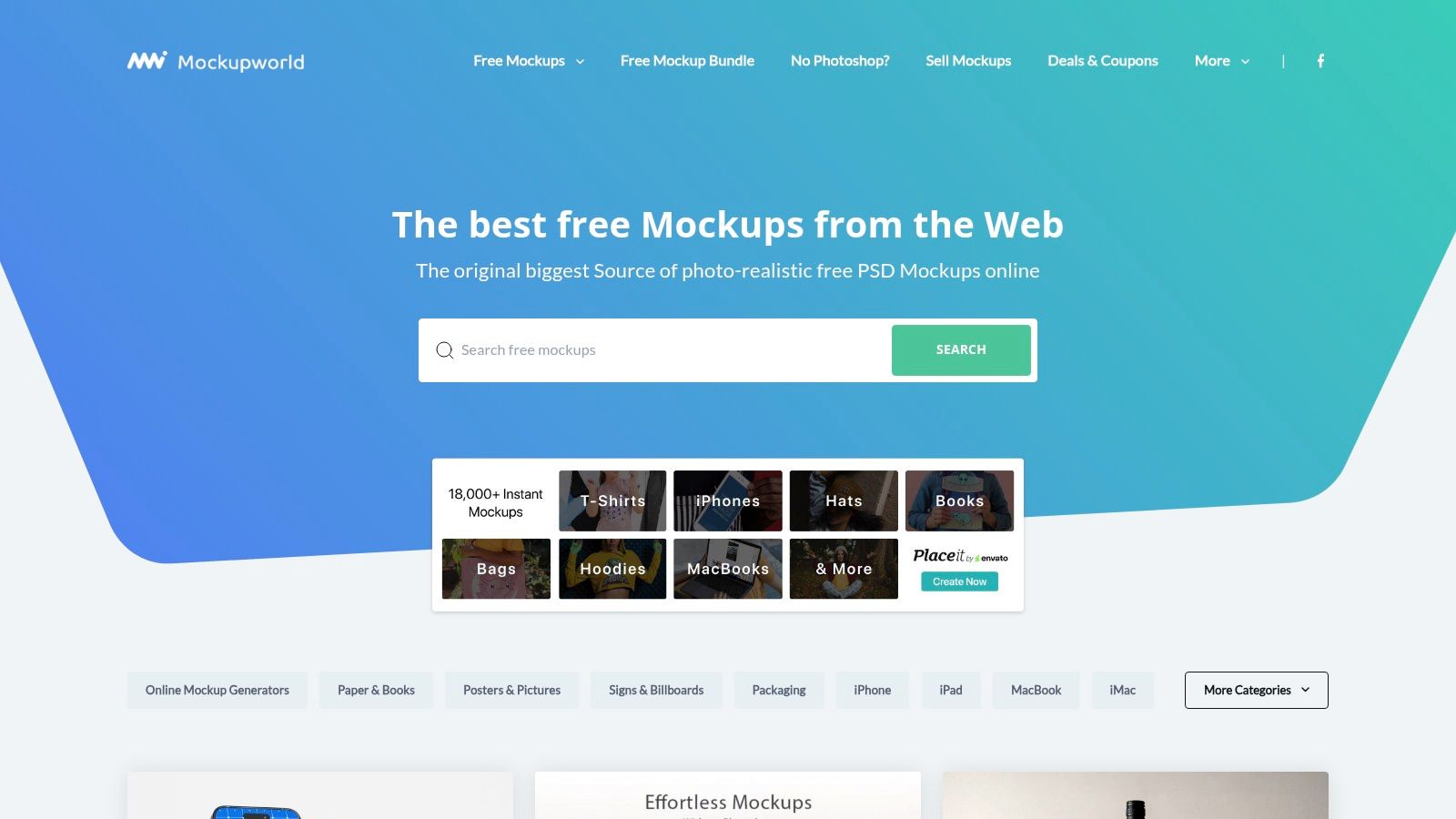
The primary advantage of Mockup World is the quality and variety of its curated assets. You can easily find high resolution mockups that include the latest iPad models, often paired with iPhones or MacBooks for a cohesive ecosystem presentation. While this offers incredible flexibility for creating polished visuals, it means you're dealing with external downloads, so it's crucial to check the license for each file. This PSD centric workflow is ideal for those who need precise control over shadows, lighting, and composition, a level of detail you can learn more about when creating a great iPad mockup for free.
| Feature Analysis | Rating & Notes |
|---|---|
| Ease of Use | ★★★☆☆ (Requires Photoshop and knowledge of smart objects) |
| Variety of Mockups | ★★★★★ (Excellent curation of photorealistic and isolated PSD scenes) |
| Customization | ★★★★★ (Full creative control within Photoshop for lighting, layers, and effects) |
| Free Tier Value | ★★★★★ (All listed mockups are free to download from their original sources) |
| Integration | ★★☆☆☆ (No direct integration; it's a directory linking to external PSD files) |
Actionable Tip: Before downloading, use Mockup World’s clear tags and categories to filter for "iPad Pro" or "multi-device" scenes. Always check the resolution details provided on the listing to ensure the file is high resolution enough for your App Store screenshots, preventing any pixelation on high density displays like the Retina iPad screen. This simple check ensures your app looks professional and high quality.
- Link: Mockup World
- File Format: Primarily PSD (Photoshop)
- Best For: Designers and developers needing high-resolution, photorealistic PSD mockups.
6. Freepik
Freepik is a vast creative asset marketplace offering one of the largest and most diverse collections of free iPad mockup files, primarily in PSD format. It serves as a go to resource for designers needing a high volume of options, from photorealistic desk setups and hand held device scenes to minimalist clay and isometric styles. Its powerful search filters allow you to quickly find a specific aesthetic for your app's promotional materials.
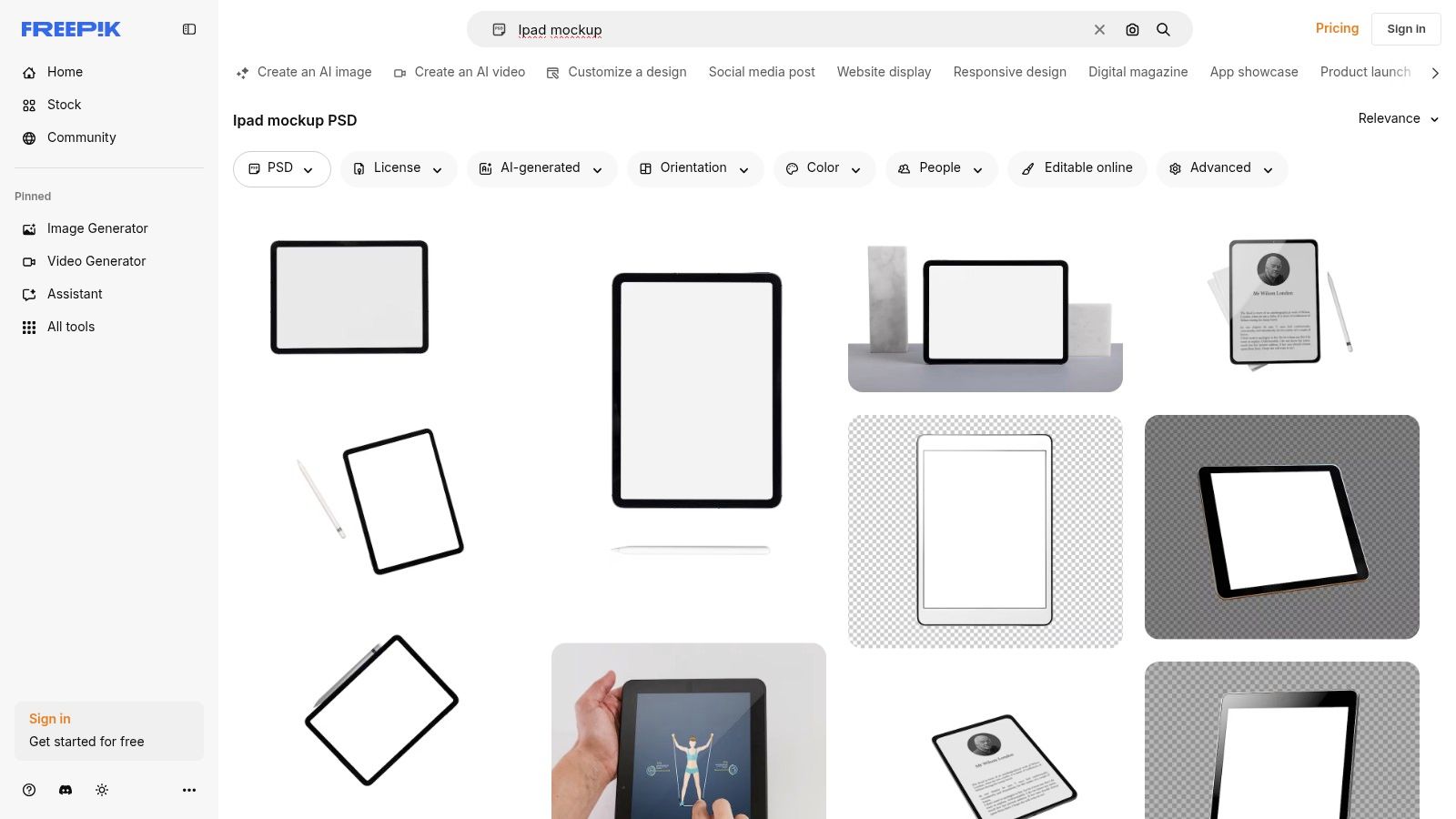
What distinguishes Freepik is the sheer volume and constant influx of new content from a global community of contributors. This means you can almost always find a fresh or niche mockup style that competitors aren't using. While many high quality assets are free, they often require attribution, which can be a hurdle for commercial App Store screenshots. The Freepik Premium subscription removes this requirement and unlocks an even larger library, making it a budget friendly choice for agencies and teams that frequently need diverse design assets.
| Feature Analysis | Rating & Notes |
|---|---|
| Ease of Use | ★★★☆☆ (Requires Photoshop or similar software to edit PSD files) |
| Variety of Mockups | ★★★★★ (Excellent and extensive; one of the largest collections available) |
| Customization | ★★★★☆ (High customization potential within the provided PSD smart objects) |
| Free Tier Value | ★★★☆☆ (Great selection, but the attribution requirement can be a limitation) |
| Integration | ★★☆☆☆ (No direct integration; assets must be downloaded and used in external software) |
Actionable Tip: Use Freepik’s "Filter" tool and search for "isolated" iPad mockups. These files typically have a transparent background, making them incredibly versatile for creating custom App Store screenshot layouts where you can control the background color, add text with vibrant colors, and layer multiple devices to showcase different app features.
- Link: Freepik iPad Mockups
- File Format: PSD, JPG
- Best For: Designers needing a high volume of diverse mockup styles for detailed customization in Photoshop.
7. Unblast
Unblast serves as a curated hub for high quality design resources, making it an excellent source for a professional free iPad mockup. It aggregates and features hand picked PSD files from various designers, ensuring a baseline of quality and usability. The platform is particularly useful for developers and designers who are comfortable with Photoshop and need a diverse range of angles and scenes, from clean, isolated device mockups to more complex, photorealistic desk environments.
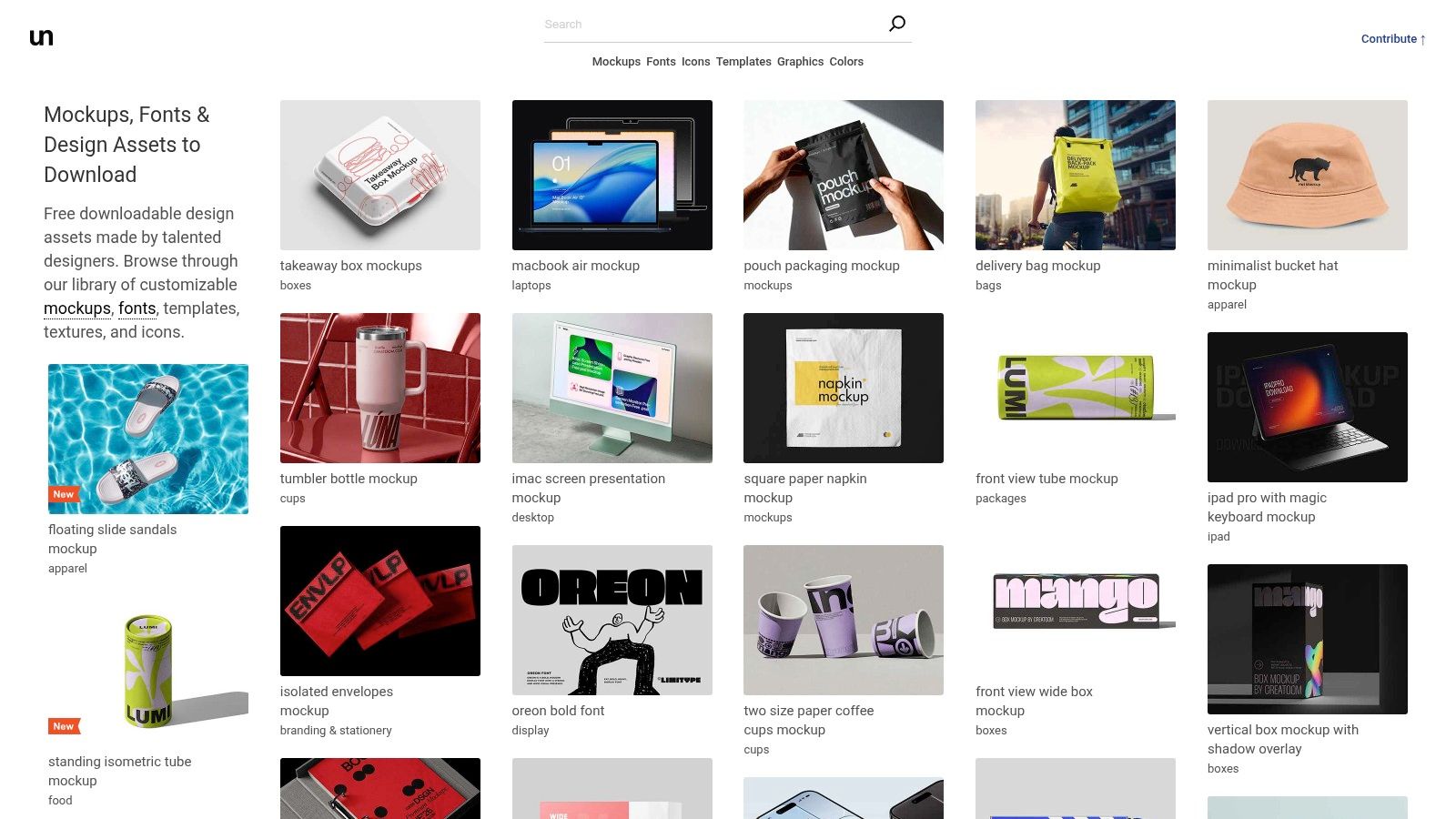
What distinguishes Unblast is its consistent presentation and clear attribution, which helps users quickly find what they need and understand the usage rights. Each mockup typically comes with smart object layers, allowing for simple drag and drop placement of your app interface. This is ideal for creating sophisticated hero images for a landing page or high fidelity visuals for a pitch deck. While the reliance on PSD files means Photoshop is a prerequisite, the quality and variety available for free make it a go to resource for anyone looking to elevate their app's visual presentation.
| Feature Analysis | Rating & Notes |
|---|---|
| Ease of Use | ★★★☆☆ (Requires Photoshop knowledge; smart objects simplify the process) |
| Variety of Mockups | ★★★★☆ (Strong collection of different angles, scenes, and device models) |
| Customization | ★★★★★ (Full control within the PSD file to adjust shadows, lighting, and colors) |
| Free Tier Value | ★★★★★ (All resources are free for personal and often commercial use) |
| Integration | ★★☆☆☆ (No direct integration; files must be downloaded and used in other software) |
Actionable Tip: When downloading a mockup from Unblast, immediately open the PSD file and check the image resolution. This ensures it meets the high quality standards required by the iOS and Android stores before you invest time in customizing it. Some older files may not be suitable for today’s high resolution screen requirements, which could hurt your app store conversions.
- Link: Unblast iPad Mockups
- File Format: PSD
- Best For: Designers and developers needing high-resolution, customizable mockups for Photoshop.
8. LS Graphics
LS Graphics is the go to resource for developers who need a premium, high fidelity free iPad mockup without the premium price tag. Their offerings bridge the gap between simple online generators and complex PSD files, providing assets with exceptional resolution and photorealistic detail. The platform is particularly strong for creating sophisticated, modern visuals that make an app look polished, perfect for investor pitches or high impact App Store listings.
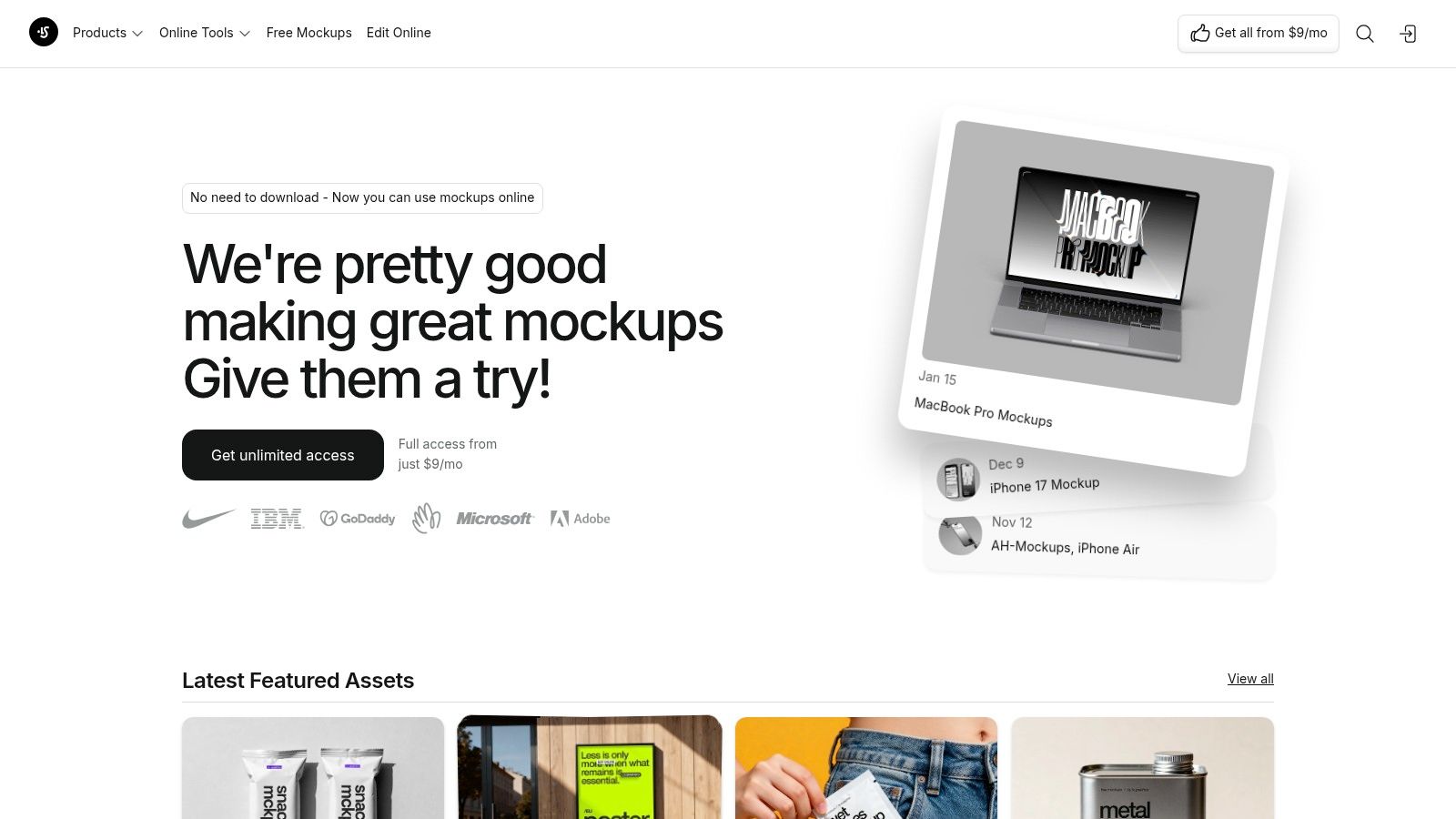
What makes LS Graphics stand out is the professional grade quality of its freebies; they often match the visual fidelity of their paid collections. You can find both realistic device mockups and stylized clay versions perfect for UI showcases. For those looking to streamline their workflow, LS Graphics offers a convenient Figma plugin and a simple online editor. Using their editor, you can upload your screenshot and see it instantly appear in a sleek, high resolution iPad frame, ready to download for your App Store page.
| Feature Analysis | Rating & Notes |
|---|---|
| Ease of Use | ★★★★☆ (Online editor and Figma plugin are simple; PSDs require design software) |
| Variety of Mockups | ★★★☆☆ (Excellent quality but limited free selection compared to the full library) |
| Customization | ★★★★☆ (PSD files offer deep customization; online tools are more basic) |
| Free Tier Value | ★★★★★ (Outstanding quality; the free assets feel like premium products) |
| Integration | ★★★★☆ (Figma plugin is a major workflow enhancement for designers) |
Actionable Tip: Use the free clay iPad mockup from LS Graphics to create a minimalist App Store screenshot that focuses attention entirely on your app's user interface. Set a solid background with a vibrant color that matches your app's branding to create a clean aesthetic that helps your UI features stand out and can significantly boost tap through rates.
- Link: LS Graphics Free Mockups
- File Format: PSD, Figma, Sketch, PNG
- Best For: Creating premium, high-resolution mockups for marketing and App Store pages.
9. Pixeden
Pixeden is a long standing and respected resource hub for designers, offering a curated collection of high quality PSD files perfect for creating a professional free iPad mockup. Its library includes a solid mix of device showcases, from clean, isolated iPad Pro renders to more complex scenes featuring the device on a desk. This makes it a reliable destination for app developers who need polished, high resolution assets that are ready for Photoshop.
What distinguishes Pixeden is its consistent quality control and focus on layered PSDs with smart objects. Unlike many freebie sites, assets from Pixeden feel professionally produced, providing a trustworthy foundation for your App Store visuals. While the free collection is valuable, many of the more unique or photorealistic mockups are reserved for premium members. The site's navigation can also require a bit of searching to pinpoint the exact free iPad mockup you need among the broader categories.
| Feature Analysis | Rating & Notes |
|---|---|
| Ease of Use | ★★★★☆ (Excellent for Photoshop users; smart objects simplify the process) |
| Variety of Mockups | ★★★☆☆ (Good variety, but the best compositions are often behind a paywall) |
| Customization | ★★★★★ (Full control within Photoshop via well-organized layers and smart objects) |
| Free Tier Value | ★★★☆☆ (Offers quality foundational mockups but encourages a premium upgrade) |
| Integration | ★★★☆☆ (PSD-based workflow requires manual integration into other design tools) |
Actionable Tip: When using a multi device mockup from Pixeden (e.g., an iPad and iPhone side by side), use Photoshop's smart object feature to show different screens of your app's user flow. For instance, display the main dashboard on the iPad and a specific feature on the iPhone to demonstrate the app's versatility across the Apple ecosystem in a single, compelling screenshot.
- Link: Pixeden Mockups
- File Format: PSD
- Best For: Photoshop users needing high-resolution, layered mockups for professional presentations.
10. Placeit (by Envato)
Placeit by Envato is a massive online library dedicated to creating high quality, photorealistic mockups directly in your browser. For those needing a polished free iPad mockup, Placeit excels by offering an extensive collection of lifestyle scenes showing iPads in real world environments. This makes it a go to tool for marketers who need to create compelling visuals for social media or landing pages without opening Photoshop. The process is incredibly simple: choose a scene, upload your screenshot, and the platform automatically integrates it with realistic lighting.
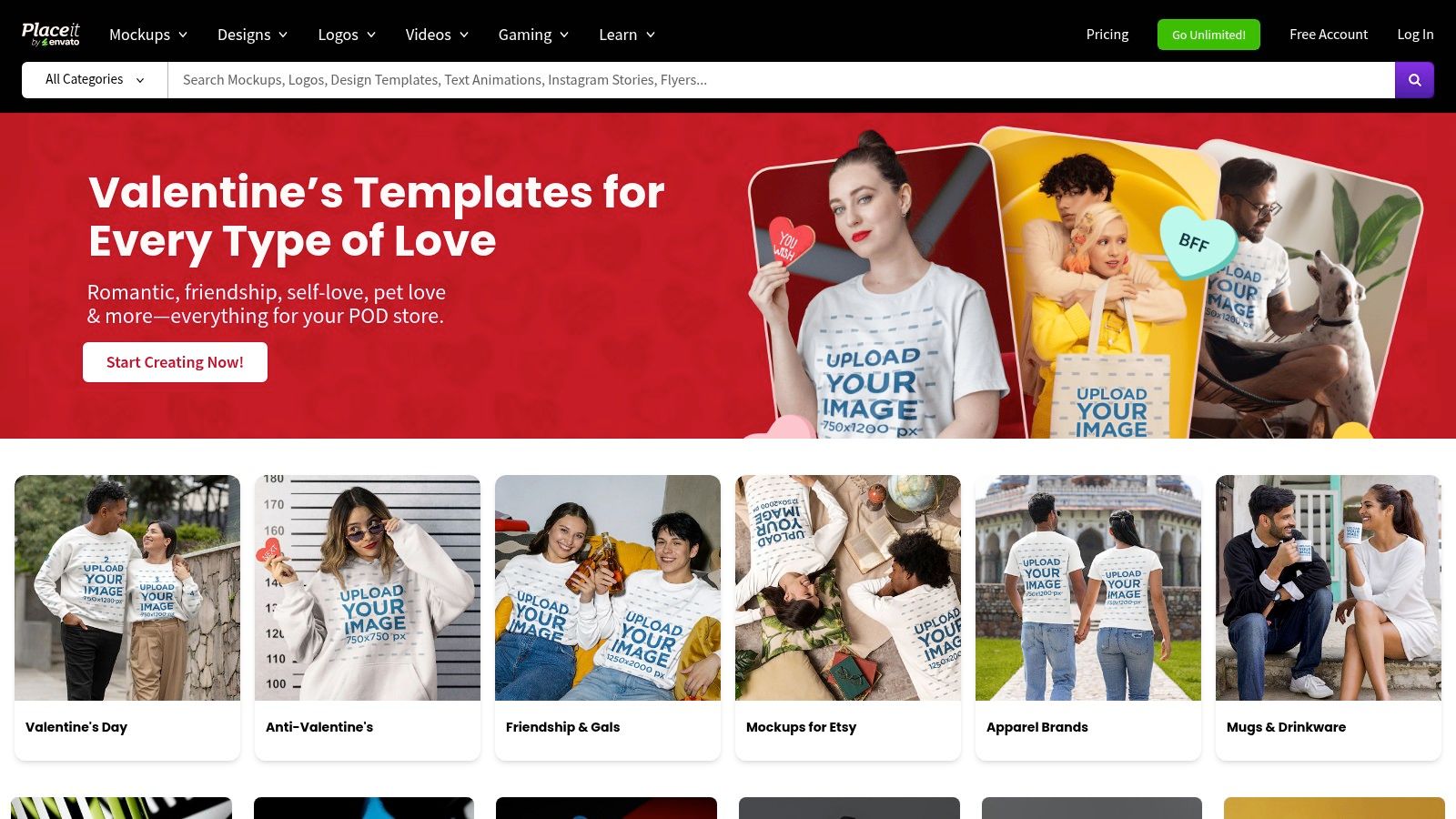
What distinguishes Placeit is the sheer volume and variety of its ready to use photo and video templates. While many of its best mockups are behind a subscription, the platform offers a selection of free templates that are perfect for testing the service. Their site editor is simple: select a mockup, upload your app screenshot, and download the final image. This efficiency is ideal for teams that frequently need to produce marketing assets and want a fast, scalable solution for generating professional looking mockups.
| Feature Analysis | Rating & Notes |
|---|---|
| Ease of Use | ★★★★★ (Extremely intuitive browser-based editor; no software required) |
| Variety of Mockups | ★★★★★ (Massive library of photorealistic and video scenes) |
| Customization | ★★☆☆☆ (Very basic; mainly just uploading your screen image) |
| Free Tier Value | ★★☆☆☆ (Limited selection of free templates; the core strength is in the paid plan) |
| Integration | ★☆☆☆☆ (Standalone platform; no direct integration with design tools) |
Actionable Tip: Use Placeit’s filtering tools to find mockups featuring specific demographics or environments that align with your app's target audience. For example, if you have a productivity app, search for "iPad office" to create a visual that instantly communicates your app’s use case to potential business customers, making your marketing more resonant and improving conversions.
- Link: Placeit iPad Mockups
- File Format: PNG, JPG, MP4 (for video mockups)
- Best For: Creating photorealistic lifestyle mockups for marketing and advertising.
11. MockUPhone
MockUPhone is a hyper focused, free tool designed for one purpose: placing your screenshot into a high quality, device only frame. If you need a clean free iPad mockup without backgrounds or lifestyle elements, this platform offers one of the fastest browser based solutions available. It strips away all the complex features of larger editors, allowing you to select your device, upload your image, and download a finished PNG file in under a minute. The process requires no design skills whatsoever.
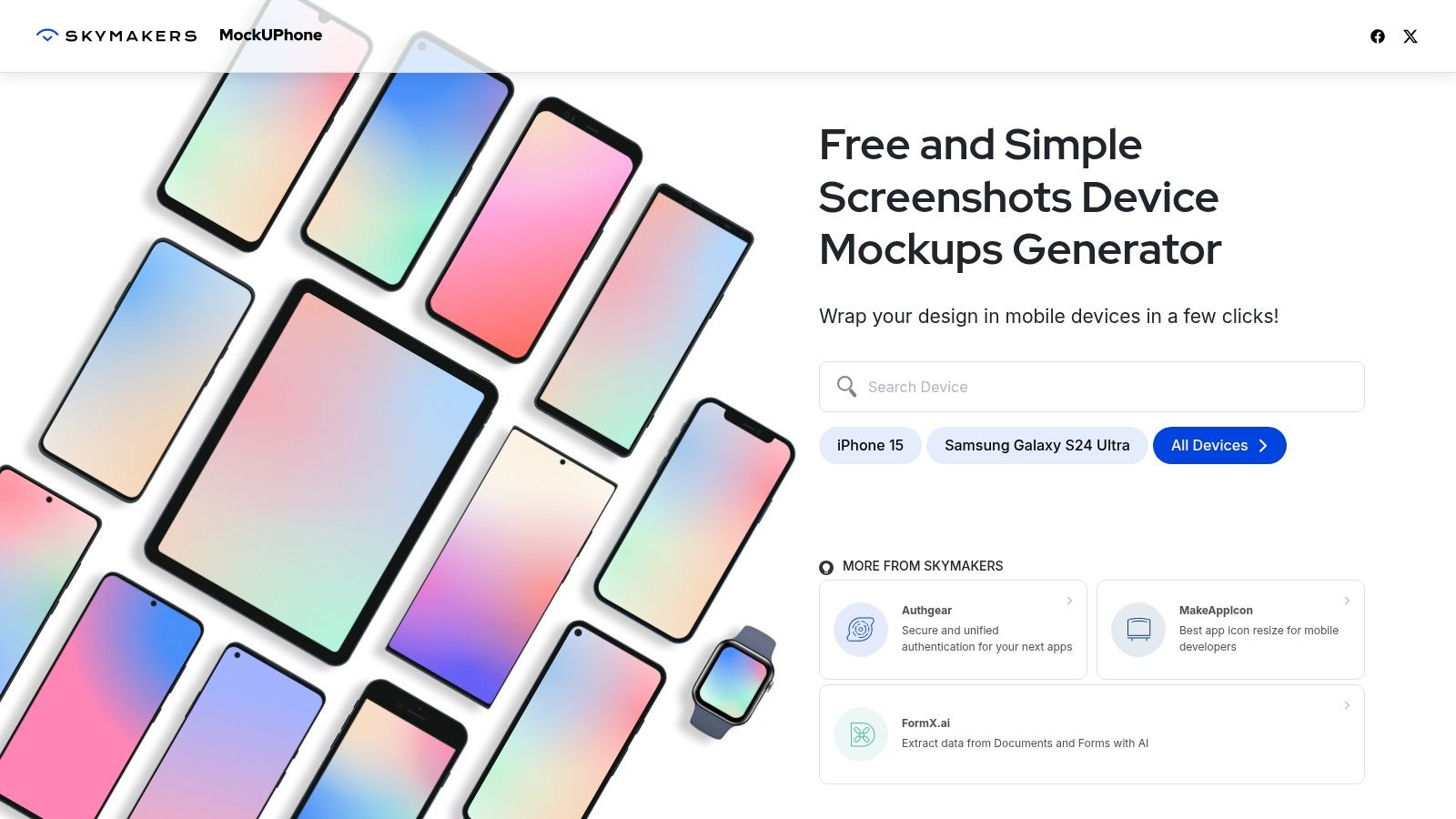
What makes MockUPhone stand out is its commitment to simplicity and accuracy. The platform uses official Apple Design Resources for its device frames, ensuring that every mockup features precise bezel dimensions. This makes it an excellent choice for creating clean, transparent assets that can be dropped into App Store screenshot backgrounds or other marketing materials later. While it lacks the creative flexibility of PSD files or integrated design suites, its speed for generating basic device mockups is unmatched for developers on a tight deadline.
| Feature Analysis | Rating & Notes |
|---|---|
| Ease of Use | ★★★★★ (Extremely simple; select device, upload, and download) |
| Variety of Mockups | ★★☆☆☆ (Limited to device-only frames with no scenes or creative angles) |
| Customization | ★☆☆☆☆ (No customization options beyond choosing the device model and orientation) |
| Free Tier Value | ★★★★★ (The entire tool is 100% free with no upsells or limitations) |
| Integration | ★☆☆☆☆ (No integration; it's a standalone tool for generating PNG files) |
Actionable Tip: Use MockUPhone to quickly generate a transparent PNG of your app on an iPad. Then, import this PNG into a more powerful design tool like Figma or Canva. This allows you to combine MockUPhone’s pixel perfect device accuracy with the creative freedom of a full featured editor to build custom, high converting App Store screenshot compositions with vibrant backgrounds and text.
- Link: MockUPhone
- File Format: PNG
- Best For: Creating fast, accurate, and transparent device-only mockups.
12. Mockuptree
Mockuptree serves as a well organized directory, aggregating a diverse collection of high quality PSD files for anyone needing a free iPad mockup. Its strength lies in curation, offering a direct gateway to professionally crafted scenes from various artists. The site provides a mix of clean, studio style mockups and more dynamic, photorealistic lifestyle shots, making it easy to find a context that fits your app's brand and target audience.
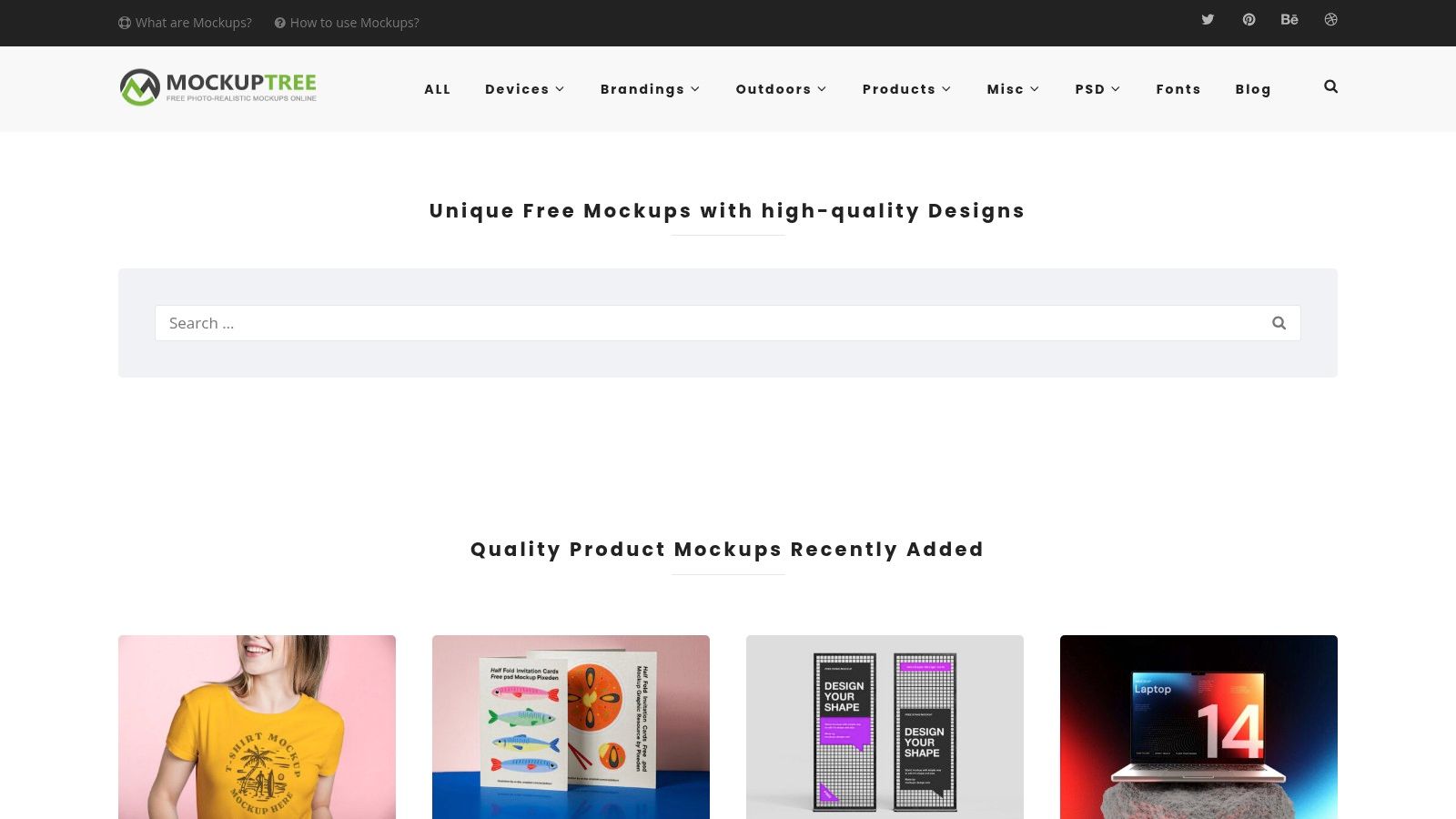
What makes Mockuptree particularly useful for app developers is its clear categorization. You can quickly filter for specific models like the iPad Pro or find multi device scenes that include an iPhone and MacBook for a complete ecosystem presentation. Each listing provides a preview, resolution details, and file size, with direct downloads. While this requires Photoshop to edit the smart objects, it gives designers ultimate control, enabling the creation of truly custom and high converting App Store screenshots.
| Feature Analysis | Rating & Notes |
|---|---|
| Ease of Use | ★★★☆☆ (Simple to browse and download, but requires Photoshop skills to edit) |
| Variety of Mockups | ★★★★☆ (Strong collection of studio, lifestyle, and multi-device PSDs) |
| Customization | ★★★★★ (Full customization within Photoshop for ultimate control) |
| Free Tier Value | ★★★★★ (All listed mockups are free, with clear usage terms on each page) |
| Integration | ★☆☆☆☆ (No integration; it's a resource hub, not a design tool) |
Actionable Tip: When downloading a PSD from Mockuptree, open the file and immediately locate the smart object layer for the iPad screen. Before placing your screenshot, duplicate the original smart object layer as a backup. This allows you to experiment with different app screens or design variations without having to re download the file if you make a mistake.
- Link: Mockuptree
- File Format: PSD
- Best For: Designers needing high-resolution, fully customizable PSD mockups.
12-Resource Comparison: Free iPad Mockups
| Tool | Core features | UX (★) | Pricing / Value (💰) | Target (👥) | Unique (✨) |
|---|---|---|---|---|---|
| 🏆 ScreenshotWhale | ASO‑focused templates + drag‑drop editor, device mockups, API | ★★★★★ | 💰 Free + marketplace (~$4.99–$7.99/template) | 👥 Indie makers, ASO/growth teams, agencies | ✨ AI i18n (100+ languages), API automation, ASO best practices |
| Canva | Browser mockup + huge template library & collaboration | ★★★★☆ | 💰 Free tier; Pro for advanced tools | 👥 Non‑designers, teams, marketers | ✨ Fast in‑browser editor, team workflows |
| Apple Design Resources | Official iOS/iPadOS UI kits (Figma/Sketch), pixel‑accurate frames | ★★★★★ | 💰 Free (Apple terms apply) | 👥 Designers needing Apple‑compliant visuals | ✨ Official, up‑to‑date device assets |
| Figma Community | Community & official Figma libraries; editable vector mockups | ★★★★☆ | 💰 Free (depends on Figma plan) | 👥 Figma users, product designers | ✨ Remixable files, live collaboration |
| Mockup World | Curated high‑res PSD mockups and scene packs | ★★★★☆ | 💰 Mostly free (varies by author) | 👥 Photoshop users, designers | ✨ Curated selection + clear specs |
| Freepik | Massive PSD/PNG mockup catalog with filters | ★★★★☆ | 💰 Free + Pro subscription | 👥 Marketers, freelancers, designers | ✨ Huge variety & frequent uploads |
| Unblast | Hand‑picked free PSD mockups with consistent presentation | ★★★★☆ | 💰 Free | 👥 Designers seeking quality freebies | ✨ Curated, high‑resolution packs |
| LS Graphics | High‑fidelity mockups, online editor & Figma plugin | ★★★★☆ | 💰 Free items + subscription | 👥 Visual designers, agencies | ✨ Figma plugin + premium visual fidelity |
| Pixeden | Veteran PSD mockups, free + premium club assets | ★★★★☆ | 💰 Free + premium club | 👥 Designers wanting reliable packs | ✨ Consistent quality control |
| Placeit (Envato) | Photo‑real mockup templates, in‑browser editor, e‑commerce friendly | ★★★★☆ | 💰 Pay‑per‑use or subscription | 👥 Marketers, product teams | ✨ Ready‑to‑use lifestyle scenes without Photoshop |
| MockUPhone | Simple free generator using official frames; PNG output | ★★★★☆ | 💰 Free | 👥 Developers needing quick device exports | ✨ Fast, accurate device proportions (no PSD) |
| Mockuptree | Directory of free PSD mockups with direct downloads | ★★★☆☆ | 💰 Free (varies by source) | 👥 Designers hunting variety | ✨ Broad categories and quick links |
Transform Your Mockups Into High-Converting Store Assets
Navigating the world of iPad mockups can feel overwhelming, but the resources available are vast and cater to every need. From the high fidelity PSD files on Unblast and LS Graphics to the incredible flexibility of the Figma Community, you have a wealth of options. The key takeaway is that the perfect free iPad mockup is not just about aesthetics; it's about finding the right tool that aligns with your specific workflow, technical skills, and ultimate goal of boosting app store growth.
A simple PNG from MockUPhone might be perfect for a quick social media post, while a layered PSD from Pixeden offers the control needed for a flagship marketing campaign. The official Apple Design Resources provide the ultimate in authenticity, ensuring your designs are perfectly aligned with platform conventions. The right choice depends entirely on your project's context.
From Mockup to Masterpiece: A Strategic Checklist
Having the mockup file is only the starting point. The real value is unlocked when you transform that static image into a persuasive marketing asset. Before you finalize your app store screenshots, run through this final checklist to maximize your impact:
- Context is King: Does the mockup's environment (e.g., a desk, a hand holding the device) match your app's use case? A productivity app looks great in a clean office setting, while a recipe app shines in a kitchen scene.
- Narrative Flow: Do your screenshots tell a story? Arrange them to guide the user through your app's core value proposition, starting with the most compelling feature. Each screen should build upon the last, creating a cohesive and convincing narrative.
- Visual Hierarchy: Use vibrant backgrounds, clear typography, and strategic placement to draw the user's eye to the most important elements. Ensure your captions highlight benefits, not just features, and are instantly readable.
- Technical Optimization: Are your final images correctly sized and compressed for the App Store or Google Play? To truly create high converting store assets, it's essential to understand how to optimize for perfect product photos. While the linked guide focuses on Shopify, the core principles of resolution and file size are universally applicable for creating crisp visuals on any digital storefront.
Choosing the Right Path for Your Project
Your choice of tool should be a strategic decision based on your team's structure and goals.
- For the Solo Developer or Indie Hacker: Speed and simplicity are paramount. Tools like Canva or MockUPhone offer a low friction path to creating good looking assets without a steep learning curve.
- For the Design Professional: You need maximum control and fidelity. Downloading layered PSD or Sketch files from resources like Mockup World or Figma's Community is your best bet.
- For the Growth-Focused ASO Team: Efficiency, scalability, and localization are your primary concerns. A specialized platform is the only way to manage the complexity of creating screenshot sets for multiple devices, languages, and A/B tests. This is where a dedicated solution becomes invaluable.
Ultimately, a great free iPad mockup serves as the canvas for your app's story. By combining a high quality template with thoughtful design, compelling copy, and an efficient workflow, you move beyond simply showing what your app looks like. You begin to demonstrate the value it brings to your users, creating a powerful first impression that drives downloads and fuels your growth.
Ready to stop wrestling with PSDs and start creating stunning, localized App Store screenshots in minutes? ScreenshotWhale takes the best principles of using an iPad mockup and automates the entire process, from device framing to translation. Try ScreenshotWhale today and see how easy it is to build a high-converting presence on the App Store and Google Play.
Skip the blank canvas
Start from a professional App Store screenshot template and swap in your own app.
Browse templates