Boost with Google Play ASO Optimization: A Quick Guide to Growth
Discover google play aso optimization tactics to boost installs with metadata, visuals, and data-driven insights.
Google Play ASO is all about getting your app seen and downloaded in the Play Store. It boils down to two things: optimizing your text (like your title and description) with the right keywords, and creating visuals (like screenshots and your icon) that make people actually want to hit "install."
Why ASO Is Your App’s Growth Engine
Listen, having a great app is not enough anymore. Not when you are competing with millions of others in the Google Play Store. App Store Optimization (ASO) is what gets you discovered. It is the engine that drives organic downloads, keeps users interested, and builds real, sustainable growth.
Think of it as a constant cycle: research, implement, test, and repeat. It is not a "set it and forget it" task. You have to get inside the head of your potential users, figure out how they search for apps like yours, and then shape your store listing to meet them where they are. That means getting both your words and your pictures right.
The Foundation of Your Marketing
ASO is the bedrock of all your other marketing efforts. A fully optimized store listing does not just pull in free, high intent organic traffic. It makes your paid campaigns work harder, too. When someone clicks an ad and lands on your page, a killer store listing is what convinces them to follow through and download.
Getting this right has a direct impact on your bottom line:
- More Visibility: Ranking higher for the keywords that matter puts your app right in front of the people looking for it.
- Better Conversion Rates: Compelling visuals and a clear, persuasive description will turn casual browsers into actual users.
- Lower Acquisition Costs: The more organic traffic you get, the less you have to lean on expensive paid ads.
- Global Reach: Localizing your app listing for different languages and cultures opens up brand new markets for you to conquer.
Cutting Through the Noise in a Crowded Market
The need for a sharp ASO strategy has never been more critical. The Google Play Store is incredibly saturated, with roughly 2.06 million apps all fighting for attention. Without a deliberate plan, even the most brilliant app can get completely lost. And when you factor in the Apple App Store, you are looking at a combined ecosystem of over 4 million apps. Standing out is tough.
The core idea is simple: ASO connects your app with the users who are actively searching for the exact solution you offer. It’s the bridge between a great product and a growing user base.
But ASO is just one piece of the puzzle. To see the full picture, it needs to fit into a broader mobile app user acquisition strategy. In this guide, we are going to skip the fluff and give you a hands on playbook for mastering every single part of your Google Play presence.
Mastering Metadata for Maximum Visibility
Your app's metadata is essentially the language you use to communicate with both Google's algorithm and potential users. It is the collection of text, your title, descriptions, and keywords, that explains what your app is all about. Getting this right is the absolute first step in any serious Google Play ASO optimization effort, and it directly influences how easily you get found and how many people decide to download.
Think of it as the foundation. You can have the best app in the world, but if the foundation is weak, nobody will ever find it.
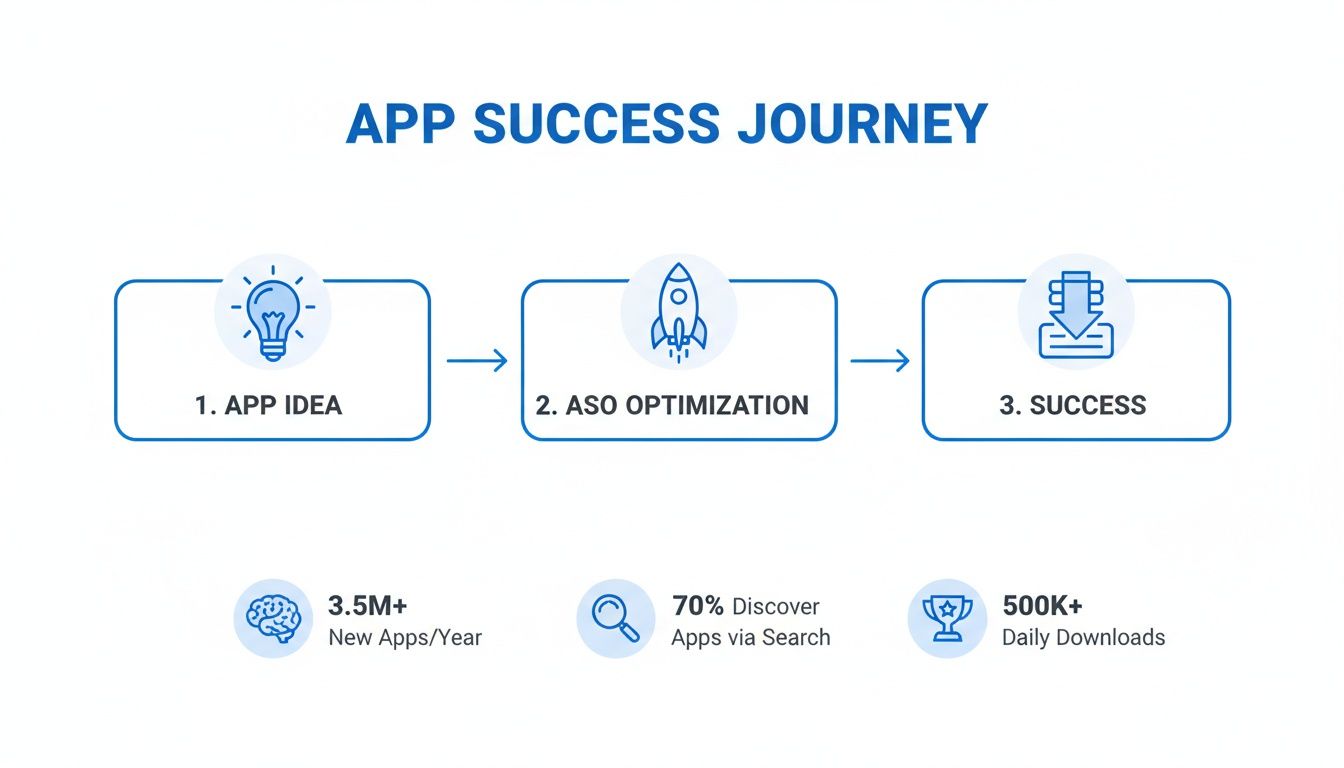
This journey is straightforward: a great idea, fueled by smart ASO, is what leads to real growth and a successful app. It all starts with the words you choose.
Here is a quick rundown of the most important metadata elements you will be working with. We will dive into each one, but this table gives you a bird's eye view of what matters and why.
Key Metadata Elements for Google Play ASO
| Metadata Element | Character Limit | ASO Impact | Best Practice |
|---|---|---|---|
| App Title | 30 | Very High | Brand Name + Core Keywords |
| Short Description | 80 | High | Expand on the title with more keywords |
| Long Description | 4000 | Medium | Detail features and benefits; use keywords naturally |
| Package Name (URL) | Permanent | Low but Permanent | Include a core keyword before the first publish |
Getting these four elements dialed in is a massive step toward better visibility on the Play Store. Let us break down how to approach each one.
First, Uncover High-Impact Keywords
Before you write a single character, you need to step into your users' shoes. What terms are they typing into the search bar to find an app like yours? Guessing is a recipe for failure; you need to rely on data.
The goal is to find that sweet spot: keywords with decent search volume that are not impossibly competitive.
Start by brainstorming. If you have a fitness app, your list might include "home workout," "calorie tracker," or "meal planner." From there, use ASO tools (or even just Google Play's search autocomplete) to see what real users are searching for and to expand your list.
Pay close attention to user intent. Someone searching for "workout log" is much closer to downloading an app than someone searching for the broader term "fitness."
Craft a Powerful App Title
Your app title is the single most important piece of ASO real estate you have. You only get 30 characters, and Google Play's algorithm gives it the most weight for ranking. A huge mistake I see all the time is developers just using their brand name and nothing else. That is a massive missed opportunity.
Here is a simple but effective formula: Brand Name + Main Keyword(s)
- Weak Example: "FitLife"
- Strong Example: "FitLife: Home Workout & Diet"
The second one instantly communicates the app's purpose to both people and the algorithm. It targets valuable keywords while still building the brand, giving you a much better shot at showing up in relevant searches.
Your title should be a billboard, not a whisper. It is the first thing a user reads and a powerful signal to Google's ranking algorithm. Make it count.
The Strategic Short Description
Next up is the short description, your 80-character elevator pitch. While it does not show up directly in search results, the keywords you place here are absolutely indexed by Google and play a big role in your ranking. This text should feel like a natural extension of your title.
Let us stick with the fitness theme. If your title is "FitLife: Home Workout & Diet," your short description could be:
- "Daily workout plans, calorie counter, and healthy recipes. Your personal fitness coach."
This packs in more related keywords ("workout plans," "calorie counter," "fitness coach") while quickly summarizing the core value.
Optimizing the Long Description
The long description is your sales page. You have got up to 4000 characters to convince users your app is worth their time while also feeding Google's algorithm more contextual keywords.
But please, do not just dump a wall of text. Structure is everything.
Google Play actually lets you use some basic HTML formatting, and you should definitely take advantage of it. Here is how:
- Use Bold (
<b>) and Italic (<i>): Make key benefits or feature names pop. - Use Emojis & Symbols (✔️, ▶️, ✨): These add visual breaks and make lists much easier to scan. Just keep it professional and do not go overboard.
Make sure to sprinkle your most important keywords throughout the description, especially in the first few sentences. A good rule of thumb is to mention a primary keyword naturally every 250 characters or so. This signals relevance without tripping Google's "keyword stuffing" filters, which can actually get you penalized.
The Often-Overlooked Package Name
Finally, let us talk about the package name, your app's unique URL on the Play Store. This is a one and done optimization chance. Once your app is published, you cannot change it.
Including a core keyword here gives you a small but permanent ASO boost. Before you hit publish for the first time, think about structuring your URL like com.company.keyword instead of the generic com.company.appname. It is a small detail that pays off in the long run.
If you are just getting ready to launch, our complete guide on how to publish an app on Google Play walks through all these foundational steps in more detail. Getting this stuff right from day one saves a lot of headaches later.
Designing Visuals That Drive Installs
If your metadata is the hook that gets you found, your visuals are the storefront that closes the deal. People might find you through keywords, but the decision to install often happens in a split second, based purely on your icon, feature graphic, and screenshots.
These visuals speak volumes about your app's quality and purpose, way faster than any block of text ever could. A weak presentation screams "low quality app," even if your product is incredible. Polished, professional, and benefit driven visuals, on the other hand, build instant trust and make users feel like they are missing out if they do not hit that install button.
The Psychology of High-Converting Screenshots
Let us be clear: great screenshots are not just pretty pictures of your UI. They are a strategic marketing tool designed to lead a user's eye and mind to one simple conclusion: "I need this."
Someone browsing the Play Store is in rapid fire decision mode. Your screenshots have to interrupt their scroll with a clear, compelling message. The best way to do that is by creating a visual narrative. Each screenshot should build on the last, taking the user on a quick tour of your app's core benefits.
Here is a proven structure that just plain works:
- First Screenshot: Hit them with your single biggest value proposition. What is the number one problem your app solves? Lead with that.
- Middle Screenshots: Show off the key features that deliver on that initial promise. But always, always connect the feature to a tangible user benefit.
- Final Screenshot: End with a strong call to action or a dose of social proof. Displaying awards, high ratings, or a simple "Download Now" can be the final nudge they need.
From Features to Benefits in Your Captions
This is one of the biggest mistakes I see developers make. They use screenshot captions to simply label a feature. A caption like "Calendar View" is a huge missed opportunity. "Plan Your Week at a Glance" is infinitely better.
The first describes a function. The second sells a benefit.
The golden rule is to always answer the user's unspoken question: "What is in it for me?" Frame every caption around the value they get, not just what the app does.
Do not forget to weave in social proof. A small banner that says "Trusted by 1 Million Users" or highlights a 5 star rating can massively boost credibility and push conversions.
Creating a Full Screenshot Set in Minutes
Designing a cohesive, on-brand set of screenshots used to be a massive headache. It meant hours in design software, fiddling with device mockups, and trying to get the copy just right. It was slow, tedious, and often required a designer.
Thankfully, modern tools have completely changed the game. A platform like ScreenshotWhale, for example, turns this chore into a quick, creative workflow. Its drag and drop editor and professionally designed templates let you build an entire set of high converting screenshots in a fraction of the time.
This shows just how simple it can be to add device frames, punchy backgrounds, and clear text to create that polished visual story.
The real takeaway here is gaining efficiency without sacrificing quality. The editor provides layouts based on ASO best practices, so you can focus on your message while the tool handles the design grunt work.
Your Visual Asset Checklist
Beyond screenshots, your other visuals are just as important. A consistent visual identity across all your assets is what builds brand recognition and trust.
Your App Icon
This is it, your single most important visual. It shows up everywhere: search results, your user's home screen, notifications. It needs to be perfect.
- Simplicity: Make it instantly recognizable, even when it is tiny. Avoid cluttering it with text or overly complex details.
- Scalability: Make sure it looks crisp and clean across the entire zoo of Android devices and screen densities.
- Memorability: Use a unique shape or color scheme that makes you stand out from the competition.
Your Feature Graphic
On Google Play, this is the 1024x500 pixel banner that greets users at the top of your store listing. If you have a promo video, this graphic is its cover image. Do not waste it.
- Bold and Simple: Communicate your app's core idea with minimal text and powerful visuals.
- On-Brand: It should feel like a natural extension of your icon and screenshots.
- Video Hook: If you have a video, your feature graphic needs to be compelling enough to make people want to click play.
Putting it all together, a strong visual strategy is an absolute cornerstone of any successful Google Play ASO optimization campaign. For an even deeper dive, our guide on Google Play Store screenshot best practices has more specific tips and requirements. By focusing on a clear narrative and benefit driven design, you can turn your visual assets into your most powerful conversion tool.
Expand Your Reach with Strategic Localization
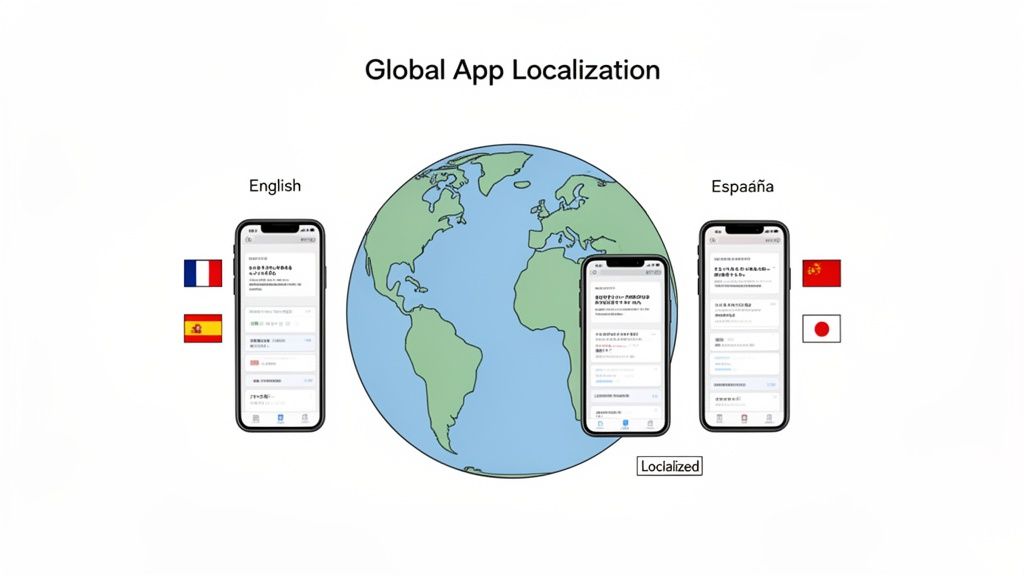
Breaking into new markets is a massive growth opportunity, but it is not as simple as dropping your app into a new country’s store. Real success comes from localization, deeply adapting your entire store listing to feel native and trustworthy.
This goes way beyond just translating your text. It is about understanding the keywords people actually use, the cultural nuances in your screenshots, and creating an experience that feels like it was built just for them. It is the difference between being a foreign product and a local solution. Skip this, and you are leaving a ton of growth on the table.
Beyond Translation: Localized Keyword Research
First things first: you have to figure out how people in a new market actually search. A direct translation of your English keywords almost never works.
I have seen this trip people up countless times. A term like "car insurance" in the US might translate literally into something nobody in Germany would ever type. They are far more likely to search for a compound word like "Kfz-Versicherung."
To get this right, you need to dig in:
- Investigate Local Slang and Idioms: How do real people talk about the problem your app solves?
- Analyze Regional Competitors: What keywords are the successful local apps ranking for? Use them as your starting point.
- Use Country Specific ASO Tools: These platforms give you search volume estimates and suggestions tailored to specific regions, taking the guesswork out of it.
This research ensures you are optimizing for real user behavior, not just a dictionary. Once you have got a solid list of local keywords, weave them into your app title, short description, and long description for that specific language.
Adapting Visuals for Cultural Resonance
Your screenshots are arguably even more important than your text. What works for a North American audience might fall completely flat, or worse, be confusing, in an Asian market. Adapting your visuals is a non negotiable part of Google Play ASO optimization.
Think about these factors when localizing your visuals:
- Color Symbolism: Colors mean different things around the world. White is for weddings in the West but is associated with mourning in some Eastern cultures. A simple color choice can completely change the tone.
- Imagery and Models: Use images that feature people who look like your target audience. It helps them instantly see themselves using your app.
- Layout and Design: Some cultures prefer clean, minimalist designs, while others respond better to more information packed layouts.
- Formatting: This is an easy one to miss. Dates, currencies, and units of measurement must be localized to avoid looking amateurish.
A classic mistake is just translating the text overlays on your screenshots and calling it a day. True localization means rethinking the entire visual story to align with local expectations.
Automating Screenshot Localization
Manually creating unique screenshot sets for dozens of languages is a nightmare. It is a huge, soul crushing time sink for any design team. This is where automation is a lifesaver.
Tools like ScreenshotWhale were built to handle exactly this kind of complexity.
You can start with one polished set of English screenshots. Then, using its internationalization (i18n) engine, the platform can automatically generate fully translated and adapted visuals for over 100 languages in minutes. The AI handles the text translation while ensuring the font and layout adjust perfectly.
This turns a task that could take a designer hundreds of hours into a simple, scalable workflow. Suddenly, even a small team can launch globally with a high quality, native feeling store presence in every single market. If you want to dive deeper into the nuances, you can read more about whether to localise or localize your app's presence. And do not forget your other assets; you can even translate your app preview videos to make them accessible and engaging for different linguistic markets.
Fine-Tuning Your Strategy with Store Listing Experiments
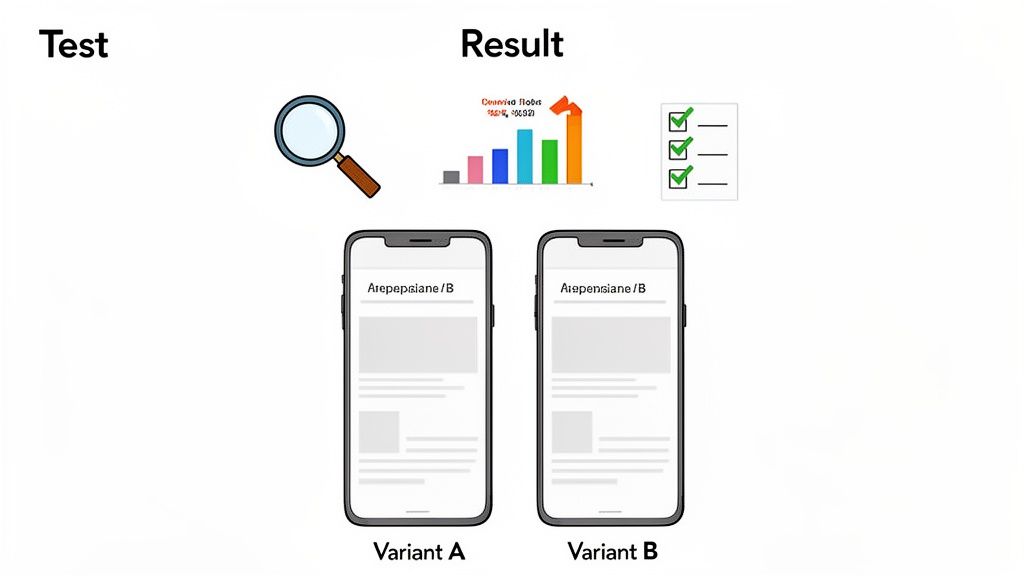
The most successful apps do not rely on guesswork. They evolve based on data, not hunches. This is where Google Play's native A/B testing tool, Store Listing Experiments, becomes your most powerful ally for steady, predictable growth.
Forget about throwing random ideas at the wall to see what sticks. That is a recipe for wasted time and inconclusive results. A structured approach, grounded in solid hypotheses, is what delivers clear, actionable insights. This process is the heart of any effective google play aso optimization strategy, turning your store listing from a static page into a dynamic, high converting asset.
Building a Strong Hypothesis
Every experiment worth running starts with a strong hypothesis. It is not just a guess; it is a clear, testable statement predicting an outcome based on a specific change. The classic structure is simple but powerful: "If I change [X], then [Y] will happen, because [Z]."
A weak hypothesis like, "Let us test a new icon," is going nowhere. It is vague, has no rationale, and tells you nothing if it fails.
Now, contrast that with a strong hypothesis: "If we change our app icon from a dark blue background to a vibrant orange one, our conversion rate will increase because the brighter color will stand out more against competitors in search results." See the difference? This gives your test a clear purpose and makes the results, win or lose, incredibly insightful.
The real goal here is to create a continuous optimization loop. You want every change to be validated by actual user behavior, leading to predictable conversion rate growth over time.
Designing and Running Your Experiment
Once you have got your hypothesis, setting up the experiment in the Google Play Console is pretty straightforward. You can test your app icon, short and long descriptions, feature graphic, screenshots, and even your promo video.
To get clean, statistically significant results that you can actually trust, you have to follow a few ground rules:
- Test One Variable at a Time: This is non negotiable. If you change your icon and your screenshots in the same test, you will never know which change caused the result. Isolate one element per test to get a clear signal.
- Give It Enough Time: Do not jump the gun and end a test after a day or two. Let it run for at least a full week. This helps smooth out any weekend vs. weekday traffic weirdness and ensures you have enough data for a confident result.
- Aim for a 90% Confidence Level: Google will tell you when a variant is performing better with a certain level of confidence. I never make a final call until I hit 90% or higher. Anything less, and you are just gambling that the outcome was not random chance.
Analyzing Results and Avoiding Common Pitfalls
When your experiment wraps up, Google gives you a clear breakdown of the results. It will show you the observed conversion rates for your control and your variant, along with a range of likely outcomes.
A common pitfall I see teams make is misinterpreting this data. For example, a variant might show a tiny lift, but if the confidence level is low, the result is completely unreliable. It is far better to call the test inconclusive and try a new hypothesis than to implement a change based on shaky data.
Another mistake is testing insignificant changes. Swapping a single word in your long description is unlikely to produce a measurable impact. Focus your experiments on the big stuff, the high impact elements that can genuinely influence a user's decision to install. We are talking about a completely new screenshot narrative or a radically redesigned icon.
By running disciplined experiments, you replace assumptions with hard data. It is an iterative process that allows you to systematically improve your store listing's performance, ensuring your ASO efforts translate directly into more downloads and sustained growth.
Measuring the ASO Metrics That Truly Matter
So you have made some changes. Now what? Effective ASO is not just about tweaking your store listing; it is about seeing what actually moves the needle. To know if your efforts are paying off, you have to cut through the vanity metrics and focus on the KPIs that signal real growth. This is how you turn guesswork into a data driven strategy.
Your home base for all this is the Acquisition reports inside the Google Play Console. This is where Google tells you exactly how people are finding your app. The number you want to zoom in on is "Search." This represents your organic traffic, real users typing keywords into the Play Store and finding you. When this number goes up consistently, you know your ASO work is hitting the mark.
Core KPIs for ASO Success
You could drown in data, but a few key metrics tell most of the story. Keep your eyes on these to understand visibility and conversion.
- Keyword Rankings: Track your app's position for your top 10-20 target keywords. Are you climbing the ladder for high intent searches? A steady upward trend here is a great sign your metadata is doing its job.
- Store Listing Visitors: This is simple: how many unique people landed on your app's page? It is a direct measure of your visibility. A good icon and a compelling title are what earn you that first click from the search results.
- Conversion Rate (CVR): Of all the people who visited your store listing, what percentage actually hit "Install"? A rising CVR means your screenshots, feature graphic, and description are working together to convince people to take the plunge.
When you track these three together, you get the full picture. Better rankings drive more visitors, and a higher conversion rate turns that traffic into actual users. It’s a virtuous cycle.
The Power of Ratings and Reviews
Beyond the hard numbers, what people say about your app has a huge impact on ASO. User ratings and reviews are not just for feedback anymore; they are critical ranking signals that directly influence your visibility on Google Play.
Think about it: Google wants to promote apps people love. In fact, featured apps on the Play Store have an average rating of 4.0 or higher, and this group makes up 90% of all featured applications. That is not a coincidence. It is a clear signal of how heavily Google weighs user satisfaction. Your star rating is the first trust signal most people see, and even small improvements can lead to real conversion gains.
Plus, Google’s algorithm gives much more weight to recent ratings than old ones. You can find more deep dive data on this in Apptweak's app store trends report.
The best way to ethically encourage feedback is to integrate Google's in-app review API. It lets users leave a rating and review without ever leaving your app, which dramatically reduces friction and boosts the number of people who participate.
Do not forget to respond to reviews, both good and bad. It shows you are an engaged developer and helps build a positive feedback loop, closing the gap between a quality product and ASO success.
Your Google Play ASO Questions, Answered
Even with the best strategy in hand, a few questions always pop up when you are in the weeds of Google Play ASO optimization. I get these all the time, so let us clear up some of the most common ones.
How Often Should I Update My App Store Listing?
Here is a good rule of thumb: think of ASO as a cycle, not a one and done task. You should be checking in on your keyword performance and metadata at least quarterly. This gives you enough time to collect meaningful data but keeps your strategy from going stale.
When it comes to your visuals, like screenshots and the feature graphic, the cadence is a bit different. A great time to refresh them is around major feature releases, for seasonal events, or right after you get a clear winner from an A/B test. The top apps I see are usually tweaking their visuals 2 to 4 times a year. It is a simple way to keep the listing looking fresh and show users you are actively improving the app.
What's the Biggest ASO Mistake Developers Make?
It is almost always the same thing: underestimating the power of visual assets. So many developers will obsess over keywords for weeks, then throw up a few generic screenshots that do not tell a story or show any real value. It drives me crazy.
Keywords get people to your listing, but your visuals are what actually convince them to tap "Install." Seriously, investing a little extra time in high quality, benefit focused screenshots delivers one of the biggest returns in ASO.
Can I Use the Same Strategy for iOS and Android?
Please do not. This is another frequent mistake, and it kills performance on both stores. The Google Play Store and Apple’s App Store are just fundamentally different beasts. They have unique ranking algorithms, different metadata fields, and their users even have slightly different expectations.
For example, Google's algorithm acts a lot like its web search, actually indexing your entire long description for keywords. Apple, on the other hand, gives you a dedicated keyword field with a tight character limit. Your Google Play ASO optimization has to be built specifically for the Android ecosystem. A copy paste strategy will just fall flat on both platforms.
Ready to create stunning, high converting screenshots in minutes? With professionally designed templates and a simple drag and drop editor, ScreenshotWhale makes it easy to produce on-brand visuals that drive installs. Try ScreenshotWhale for free and see the difference.
Put this into practice on your own listing
Import your live app into an ASO workspace — metadata, keywords, competitors, and store screenshots in one place.
Import my app