7 Sources of Inspirational App Design to Boost Store Growth in 2025
Discover 7 sources for inspirational app design. Learn how to create high-converting app store screenshots and boost conversions on iOS and Android.
Crafting a compelling user interface is no longer a luxury; it is a fundamental requirement for app store success. A well executed design not only enhances user experience but also directly impacts conversion rates, retention, and brand perception. This guide moves beyond simple galleries of pretty screens. Instead, we dissect a curated collection of inspirational app design examples to give you a strategic blueprint for creating efficient and high converting app store screenshots and in app experiences for both iOS and Android.
We will analyze what makes each design effective, from seamless user flows in fitness apps to engaging interfaces in AI powered tools. You will learn how to identify and borrow key layout elements, get copy and localization tips, and receive quick implementation steps to apply these lessons to your own projects. Our focus is on providing actionable insights that help you boost app store growth and build an interface that users love. To kickstart your creative process for inspirational app design, consider these 7 Best Web Design Sites for Inspiration that offer a wealth of ideas.
Each example includes screenshots, direct links, and a tactical breakdown designed to help you build more efficient and visually appealing app experiences. Let's explore the designs that set the standard.
1. Mobbin
Mobbin stands as an indispensable resource for anyone seeking inspirational app design because it offers an unparalleled, real world library of UI and UX patterns. Instead of abstract concepts, Mobbin provides a massive, searchable database of actual screenshots from top performing iOS and Android apps. This allows designers, developers, and product managers to see exactly how successful companies have solved complex design challenges, from user onboarding flows to intricate settings screens.
The platform’s strength lies in its meticulous curation and powerful filtering. You can deconstruct entire user journeys, screen by screen, saving countless hours of manual research. This direct insight into shipped products is what sets it apart from Dribbble or Behance, which often showcase conceptual or idealized designs.
Strategic Breakdown for App Store Creatives
For teams focused on app store growth, Mobbin is a goldmine for creating high converting screenshots. By analyzing the UI of category leaders, you can identify visual trends and common patterns that resonate with users. This informs which features to highlight and how to frame them for maximum impact in your App Store and Google Play listings.
Actionable Takeaway: Before designing your app store screenshots, use Mobbin to research the top 5 apps in your category. Identify the visual language and value propositions they emphasize. Use an app screenshot editor to quickly replicate their layout styles with your own UI, testing different background colors and caption text to see what converts best.
How to Use Mobbin Effectively
- Filter with Precision: Use filters like "Onboarding," "Paywall," or specific UI elements like "Date Picker" to find targeted solutions quickly.
- Create Collections: Organize your findings into collections for different projects or features. For instance, create a "Competitor Onboarding" collection to compare flows.
- Analyze User Flows: Do not just look at single screens. Follow the user journey from one screen to the next to understand the contextual design choices.
Pricing and Access
Mobbin operates on a freemium model. The free plan offers limited access, while the Pro plan unlocks the full library and advanced features. Pricing is subscription based, with quarterly and annual billing options available; monthly billing is not offered. They also provide Team and Enterprise plans with seat based billing and admin controls.
Website: https://mobbin.com
2. Pttrns
Pttrns is a foundational resource for sourcing inspirational app design, functioning as a curated gallery of mobile UI patterns. Its long standing reputation is built on a simple premise: providing thousands of categorized screenshots from real iOS and Android apps, allowing designers to quickly find solutions for specific user interface challenges. Unlike platforms focused on broad design assets, Pttrns hones in on mobile specific patterns, making it a fast and efficient tool for ideation.
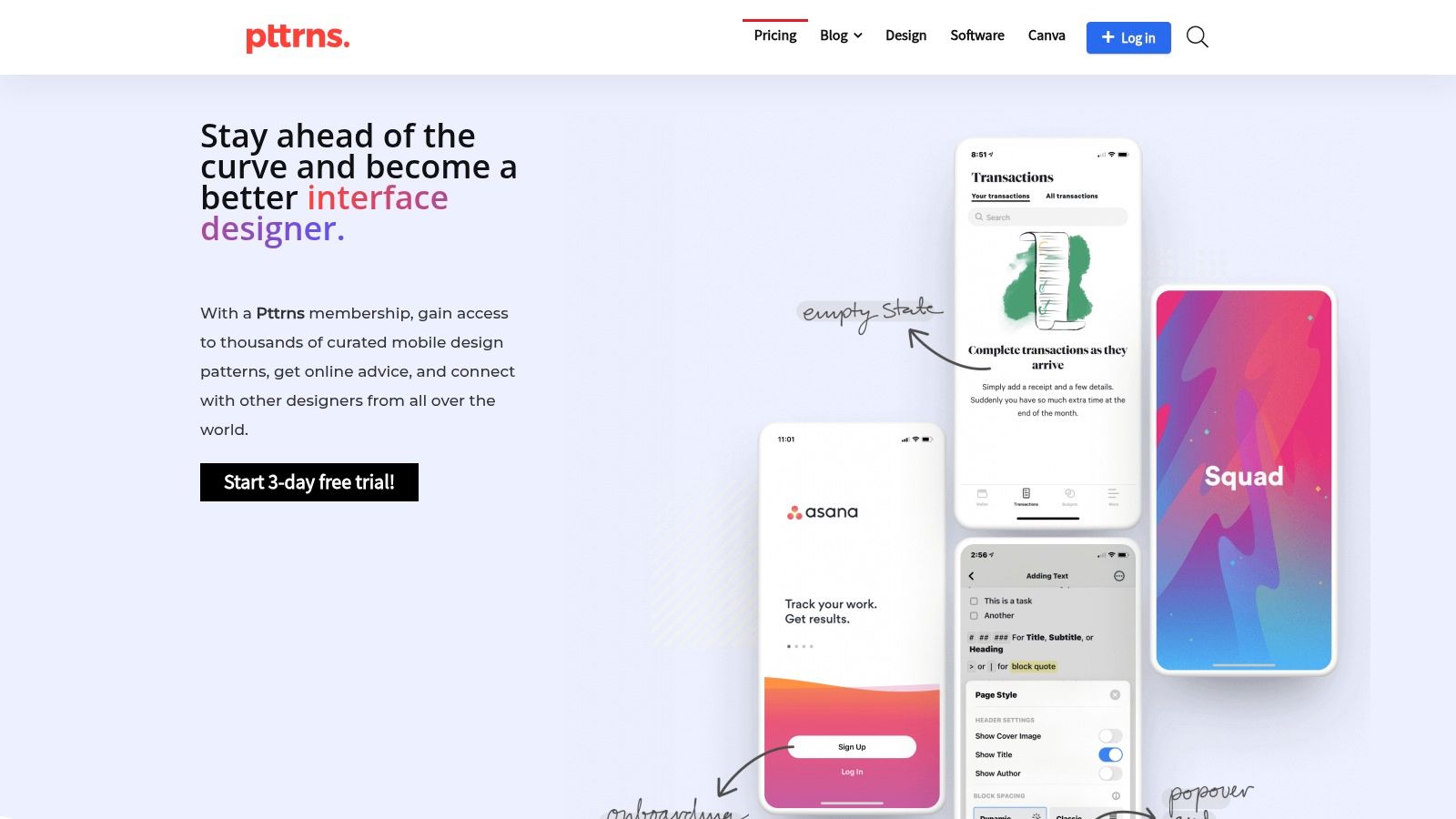
The platform excels at providing a lightweight, no frills browsing experience. Its value lies in its extensive and well organized library of over 7,000 patterns, which serves as a vital reference point for solving common design problems without reinventing the wheel. This makes it an ideal starting point for brainstorming or validating UI choices.
Strategic Breakdown for App Store Creatives
For teams crafting compelling app store visuals, Pttrns offers a rapid way to benchmark against established design conventions. By browsing categories relevant to your app, you can quickly identify the visual language and interaction patterns that users already understand and expect. This insight is crucial for designing app store screenshots that feel both innovative and intuitive, reducing friction and boosting conversion rates.
Actionable Takeaway: When designing a new feature, search Pttrns for similar UI flows such as "Subscription" or "Search". Analyze the top examples to identify common layouts. Use an app store screenshot editor to apply these established patterns to your designs, ensuring your feature’s value is communicated instantly and effectively.
How to Use Pttrns Effectively
- Browse by Category: Use the platform’s core strength by exploring categories like "Empty States," "Login," or "Charts" to find targeted inspiration.
- Study Timelines: Pay attention to the timeline feature to see how specific app designs have evolved over the years, revealing important trends.
- Build Reference Collections: Use the "Favorites" feature to save and organize patterns into project specific collections for easy access during the design phase.
Pricing and Access
Pttrns offers a free trial to explore its content. Its paid plans are known for being very affordable and flexible, with monthly, quarterly, and annual subscription options available. The Premium plan unlocks the entire library of patterns and flows, making it an accessible tool for individual designers, freelancers, and small teams alike.
Website: https://www.pttrns.com
3. Envato Elements
Envato Elements offers a different angle on inspirational app design by providing a massive, all you can download asset library rather than a curated showcase. It serves as a foundational resource for designers and developers who need ready to use UI kits, wireframes, icons, and illustrations to kickstart a project or enhance existing visuals. Instead of just showing you finished products, it gives you the building blocks to create your own.
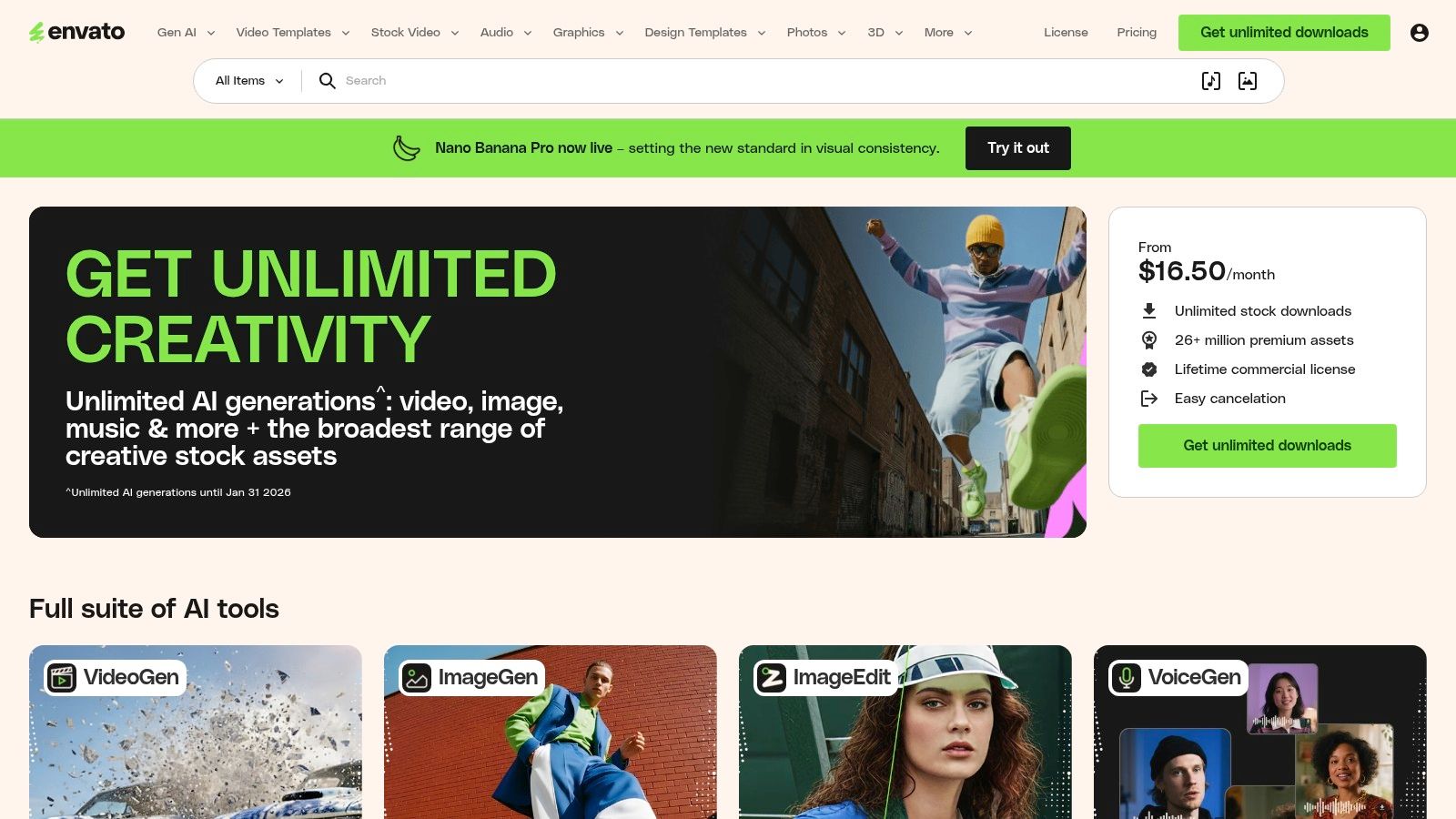
The platform’s core strength is its incredible value and breadth. A single subscription unlocks millions of assets, including app templates for Figma, Sketch, and Adobe XD. This makes it an indispensable tool for teams needing a high volume of diverse assets without managing multiple licenses and purchases. For designers focusing on React Native, exploring platforms like the Gluestack Market can also provide a dedicated hub for UI templates.
Strategic Breakdown for App Store Creatives
For app store growth, Envato Elements is a treasure trove for creating polished and professional marketing assets. You can download high quality mockups for your mobile app to place your UI in realistic device frames, making your screenshots more engaging. The vast library of icons and vibrant background graphics allows you to add custom visual flair that aligns with your brand and helps your store listing stand out.
Actionable Takeaway: Search Envato Elements for "app promo templates" or "app store mockups." Use these to create a consistent set of screenshots. Many modern screenshot editors allow you to upload custom background images from Envato, combining your UI with compelling device mockups to build a narrative that quickly communicates your app’s value.
How to Use Envato Elements Effectively
- Use Specific Keywords: Search for "iOS UI Kit" or "Android Fintech Template" to find targeted, platform specific design systems.
- Leverage Collections: Save promising UI kits, icon sets, and mockups to a project specific collection for easy access and comparison.
- Check File Compatibility: Always check that the assets are available for your preferred design tool (Figma, Sketch, XD) before downloading.
Pricing and Access
Envato Elements is a subscription based service. A single monthly or annual subscription provides unlimited downloads of over 26 million assets, all covered by a simple commercial license. They offer plans for individuals, students, and teams, with team plans providing scalable solutions for agencies and larger organizations.
Website: https://elements.envato.com
4. Creative Market
Creative Market earns its spot as a top resource for inspirational app design by functioning as a vast marketplace for ready to use design assets. Instead of just providing screenshots for analysis, it offers tangible, purchasable UI kits, component libraries, and icon packs created by independent designers. This allows app developers and marketers to acquire professionally designed foundations for their projects, accelerating development and ensuring a high quality visual starting point.
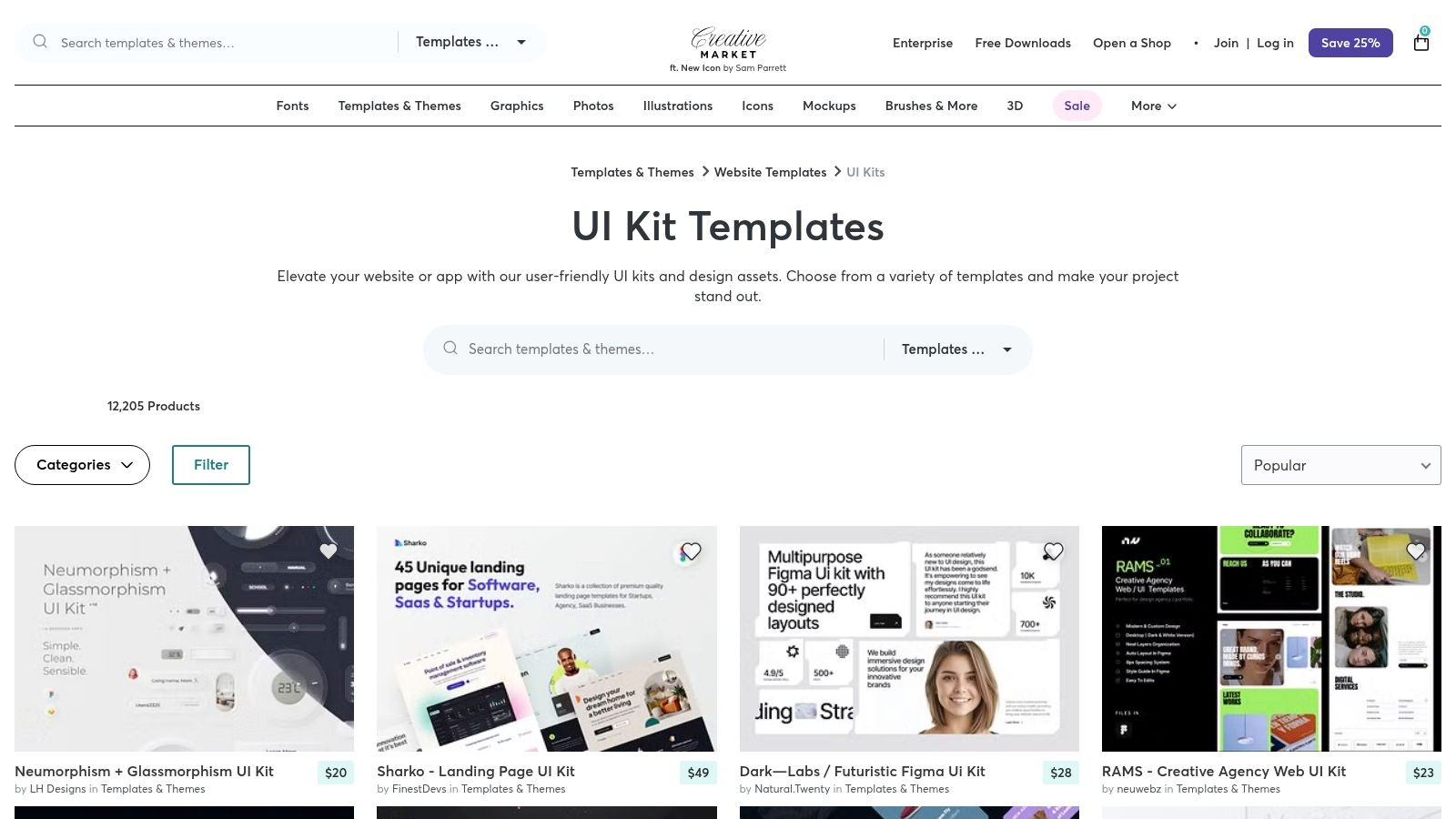
The platform’s key advantage is its à la carte model, allowing you to buy only what you need without a subscription commitment. Whether you are looking for a comprehensive design system in Figma or a niche icon pack for a specific app category, Creative Market’s robust search and seller rating system helps you find high quality assets tailored to your exact requirements.
Strategic Breakdown for App Store Creatives
For teams aiming to boost app store growth, Creative Market is an invaluable asset for creating stunning and effective screenshots. By purchasing a well designed UI kit that aligns with your app's aesthetic, you can quickly mock up compelling feature showcases. This approach ensures visual consistency and a professional polish that builds trust with potential users browsing the App Store or Google Play.
Actionable Takeaway: Before your next launch, browse Creative Market for a UI kit that matches your brand. Use its components to create mockups of your app's key value propositions. This provides a high fidelity base for crafting screenshots that convert. You can then upload these polished screens into a screenshot editor to add captions and device frames efficiently.
How to Use Creative Market Effectively
- Vet the Seller: Always check the seller’s profile, ratings, and reviews before purchasing a kit to ensure quality and support.
- Check File Compatibility: Confirm that the asset is compatible with your design software of choice, such as Figma, Sketch, or Adobe XD.
- Understand Licensing: Carefully review the Personal, Commercial, and Extended Commercial licenses to ensure you purchase the correct one for your intended use case.
Pricing and Access
Creative Market operates on a per item pricing model. Each asset is sold individually, with prices set by the creator. You purchase what you need, when you need it, with no recurring subscription fees. Licensing costs vary, with Commercial and Extended Commercial licenses costing more to cover broader usage rights. This model is ideal for teams and individuals with specific, one off project needs.
Website: https://creativemarket.com/templates-themes/website-app/ui-kits
5. UI8
UI8 serves as a premium marketplace for designers and developers searching for inspirational app design assets that are polished and production ready. Unlike platforms focused on single shot concepts, UI8 specializes in comprehensive UI kits, full design systems, and app templates. This focus provides a direct path to high quality, consistent visuals, allowing teams to accelerate their design process with battle tested components and layouts.
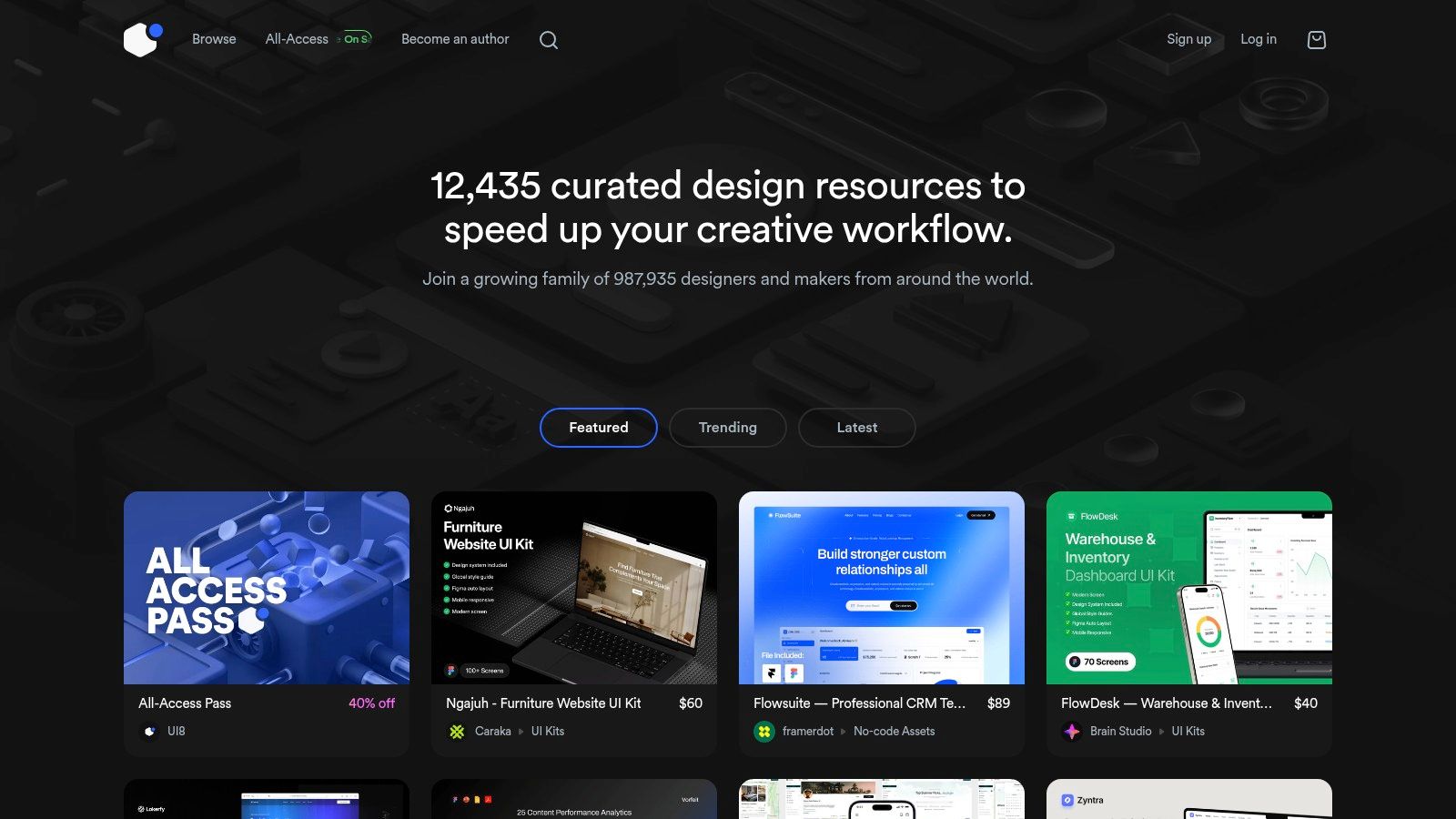
The platform's key strength is its high bar for quality and completeness. Many kits include entire user flows, covering everything from onboarding to in app purchases. This makes it an invaluable resource for visualizing not just a single screen, but a cohesive and functional app experience from start to finish.
Strategic Breakdown for App Store Creatives
For teams aiming to boost app store conversions, UI8 provides a fast track to professional grade aesthetics. Instead of designing from scratch, you can license a UI kit that aligns with your app's category and brand. This ensures your app store screenshots immediately communicate a high level of quality and user experience, which can significantly influence a user's decision to download. The detailed mockups included in these kits are perfect for creating compelling promotional graphics.
Actionable Takeaway: When launching a new feature, browse UI8 for kits in a similar vertical like "fintech" or "fitness". Purchase a relevant kit not to copy it, but to use its structure and high fidelity components as a baseline for your app store screenshots. This guarantees your initial marketing assets look modern and trustworthy, ready to be enhanced with vibrant backgrounds and text in a screenshot tool.
How to Use UI8 Effectively
- Look for Complete Kits: Prioritize UI kits that offer a large number of screens and a defined design system. This ensures you have assets for every part of the user journey.
- Leverage 3D and Icons: Explore UI8's extensive libraries of 3D illustrations and icon packs to add unique visual flair to your app and its marketing materials.
- Study the Presentation: Pay attention to how top sellers present their kits. Their preview images are excellent examples of how to showcase an app's features in a visually appealing way.
Pricing and Access
UI8 primarily operates on a per item pricing model, where users purchase licenses for individual assets. Prices for premium kits can vary. They also offer an "All Access Pass," a subscription that provides unlimited downloads from a vast library of resources. This subscription is a cost effective option for agencies and teams that need a constant stream of high quality design assets.
Website: https://ui8.net
6. Dribbble
Dribbble is a powerhouse community for visual creatives, making it a go to source for inspirational app design focused on emerging trends and aesthetics. It functions as a constantly updating feed of UI "Shots" and case studies, where designers showcase their latest work. Unlike curated libraries of shipped apps, Dribbble provides a real time pulse on what's new in visual styles, color palettes, and interaction animations.
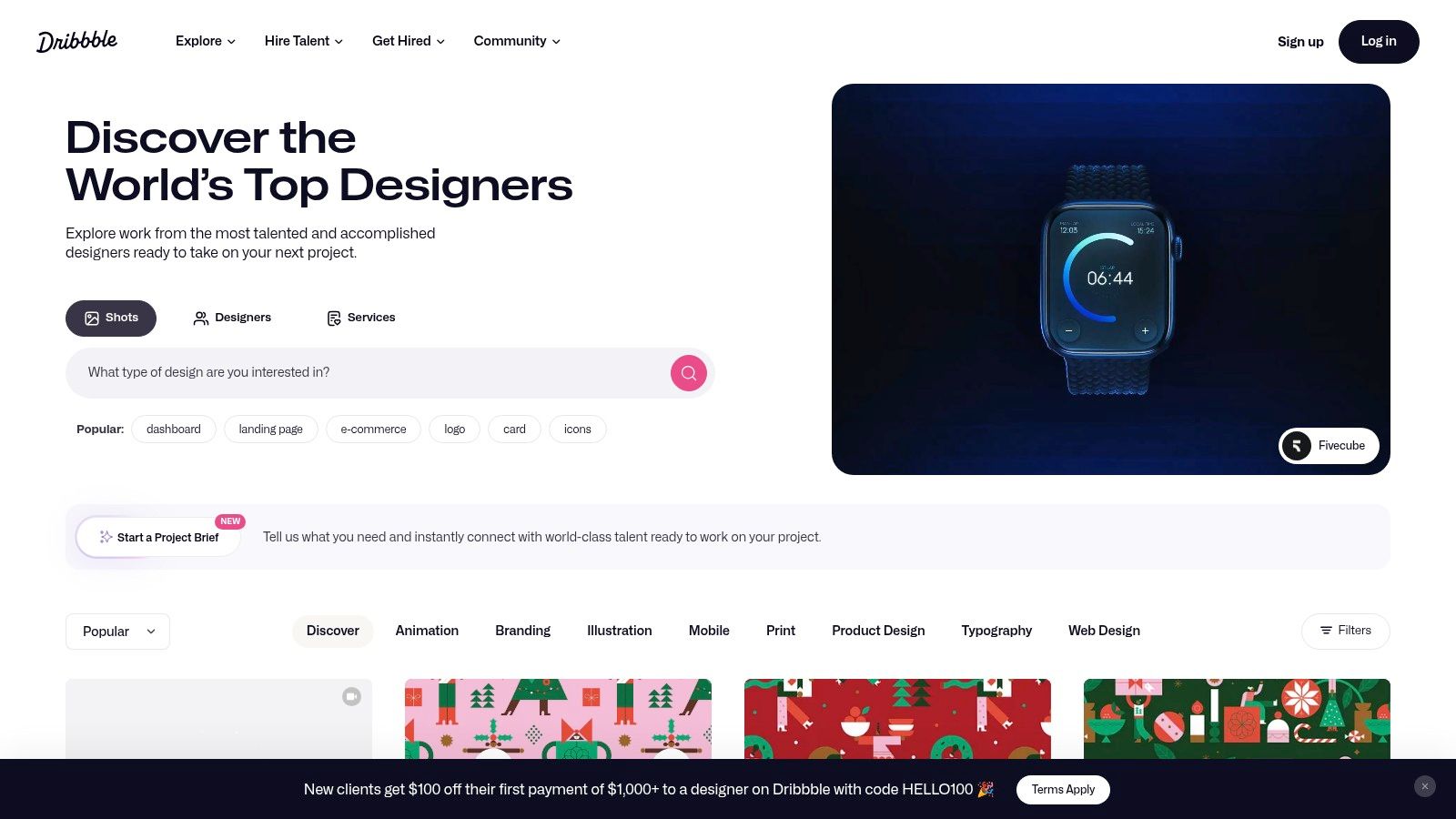
The platform's value lies in its creative diversity and immediacy. It's the perfect place to discover novel concepts and artistic directions before they become mainstream. While many designs are conceptual, they offer a forward looking view that can help your app’s visual identity stand out in a crowded marketplace. You can also discover designers who sell UI kits or are available for hire.
Strategic Breakdown for App Store Creatives
For teams creating app store screenshots, Dribbble is an excellent resource for stylistic inspiration. If you want your app store presence to feel modern and visually polished, browsing Dribbble will reveal the latest trends in vibrant gradients, typography, and illustration styles. This research can directly influence the background colors, device frames, and graphic elements you use in your screenshot designs, ensuring they look fresh and appealing. Understanding these mobile app design best practices is crucial for conversion.
Actionable Takeaway: Before your next refresh, search Dribbble for "dashboard" and your app’s category. Save 10-15 Shots that catch your eye. Use a screenshot editor with flexible design options to incorporate these compelling color schemes and font pairings into your next set of high converting screenshot templates.
How to Use Dribbble Effectively
- Follow Top Designers: Identify and follow designers whose style aligns with your brand to create a curated feed of high quality inspiration.
- Use Specific Tags: Search with precise tags like "onboarding ui," "neomorphism," or "dark mode" to narrow down results and find relevant examples quickly.
- Look for Case Studies: Go beyond single Shots. Many designers post multi slide carousels or link to full case studies that detail their design process and rationale.
Pricing and Access
Dribbble is free to browse for inspiration. For designers looking to showcase their work and get more visibility, there is a Dribbble Pro plan. This paid subscription offers features like a Pro profile badge, advanced search filters, and the ability to upload videos. There are also plans for teams to collaborate and recruit talent directly through the platform.
Website: https://dribbble.com
7. Figma Community
The Figma Community is a vital hub for sourcing inspirational app design directly within your primary design tool. It functions as an open marketplace of ideas, offering thousands of free and paid UI kits, templates, plugins, and design systems. Instead of just viewing static images, you can duplicate entire projects into your Figma workspace, giving you editable, production ready components to deconstruct and adapt.
This direct, hands on access is its greatest strength. Designers can instantly experiment with complex UI patterns, test different visual styles, and integrate proven layouts into their projects. This accelerates the design process from pure inspiration to functional iteration, making it an indispensable resource for teams looking to build and refine their apps quickly.
Strategic Breakdown for App Store Creatives
For teams crafting App Store or Google Play visuals, the Figma Community offers a massive head start. You can find pre built, fully customizable app store screenshot templates that adhere to the latest device specifications. By duplicating these files, you can bypass the tedious setup of frames and safe areas, focusing instead on showcasing your app's core value. Many kits even include device mockups and stylized backgrounds.
Actionable Takeaway: Search the Figma Community for "App Store Screenshot Template." Duplicate a popular file to create polished screenshots. For even faster workflows, use a dedicated screenshot editor that provides hundreds of pre built, high converting templates for both Android and iOS, saving hours of manual design work in Figma.
How to Use Figma Community Effectively
- Check the License: Before using a resource, review its license. Many free files require attribution (like CC BY 4.0), while paid resources have specific usage terms.
- Filter by "Installed": Use the filter to see which plugins and widgets you have already installed, helping you manage your toolkit.
- Duplicate and Detach: Once you duplicate a file, create your own local components by detaching them from the original. This prevents unwanted updates from the creator and gives you full control.
Pricing and Access
The Figma Community is largely free, with thousands of high quality resources available at no cost. Many creators also offer paid files, UI kits, and plugins, which can be purchased directly through Figma's platform. Pricing for paid assets is set by the individual creator. Access to the community is included with any Figma account, including the free starter plan.
Website: https://figma.com/community
Top 7 App Design Inspiration Comparison
| Tool | Implementation Complexity 🔄 | Resource Requirements ⚡ | Expected Outcomes ⭐📊 | Ideal Use Cases 💡 | Key Advantages |
|---|---|---|---|---|---|
| Mobbin | Low 🔄 — browser search, no setup | Paid subscription (quarterly min); seat-based billing ⚡ | High ⭐ — real shipped UI patterns; strong discovery 📊 | Design research, navigation & flow benchmarking 💡 | Curated live product screens; team admin controls |
| Pttrns | Low 🔄 — simple gallery and filters | Affordable tiers (monthly/quarterly/year) + free trial ⚡ | Moderate ⭐ — large mobile pattern coverage 📊 | Fast mobile ideation and platform-specific inspiration 💡 | Mobile-focused catalog; lightweight browsing |
| Envato Elements | Medium 🔄 — download & integrate varied files | Subscription for unlimited downloads; broad format support ⚡ | Variable ⭐ — vast asset variety; quality varies by author 📊 | Bulk asset sourcing, multi-tool projects, commercial coverage 💡 | Huge library + commercial license included |
| Creative Market | Medium 🔄 — per-item purchase & integration | Pay-per-item (no subscription required) ⚡ | Variable ⭐ — one-off high-quality kits possible 📊 | Buy specific UI kits, niche/trend assets, single projects 💡 | One-off purchases; clear per-item licensing |
| UI8 | Medium 🔄 — premium assets, production-ready setup | Per-item pricing; often premium cost ⚡ | High ⭐ — polished, production-ready kits and flows 📊 | Premium app templates, design systems, polished UI needs 💡 | Curated high visual quality; frequent new releases |
| Dribbble | Low 🔄 — browse feed; many link-outs | Mostly free browsing; purchases/commissions handled externally ⚡ | High (trends) ⭐ — stylistic inspiration; variable deliverables 📊 | Trend discovery, stylistic references, finding creators to hire 💡 | Up-to-the-minute creative trends; hiring/collab features |
| Figma Community | Low 🔄 — duplicate directly into Figma | Many free resources; paid items via Figma checkout ⚡ | High ⭐ — editable Figma components for fast iteration 📊 | Rapid prototyping and Figma-native workflows 💡 | Direct Figma compatibility; fast, editable templates |
From Inspiration to Implementation: Crafting Your Next Great App Design
Our journey through the best resources for inspirational app design has revealed a crucial truth: great design is not born in a vacuum. It is the product of careful study, strategic borrowing, and skillful adaptation. We have seen how platforms like Mobbin and Pttrns offer a masterclass in UI flows and component design, while marketplaces like Envato Elements and Creative Market provide ready to use assets that can dramatically speed up your development timeline.
The key is to move beyond passive admiration. Instead of simply looking at a beautiful design, you must dissect it. Ask critical questions: Why did the designer choose that vibrant color palette? How does this navigation pattern improve user retention? What makes this onboarding sequence so effective? By adopting this analytical mindset, you transform a gallery of images into a library of actionable strategies.
Your Actionable Blueprint for Design Success
The examples and tools we have covered are your starting point. The real work begins when you translate these high level concepts into tangible assets for your own app. Remember, the ultimate goal is not just to create a visually appealing interface, but to build a user experience that drives conversions, engagement, and growth. Your app store screenshots are the critical first impression that bridges inspiration and user acquisition.
Here are your next steps to put these lessons into practice:
- Synthesize Your Findings: Revisit the apps you found most inspiring. Create a mood board or a "swipe file" in Figma, noting specific elements like typography, button styles, icon usage, and layout compositions that align with your brand.
- Prioritize User Flow: Before focusing on aesthetics, map out the core user journey for your app. Use the inspirational app design examples from Mobbin to identify proven patterns for key screens like sign up, checkout, or content discovery.
- Prototype and Test: Use assets from UI8 or the Figma Community to quickly build low fidelity prototypes. Test these concepts with your target audience to validate your design choices before investing significant development resources.
- Craft Compelling Store Assets: Your app store presence is where your design must perform its most important job: converting views into downloads. An efficient screenshot editor allows you to quickly apply inspirational layouts and vibrant color schemes to create screenshots that tell a compelling story about your app’s value.
Choosing Your Tools Wisely
Selecting the right tool depends entirely on your immediate goals. If you are stuck on a specific user flow, deep dive into Pttrns. If you need a comprehensive UI kit to jumpstart development, browse UI8 or Envato Elements. For pure, cutting edge visual ideas, Dribbble remains a powerhouse, while the Figma Community offers practical, remixable files. Do not try to use them all at once. Pick one or two that solve your most pressing problem and build from there.
Ultimately, the most effective inspirational app design is one that not only looks great but also solves a real problem for your users and achieves your business objectives. The resources we have explored are your toolkit for achieving both. Let this wealth of inspiration fuel your creativity, inform your strategy, and guide you toward building an app that is not just beautiful, but successful.
Ready to turn your design inspiration into high-converting app store assets? ScreenshotWhale provides a powerful, easy to use editor with hundreds of templates, letting you create stunning, professional screenshots for iOS and Android in minutes. Start for free and see how great design can fuel your app store growth at ScreenshotWhale.
Put this into practice on your own listing
Import your live app into an ASO workspace — metadata, keywords, competitors, and store screenshots in one place.
Import my app