Top 12 iPhone Mockup PNG Resources to Boost App Store Conversions in 2025
Discover the 12 best iphone mockup png resources, free and paid. Learn how to create high-converting app store screenshots that drive installs and growth.
Crafting compelling App Store and Google Play screenshots is non negotiable for driving downloads. A high quality iPhone mockup PNG is a cornerstone of this process, instantly contextualizing your app's interface within a realistic device frame. This simple asset transforms a flat screen capture into a professional, tangible product presentation that boosts user trust and increases conversion rates. However, finding the right mockup, one with a transparent background, high resolution, and appropriate licensing, can be a time consuming distraction from your core development work.
This comprehensive guide eliminates that friction. We have curated and analyzed the best platforms for finding premium and free iPhone mockups, from all in one design tools like ScreenshotWhale to massive digital asset libraries. For each resource, you'll find direct links, key specifications, and practical insights to help you choose the perfect asset for your marketing needs. We'll show you how to create efficient, high converting app store screenshots for both iOS and Android, ensuring your promotional materials are always current and effective.
Understanding the principles behind effective iPhone app design is crucial for maximizing the impact of your mockups. For more insights into the design process, consider learning how to design an app specifically for iPhone to ensure your UI looks its best inside these polished device frames. This curated list is your shortcut to creating stunning, high converting app store visuals efficiently.
1. ScreenshotWhale
ScreenshotWhale distinguishes itself as a premier, all in one platform engineered for creating high converting App Store and Google Play screenshots, moving beyond simple static mockups. Its core strength lies in a design first, ASO driven approach, combining a vast library of professional templates with an intuitive drag and drop editor. This allows developers and marketers to produce polished, on brand visuals that adhere to store guidelines and are optimized to drive installs.
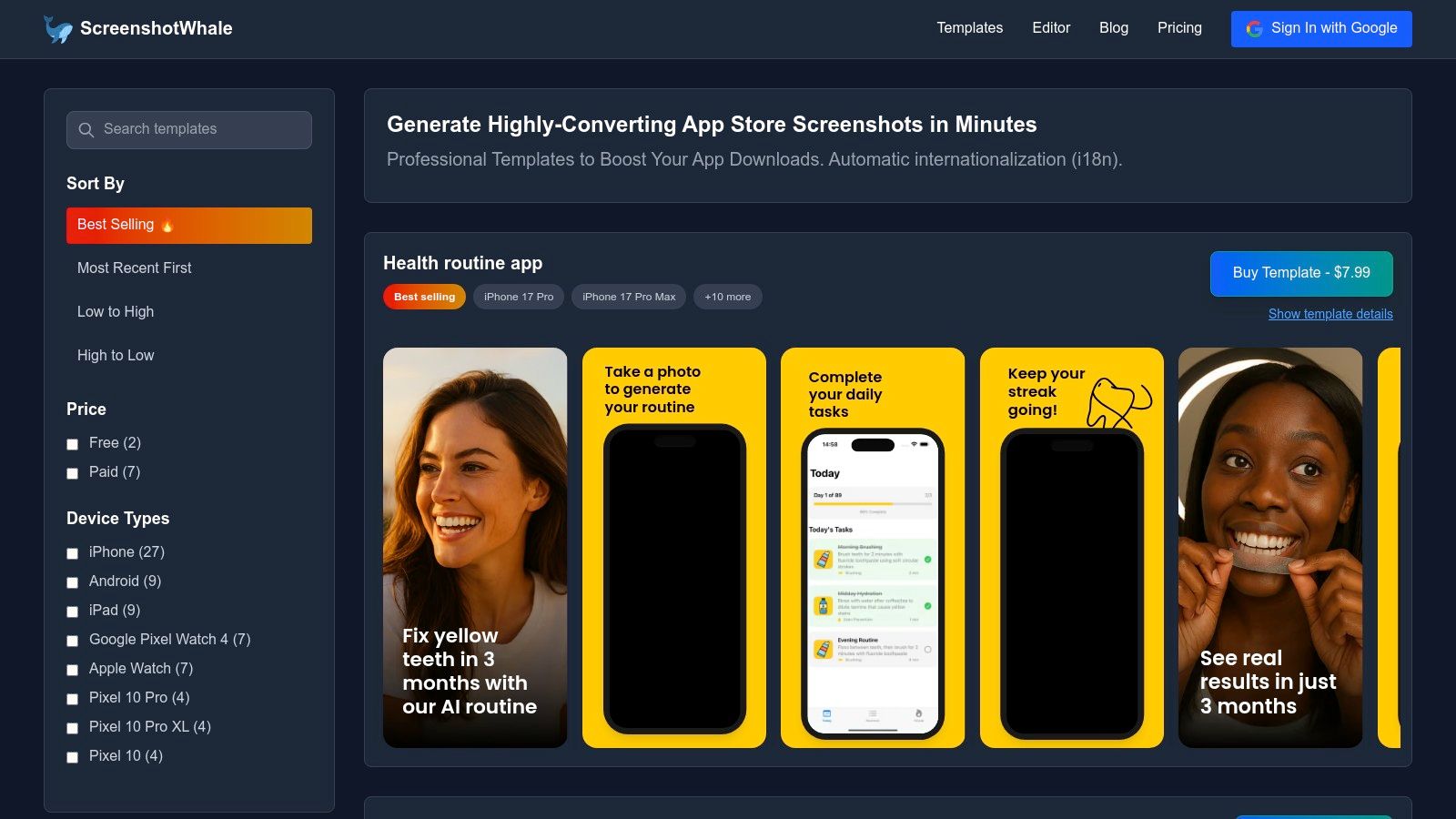
The platform’s standout feature is its comprehensive library of device mockups. You gain immediate access to the latest models, including the iPhone 16 Pro Max, alongside options for iPad, Apple Watch, and popular Android devices. Each iPhone mockup PNG is flawlessly integrated into vibrant templates designed to highlight key app features and benefits, a crucial factor for boosting app store growth and conversions. For example, you can select a template, upload your screen captures, and the editor automatically places them inside the correct device frame, ready for you to add compelling marketing copy.
Key Strengths & Use Cases
- ASO Optimized Design: Templates are built with conversion in mind, using caption first layouts that guide you to showcase value propositions effectively.
- Rapid Asset Creation: The streamlined workflow is ideal for agile teams needing to quickly generate assets for A/B testing, product updates, or seasonal campaigns.
- Global Scalability: An AI powered engine translates screenshot copy into over 100 languages, while an API enables the automated bulk production of localized assets for global launches.
While pricing details require a visit to their site, ScreenshotWhale offers both free and paid templates. For a deeper dive into their creation process, explore their guide on crafting high quality iPhone app mockups on screenshotwhale.com. This platform is a powerful choice for any team focused on creating efficient and high performing app store visuals.
Visit Website: https://screenshotwhale.com
2. Envato Elements
For developers and marketing teams needing a high volume of assets, Envato Elements offers a comprehensive subscription based solution. Instead of purchasing mockups individually, a single monthly fee grants unlimited downloads from a vast library. This model is exceptionally cost effective for agencies or solo founders who are constantly creating promotional materials, app store assets, or social media content. The platform excels in providing not just static images but entire mockup kits, often including various angles and device colors in a single download package.
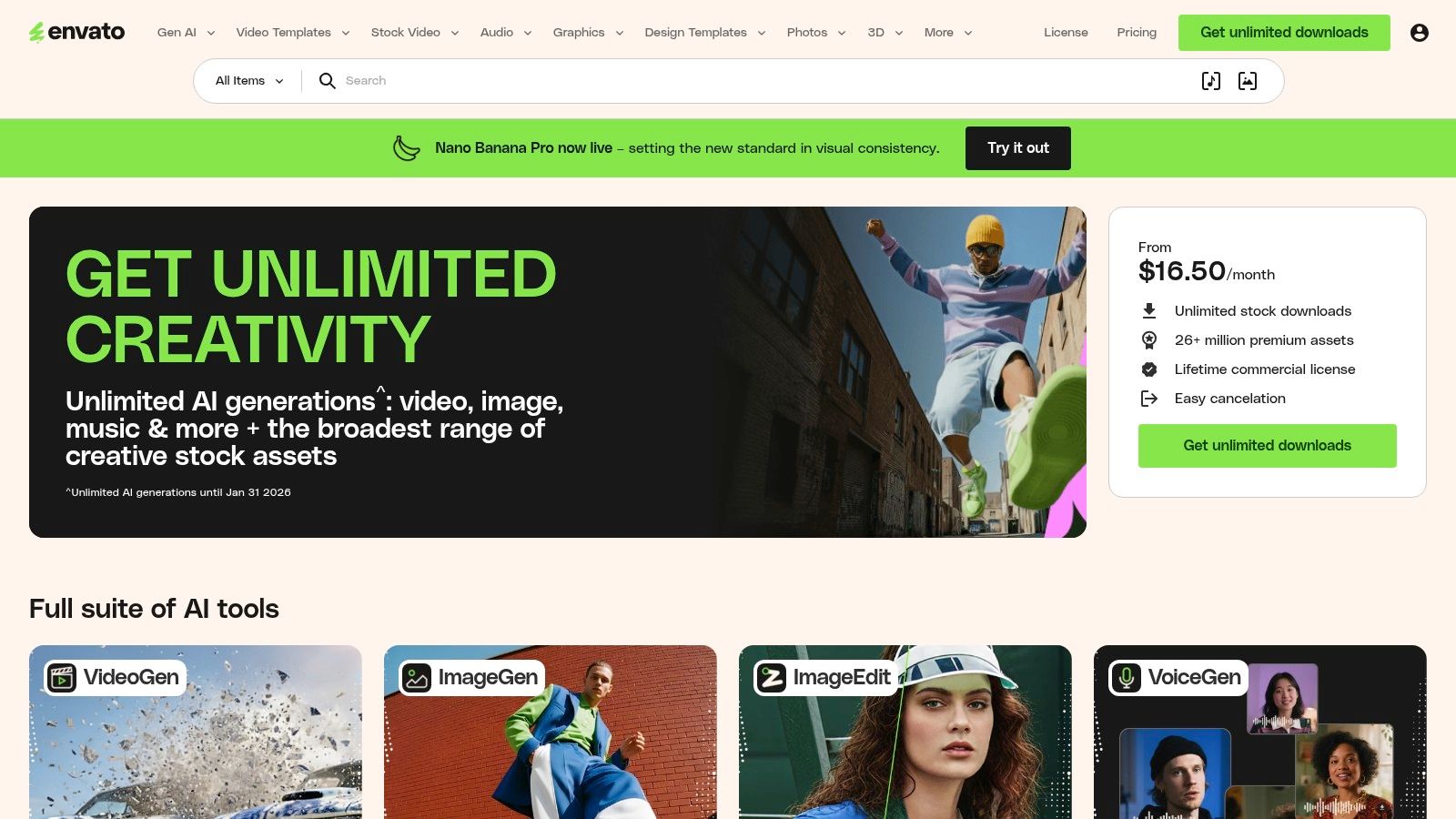
While many assets are PSD files requiring Photoshop, a significant portion includes pre exported, high resolution PNGs ready for immediate use. This makes it a great source for grabbing a professional iPhone mockup png without needing advanced design software. Their simple commercial license covers most use cases, providing peace of mind for business projects. The sheer variety ensures you can find mockups for nearly any iPhone model, from the latest release to older versions, matching the diversity of your user base. This same breadth applies to other devices; you can find more information on their tablet offerings in our guide to free iPad mockups.
Key Features & Considerations
- Access Model: Requires a monthly or annual subscription for unlimited access. There are no single item purchases.
- Asset Variety: The library contains thousands of options, from isolated device PNGs to fully composed scenes.
- License: A simple, broad commercial license is included with the subscription, which is ideal for team based workflows.
- Search Tip: Use search filters like "Objects" and keywords such as "isolated" or "transparent background" to quickly find ready to use PNG files.
3. Creative Market
For designers and marketers who prefer to buy assets on an as needed basis, Creative Market is a premier marketplace. Unlike subscription services, it operates on a pay per item model, making it ideal if you need a specific style for a single project without committing to a monthly fee. This is particularly useful for indie developers or marketing teams working on a focused app launch who need a unique look for their promotional materials. Listings often come as comprehensive bundles, providing layered Photoshop files alongside ready to use transparent PNGs.
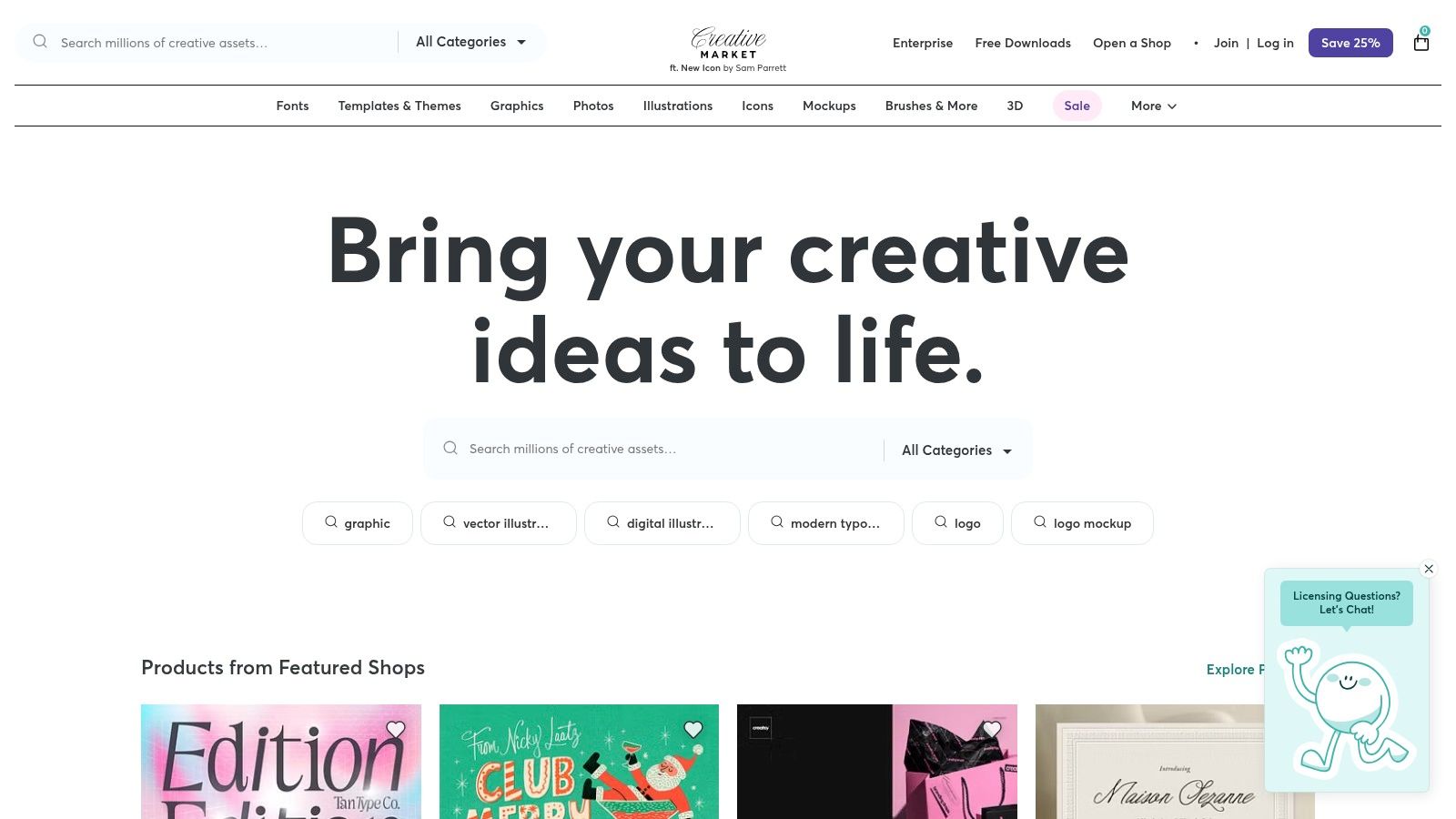
The platform’s strength lies in its vast aesthetic diversity, sourced from thousands of independent creators. You can find everything from hyper realistic studio shots to minimalist clay models and flat vector designs. This variety ensures you can source an iPhone mockup png that perfectly matches your app's branding and tone. Since quality and included file types vary by seller, it's crucial to read product descriptions carefully. Look for phrases like "PNG included" or "transparent background" to ensure the assets will fit directly into your app store screenshot workflow without needing design software.
Key Features & Considerations
- Access Model: Pay per item, allowing you to purchase mockups individually with no subscription required.
- Asset Variety: Extensive selection from thousands of independent creators, covering a wide range of styles like clay, realistic, and lifestyle scenes.
- License: Licenses are typically commercial, but it's important to check the specific terms on each product page.
- Search Tip: Carefully review the "File Types Included" and "Features" sections on each listing page to confirm that high resolution PNGs are part of the package.
4. Placeit by Envato
For teams and individuals who need to generate high quality mockups without touching Photoshop, Placeit is the ultimate browser based solution. Its strength lies in simplicity and speed; you can upload your app screenshot, adjust its position directly on the device, and download a finished asset in minutes. This makes it an invaluable tool for marketers, social media managers, and developers who need to produce visual content quickly for ad campaigns, blog posts, or App Store updates without getting bogged down in design software. The platform is designed for rapid iteration and output.
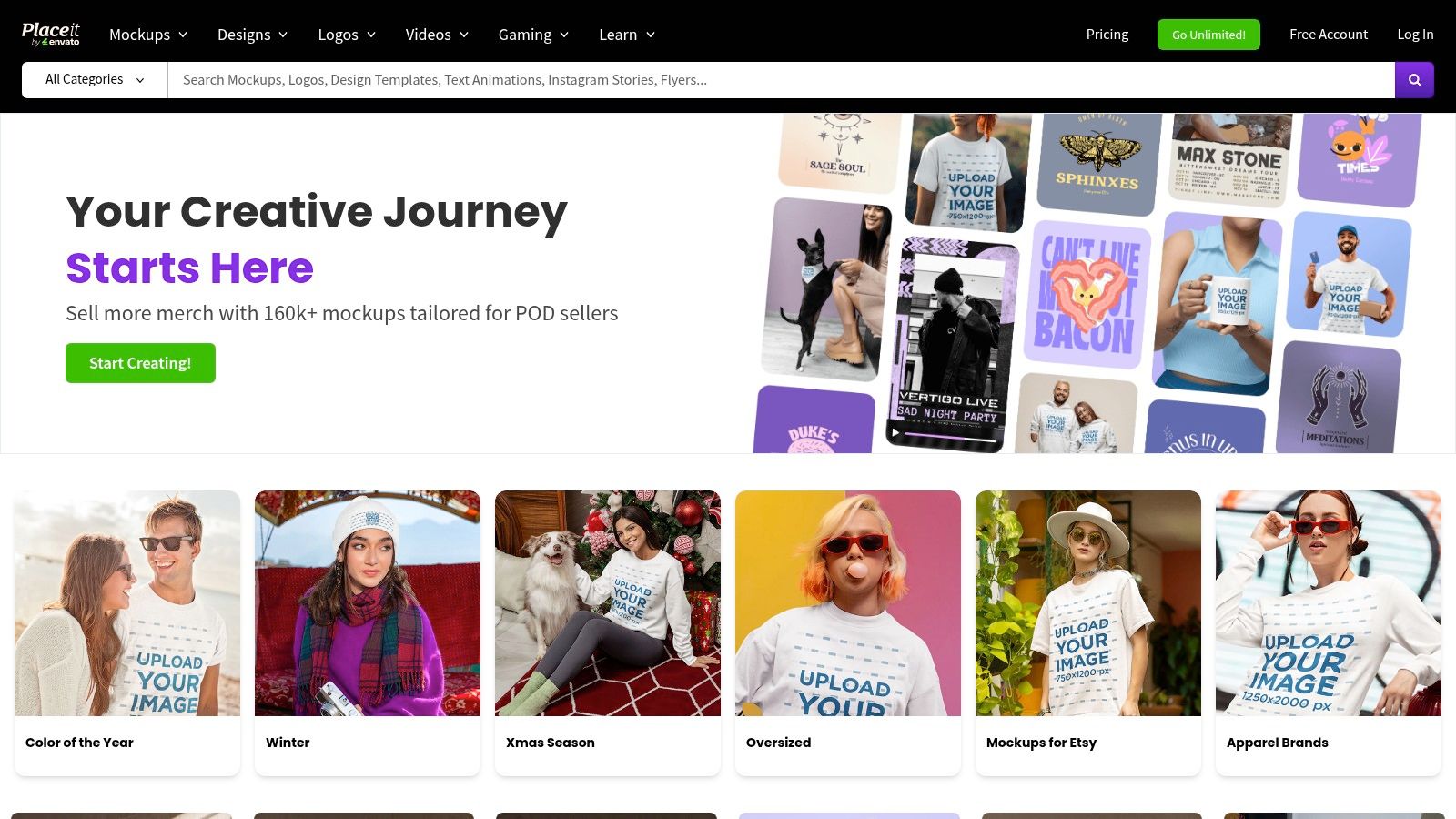
Placeit excels at providing a final, ready to use iPhone mockup png with a transparent background at the click of a button. Instead of downloading a layered file, you get the final image, which dramatically streamlines the content creation workflow. Its vast library includes iPhones in countless real world scenarios, from users at a cafe to isolated, studio style shots perfect for feature graphics. For those looking to create consistent visuals, this platform is an excellent complement to other tools, and you can explore more options in our guide to the best iPhone mockup templates.
Key Features & Considerations
- Access Model: Available via a subscription for unlimited downloads or through single item purchases for one off needs.
- Asset Variety: An enormous collection of photo and video mockups featuring diverse environments, models, and device angles.
- License: A straightforward commercial license covers most business and marketing uses, making it safe for promotional materials.
- Search Tip: Use the "Transparent" filter in the search results to instantly isolate mockups that can be exported with no background.
5. Canva (with Canva Mockups / Smartmockups integration)
For teams and individuals who need an integrated design workflow, Canva is an exceptionally powerful tool. Its built in mockup feature, powered by Smartmockups, eliminates the need to switch between different applications. Users can design their app screens or marketing graphics directly in Canva, then drag and drop them into a wide variety of device frames. This all in one approach is perfect for creating social media posts, app store screenshots, and promotional visuals without needing specialized design skills.
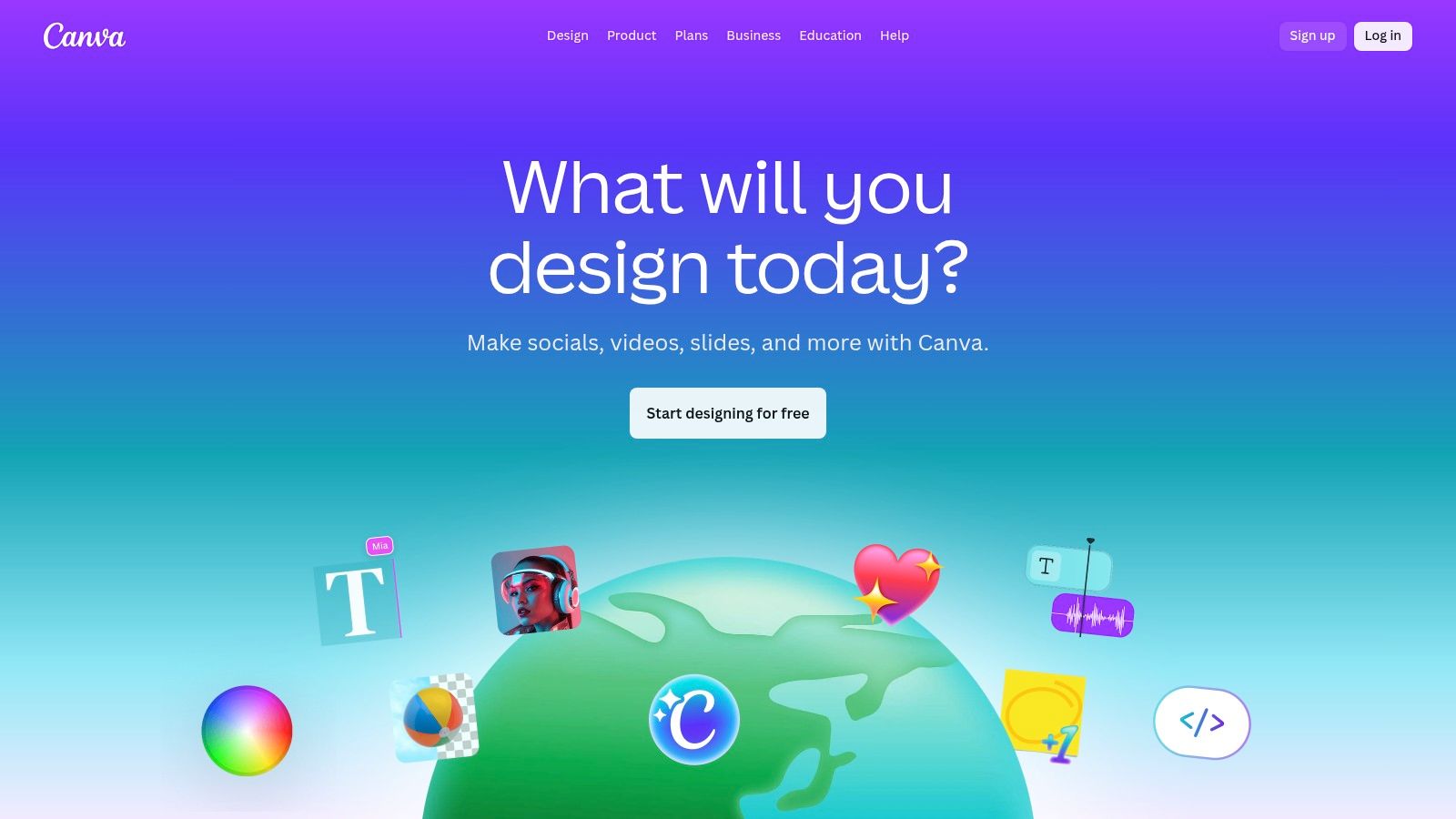
The platform makes it simple to generate a high quality iPhone mockup png by allowing users to export their final design with a transparent background (a Canva Pro feature). For example, to create a high converting screenshot, you can start with a vibrant, branded background, add a headline, place your screen capture into an iPhone mockup, and then export the final composite. This is ideal for layering the mockup onto different backgrounds or integrating it into larger marketing assets and boosting app store conversions.
Key Features & Considerations
- Access Model: The mockup tool is available on Free, Pro, and Teams plans, but key features like transparent background exports require a Pro subscription.
- Asset Variety: A large and diverse library of device mockups and lifestyle scenes is available directly within the editor.
- License: Canva's license covers most commercial use cases, but it's important to review their terms regarding the use of stock media within designs.
- Search Tip: In the Canva editor, navigate to "Apps" and search for "Mockups." From there, you can browse categories or search for specific iPhone models to start the process.
6. Smartmockups (legacy, now in Canva)
For those familiar with the legendary Smartmockups platform, its powerful mockup engine now lives exclusively within Canva. This integration brings the expansive and high quality Smartmockups library directly into a familiar design workflow, making it ideal for marketing teams and solo founders already using Canva for their creative assets. The transition means you can create a high fidelity iPhone mockup png without ever leaving your design environment, streamlining the creation of app store screenshots, social media posts, and website hero images.
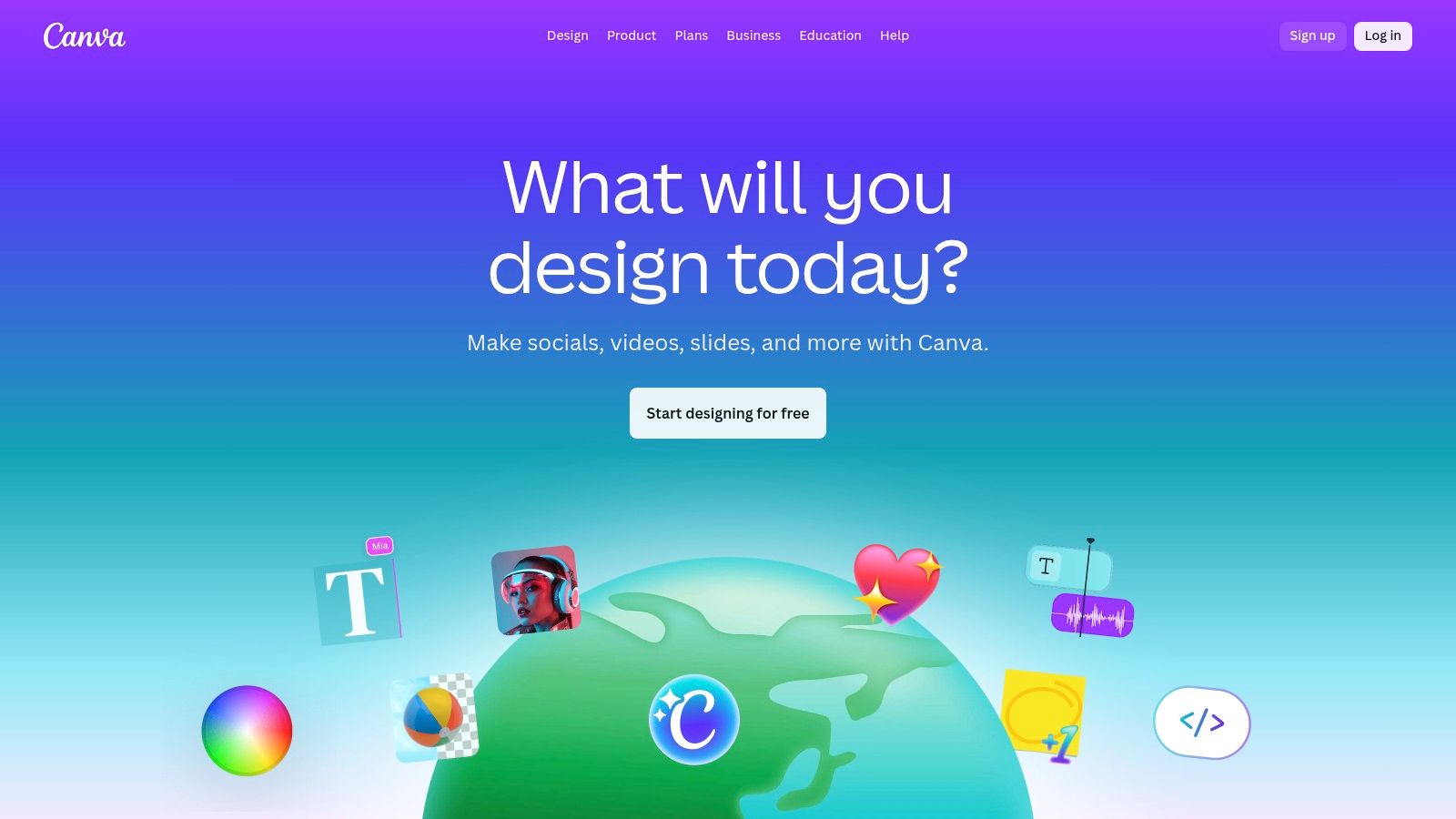
The process is incredibly straightforward: upload your app screenshot, place it into a desired iPhone mockup from the vast library, and then export it as a PNG with a transparent background. This seamless integration is perfect for creating consistent, high converting visual assets that align with your brand kit in Canva. You can rapidly produce an entire set of promotional images for a new app feature launch, ensuring every visual is polished and professional. The convenience of having everything in one place significantly speeds up content production.
Key Features & Considerations
- Access Model: Requires a Canva account. Many mockups are free, but the full library is available with a Canva Pro subscription.
- Asset Variety: The library includes thousands of device and lifestyle mockups, from isolated phones to complex, photorealistic scenes.
- License: Varies by asset. Canva's content license generally covers commercial use, but it's important to check specific terms.
- Search Tip: Inside the Canva editor, navigate to "Apps" and search for "Mockups." You can then browse or search specifically for iPhone models and apply your designs instantly.
7. LS Graphics
For creators who demand photorealistic quality and pixel perfect detail, LS Graphics is a top tier destination for Apple device mockups. It specializes in ultra high resolution scenes, often at a 6K level, making it ideal for creating polished hero images for landing pages and high impact App Store screenshots. While the platform provides source files for Photoshop, Sketch, and Figma, these tools are used to export a flawless iPhone mockup png customized to your exact needs, giving you complete control over the final output.
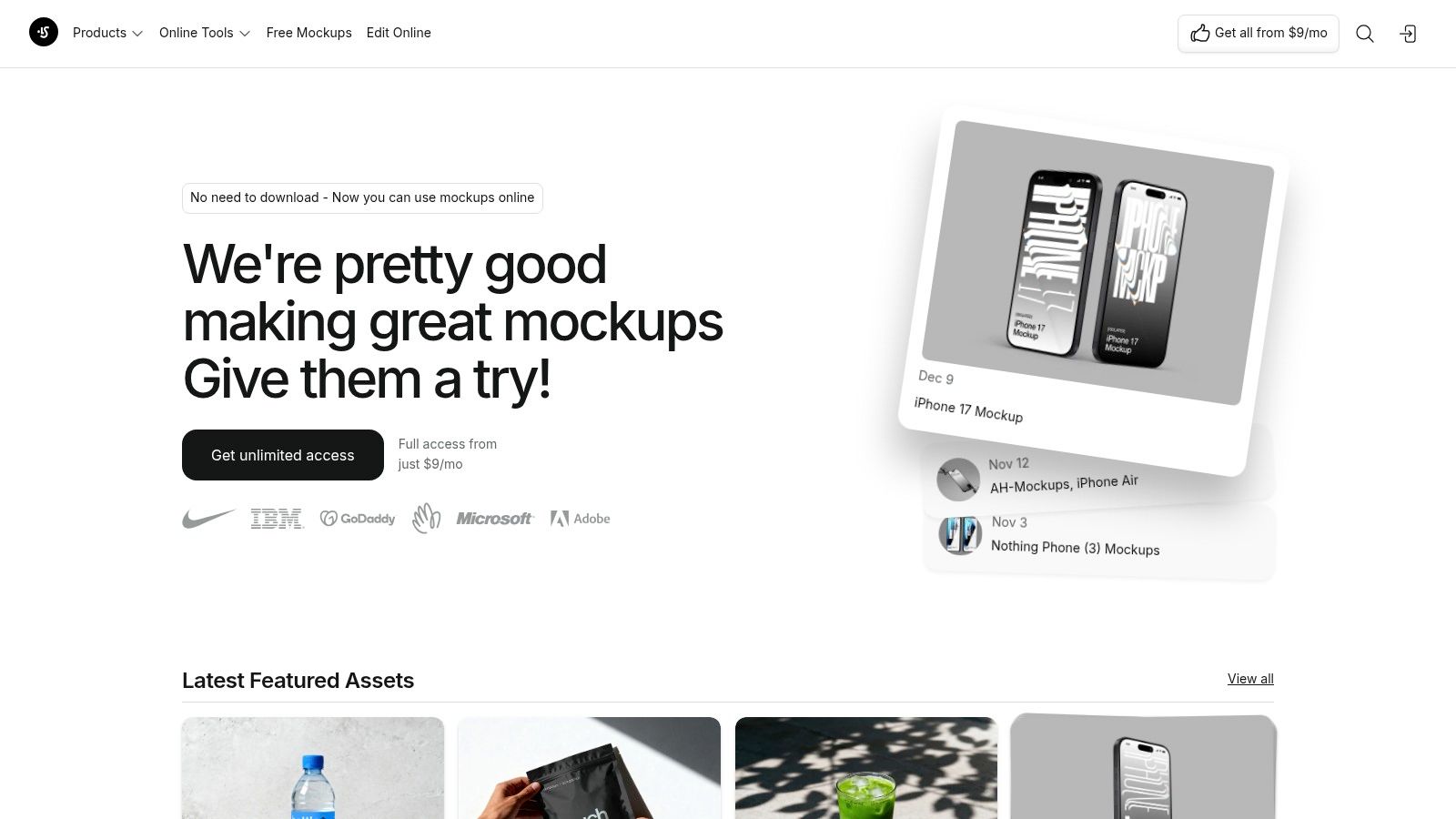
The consistency across its library ensures that all your marketing assets, from iPhone to MacBook mockups, share a cohesive and professional aesthetic. This is particularly valuable for establishing a strong brand identity. Their collections are meticulously updated with the latest Apple hardware, offering both realistic and clay variants to fit different design styles. The focus on quality over quantity results in a more curated but premium selection, with options for individual purchases or an all access subscription.
Key Features & Considerations
- Access Model: Purchase mockups individually or subscribe for unlimited access to the entire library.
- Asset Variety: Focuses on premium, photorealistic Apple device scenes. Less variety in abstract or illustrative styles compared to larger marketplaces.
- License: A straightforward commercial license allows for broad use in marketing and client projects.
- Search Tip: Explore their "Collections" to find bundles specifically designed for the latest iPhone models, which is perfect for App Store submission updates.
8. Yellow Images
For marketing teams and designers demanding studio grade visual fidelity, Yellow Images is a premium marketplace specializing in highly realistic mockups. While it is renowned for its comprehensive PSD files, it serves as a powerful source for creating a top tier iPhone mockup png. The workflow involves placing your app screen into a meticulously crafted Photoshop template, which then allows you to export a flawless PNG with transparent backgrounds, complete with lifelike shadows and lighting reflections that elevate your app store assets.
This process gives you ultimate control over the final output, ensuring your screenshots look polished and professional for high stakes marketing campaigns or app store features. The platform offers both a subscription model for heavy users and on demand mockup packs, providing flexibility for different project scales. While it necessitates using Photoshop or a compatible editor like Photopea, the unparalleled realism is a significant advantage for brands that want to convey premium quality and boost user trust for better conversion rates.
Key Features & Considerations
- Access Model: Flexible purchasing options include a Yellow Images Membership (subscription) or on demand mockup packs for individual projects.
- Asset Variety: The library is curated for exceptional quality, focusing on photorealistic mockups with advanced lighting and texture details.
- License: Clear commercial licensing is available, with options suitable for both small businesses and large enterprise campaigns.
- Search Tip: Look for "object mockups" or "device mockups" and check for sets that offer multiple angles to build a consistent and compelling narrative in your app store gallery.
9. Freepik
Freepik stands out as a massive stock resource library where quantity meets accessibility, making it a go to for many creators. It offers a vast collection of assets, including a substantial number of iPhone mockups available as both editable PSD files and ready to use PNGs. For teams needing to quickly produce app store screenshots or marketing materials, Freepik's Premium plan provides an excellent value proposition with unlimited downloads, removing the friction of per asset costs.
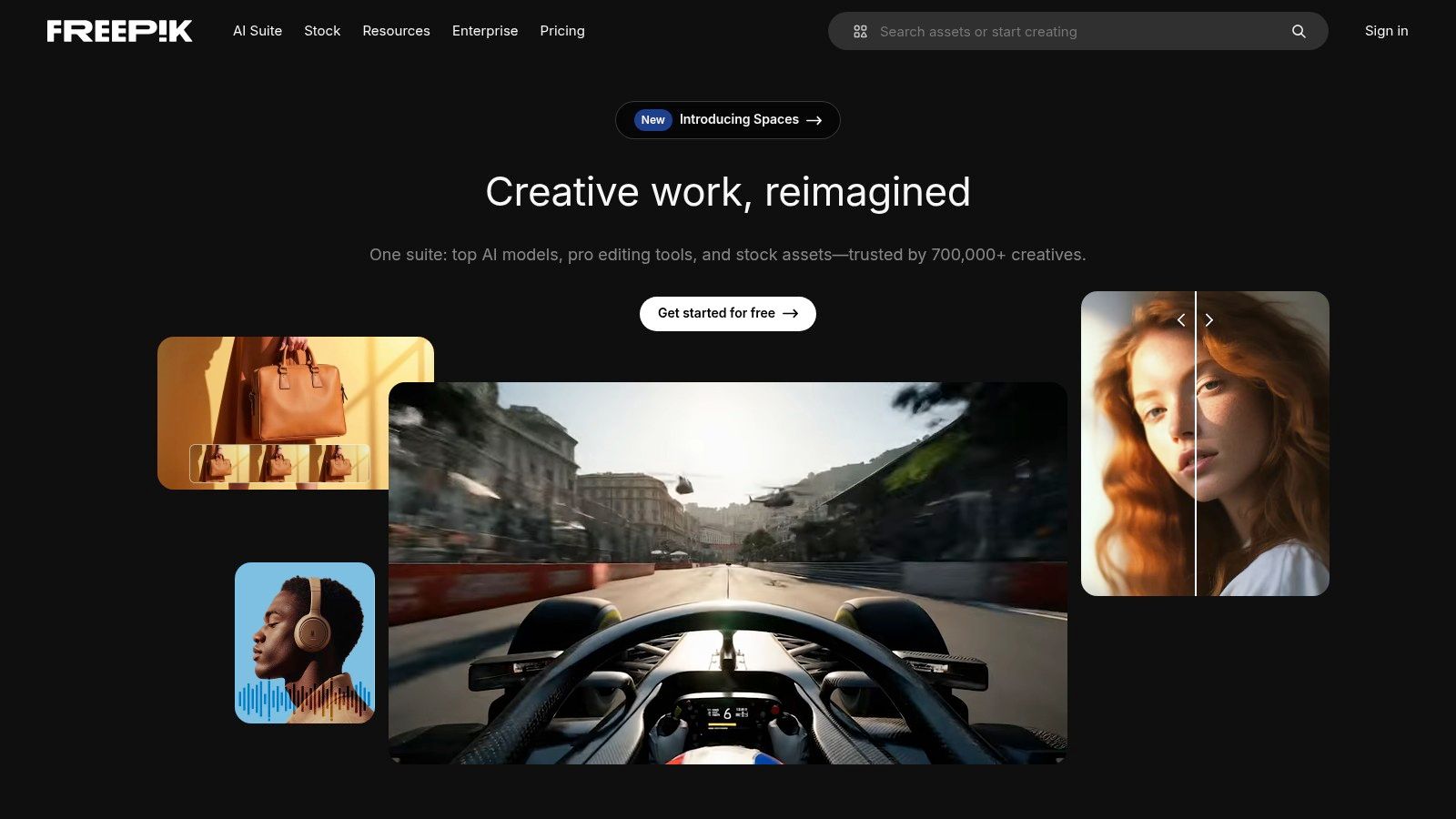
The platform is particularly useful for finding an iPhone mockup png with a transparent background that can be instantly dropped into design tools like Figma or Canva. This streamlines the creation of high converting visuals for app store listings. While its sheer volume is a major advantage, quality can be inconsistent, so it's wise to inspect the transparency and edge quality of PNGs before finalizing your designs. The platform's built in editor and AI tools also offer a convenient way to make quick adjustments directly in the browser.
Key Features & Considerations
- Access Model: Offers a free tier with attribution required and a Premium subscription for unlimited downloads and broader licensing.
- Asset Variety: A huge library containing isolated devices, composed scenes, and vector illustrations.
- License: Free assets require attribution. Premium plans include a commercial license, but be sure to check the specific terms for merchandising use.
- Search Tip: Use the "PNG" filter under "File type" and add terms like "isolated iphone" to find assets with transparent backgrounds quickly.
10. PNGTree
PNGTree carves out a specific niche by focusing almost exclusively on assets with transparent backgrounds. This makes it an incredibly fast resource for teams that need to quickly grab an iPhone mockup png without the intermediate step of editing a PSD file. For assembling quick social media posts or updating app store screenshots on the fly, its vast library of pre clipped device frames is a significant time saver. The platform is built around a PNG first workflow, catering directly to users who prioritize speed and simplicity over complex scene customization.
The platform offers various access models, including aggressive lifetime deals and team plans, which can be highly cost effective for users with consistent but specific PNG needs. While the sheer volume is a major advantage, the quality and resolution of assets can vary, so it is crucial to inspect individual files before downloading. This is less of a comprehensive design resource and more of a specialized toolkit for grabbing isolated elements. For those building high converting app store assets, PNGTree can provide the basic device frames needed to layer over vibrant backgrounds and feature callouts.
Key Features & Considerations
- Access Model: Offers free limited downloads, premium subscriptions, and occasionally lifetime access plans.
- Asset Variety: The collection is heavily focused on isolated PNG objects and device frames rather than full fledged mockup scenes.
- License: A commercial license is available with paid plans, but terms and daily download limits vary, so check your specific plan.
- Search Tip: Pay close attention to the resolution details provided for each PNG to ensure it meets the quality standards for your app store or marketing materials.
11. Etsy (Digital Mockups marketplace)
For creators seeking unique, handcrafted aesthetics, Etsy is a surprisingly rich marketplace for digital mockups. It connects you directly with independent designers selling their creations, often at very affordable one off prices. Instead of the uniform look of major stock sites, you can find mockups with specific styles, from minimalist desk scenes to vibrant, hand held lifestyle shots. This is perfect for indie developers or marketers who want their app store visuals to have a distinct personality that stands out. Many sellers offer bundles that include multiple formats like PSD, Canva templates, and of course, ready to use PNG files.
The platform’s strength lies in its variety and the direct to creator model. You can often find a perfect iPhone mockup png for a niche app theme that larger platforms might not cater to. Since each listing is from a different seller, it's crucial to read the item description carefully to confirm the file types included and the specific licensing terms. This approach is ideal for single projects or for designers who prioritize a non corporate, bespoke look for their app marketing materials. The instant digital download feature means you get your files immediately after purchase.
Key Features & Considerations
- Access Model: Single item purchases directly from independent creators. Prices are typically low, with frequent sales.
- Asset Variety: Huge range of styles from thousands of sellers, including many unique and artistic options not found elsewhere.
- License: Varies by seller. Always check the listing details for commercial use permissions before purchasing for a business project.
- Search Tip: Use specific keywords like "iPhone 15 mockup Canva" or "transparent iPhone PNG" to narrow down the vast selection and find exactly what you need. Reading seller reviews is also a good way to gauge quality.
12. Mockuuups Studio
Mockuuups Studio is a dedicated mockup generator that streamlines the process of creating high quality marketing assets, making it ideal for teams focused on app store growth. Instead of manually placing screenshots into templates, its desktop app and Figma plugin let you drag and drop your design onto a massive library of over 4,800 scenes. This workflow is incredibly efficient for generating a full set of App Store or Google Play screenshots in minutes. The platform excels at producing professional, consistent visuals perfect for boosting conversions.
The platform is designed for speed and integration, allowing you to generate and export a clean iPhone mockup png with a transparent background directly from your design environment. While the free plan is limited, paid subscriptions unlock unlimited exports and the full library, which is constantly updated with the latest iPhone models. Its simple commercial license covers all business use cases, making it a reliable choice for agencies and solo founders alike. The tight integration with design tools like Figma makes it a powerhouse for creating high converting app marketing visuals.
Key Features & Considerations
- Access Model: Offers a limited free plan with paid subscriptions for full library access and unlimited exports.
- Asset Variety: Features a curated collection of over 4,800 device scenes, with a strong focus on modern and realistic settings.
- License: A straightforward commercial license is included, suitable for all marketing and promotional activities.
- Search Tip: Use the app's filtering options to quickly find specific iPhone models, colors, or orientations, then simply drag your screen onto the desired scene for an instant preview.
iPhone Mockup PNG: Top 12 Comparison
| Product | Core features | UX / Quality | Price & Value | Best for | Unique selling points |
|---|---|---|---|---|---|
| ScreenshotWhale 🏆 | Templates + drag‑and‑drop editor, device-specific mockups, ASO‑ready, AI i18n, API | ★★★★★, polished & guideline‑compliant | 💰 Free + paid templates; API/enterprise pricing on site | 👥 Mobile devs, ASO/growth teams, agencies, PMs | ✨ AI i18n (100+ langs), API automation, ASO‑first templates, up‑to‑date devices |
| Envato Elements | Unlimited downloads, large mockup category, commercial license | ★★★★☆, broad variety | 💰 Subscription — predictable for high volume | 👥 Agencies, teams, high‑volume downloaders | ✨ Huge library, team features, steady new items |
| Creative Market | One‑off purchases, PSD + PNG listings, previews & reviews | ★★★★, seller‑dependent | 💰 Pay‑per‑item — good for occasional buys | 👥 Indie makers, one‑time purchasers | ✨ Buy only what you need, clear listing inclusions |
| Placeit by Envato | Browser mockup generator, web editor, one‑click PNG exports | ★★★★, fast & non‑designer friendly | 💰 Subscription or per‑download | 👥 Non‑designers, marketers needing quick assets | ✨ Web editor, My Placeit variants, consistent PNG workflow |
| Canva (w/ Smartmockups) | Design + mockups, brand kit, collaboration, export PNGs | ★★★★, easy team UX | 💰 Free tier; Pro/Business for advanced features | 👥 Teams, marketers, non‑designers | ✨ Integrated mockups, collaboration & brand tools |
| Smartmockups (now in Canva) | Smartmockups library inside Canva, quick PNG exports | ★★★★, same as Canva | 💰 Available via Canva plans | 👥 Canva users seeking Smartmockups catalog | ✨ Smartmockups catalog + Canva workflow |
| LS Graphics | 6K photoreal scenes, PSD/Figma/Sketch files, edit options | ★★★★★, top‑tier realism | 💰 Premium pricing; Unlimited Access option | 👥 Designers, agencies, marketing teams | ✨ Ultra‑real Apple device scenes, high‑res exports |
| Yellow Images | Studio‑grade PSD mockups, advanced lighting/shadows | ★★★★★, elite visual fidelity | 💰 Subscription or on‑demand packs (premium) | 👥 High‑end campaigns, creative studios | ✨ Elite realism, consistent mockup sets |
| Freepik | Large stock of PNGs/PSDs, searchable, built‑in editors | ★★★★, volume & discoverability | 💰 Premium unlimited or free with attribution | 👥 Frequent asset users, quick comps | ✨ Searchable PNGs, fast discovery, good value |
| PNGTree | PNG‑focused catalog, transparent assets, team plans | ★★★★, PNG‑first workflow | 💰 Flexible plans incl. lifetime promos | 👥 PNG‑centric workflows, quick exports | ✨ Millions of PNGs, aggressive pricing options |
| Etsy (digital mockups) | Independent sellers, PNG/PSD/Canva templates, instant downloads | ★★★, quality varies by seller | 💰 Low‑cost one‑offs, frequent sales | 👥 Buyers seeking unique/niche aesthetics | ✨ Unique styles, seller support, budget friendly |
| Mockuuups Studio | Desktop + plugins, 4.8k+ scenes, Figma & Adobe integrations | ★★★★☆, very fast exports | 💰 Paid plans for unlimited exports | 👥 Figma users, teams needing speed | ✨ Desktop app, plugin integrations, rapid batch exports |
Turn Your Mockups into Your Strongest Conversion Asset
Navigating the world of iPhone mockups reveals a spectrum of options, from all in one design platforms like ScreenshotWhale and Canva to expansive digital asset libraries like Envato Elements and Creative Market. Your journey from a simple screen capture to a polished, professional presentation depends entirely on selecting the right resource for your specific project needs, timeline, and budget. This guide has equipped you with the insights to make that choice confidently.
We have explored how a high quality iphone mockup png is more than just a decorative element; it's a critical tool for communication, context, and conversion. Whether you are an app developer aiming to boost App Store downloads, a designer presenting a UI concept, or a marketer creating compelling social media visuals, the right mockup frames your work in a realistic, professional light that builds immediate user trust.
Key Takeaways for Your Workflow
To ensure you are making the most effective choice, remember these core principles:
- Context is King: The best mockup is one that reflects your target audience's likely environment. A clean, isolated device PNG offers versatility, while a lifestyle mockup from Placeit or Envato Elements can tell a richer story.
- Resolution and Quality Matter: Always prioritize high resolution PNGs with flawless transparent backgrounds. This non negotiable standard ensures your final designs look crisp on every screen, from a small phone display to a large desktop monitor.
- Licensing is Your Responsibility: Before you download, double check the license. A free mockup from Freepik might require attribution, while a premium asset from LS Graphics grants broader commercial use. Understanding these terms protects your project from future legal complications.
Ultimately, integrating high quality iPhone mockups effectively requires a comprehensive digital content strategy to ensure they align with your broader marketing and conversion goals. Your mockups should not exist in a vacuum; they must work in harmony with your app's value proposition, your ad copy, and your overall brand identity to create a cohesive and persuasive user experience. By moving beyond generic templates and strategically selecting the perfect iphone mockup png, you transform a simple visual asset into a powerful engine for engagement and growth.
Ready to create stunning, high converting App Store screenshots in minutes? ScreenshotWhale is designed specifically for this purpose, providing a vast library of device mockups, including the latest iPhone PNGs, within an intuitive editor. Streamline your workflow and boost your app’s visibility by trying ScreenshotWhale today.
Skip the blank canvas
Start from a professional App Store screenshot template and swap in your own app.
Browse templates